
BeCloser for tutors: lessons students look forward to
Turn revision into a game and homework into a quiz with a timer and points. One-to-one or a small group, on Zoom or at the same table: the student answers from a phone and sees the right answer at once – and you see every answer they give.
Create a gameWhat a tutor gets
Livelier lessons
A timer, points and the right answer at once: the student stays focused, and mistakes show up in the lesson.
Homework that gets done
A quiz by link with a deadline. At the end the student sees a review of every question.
Every answer in view
A report after the game and an Excel file with every answer – for you, and to show parents.
Online and in person
Zoom, Meet, Skype or at one table: the student answers from a phone or another tab.
Languages and sciences
“Match the pairs”, “Type the answer”, formulas, timelines, pictures as options.
Free
No limit on students or lessons. The student needs no account and no app.
What the student sees on the phone
The student installs nothing: a browser is enough. A few of the screens they will see.
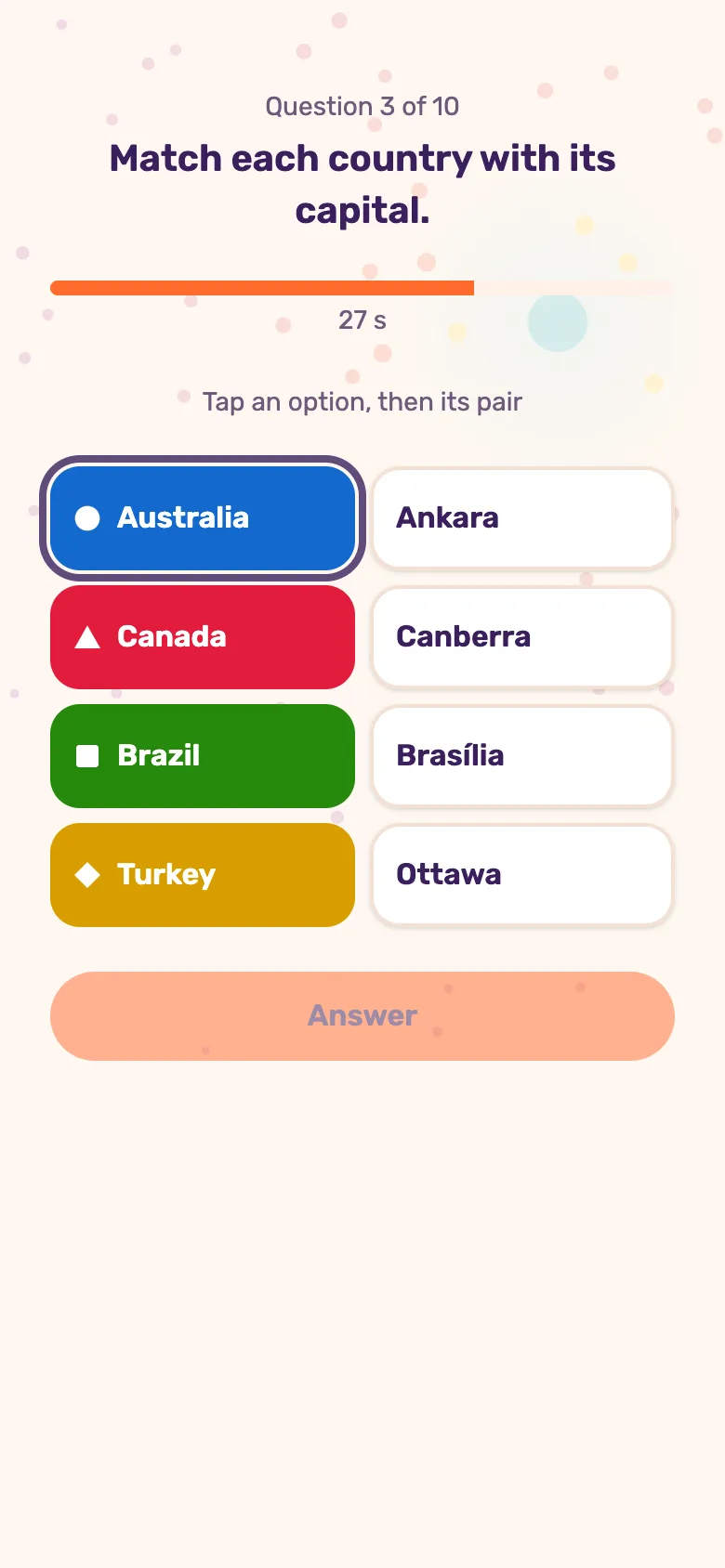
Match the pairs
A word and its translation, a term and its definition.
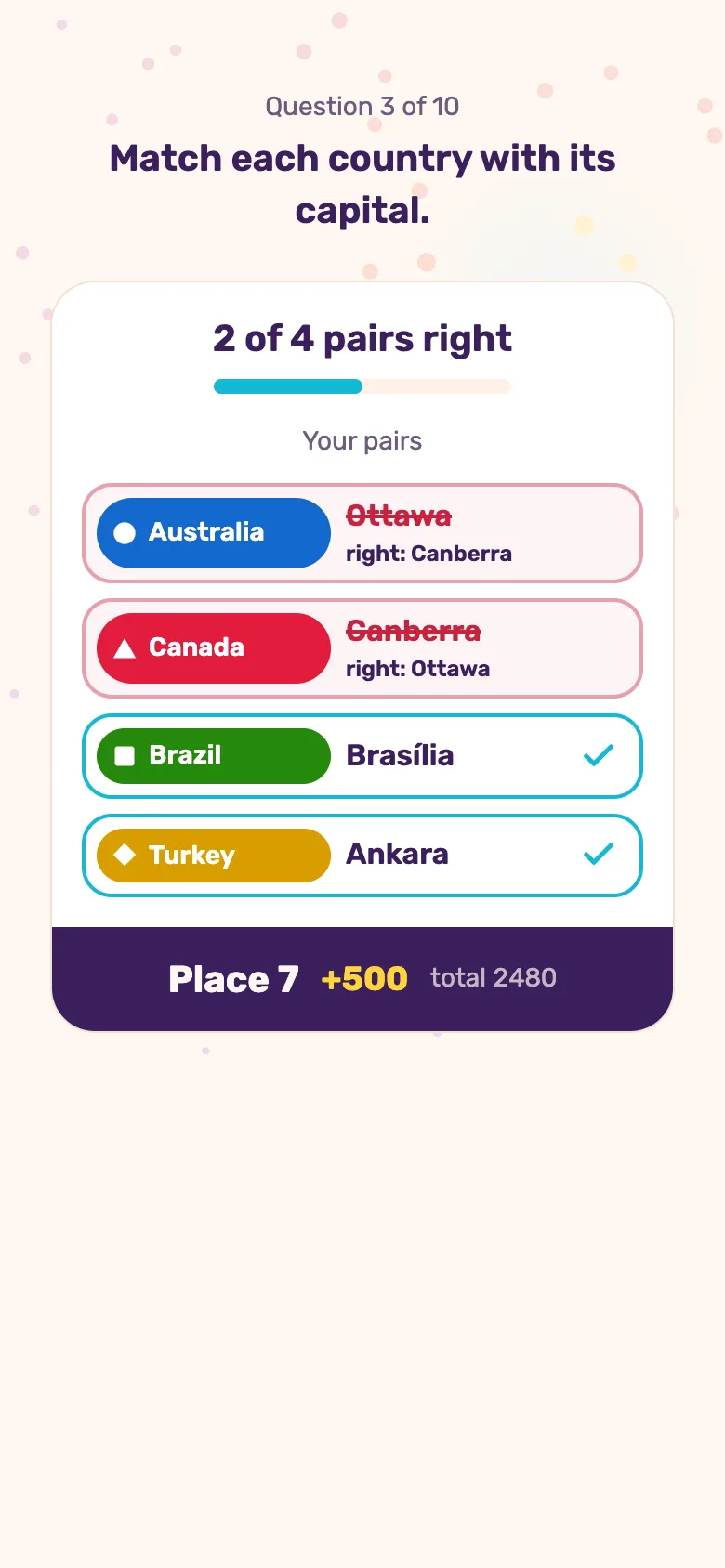
The pairs reviewed
Which pairs are right and which aren’t.
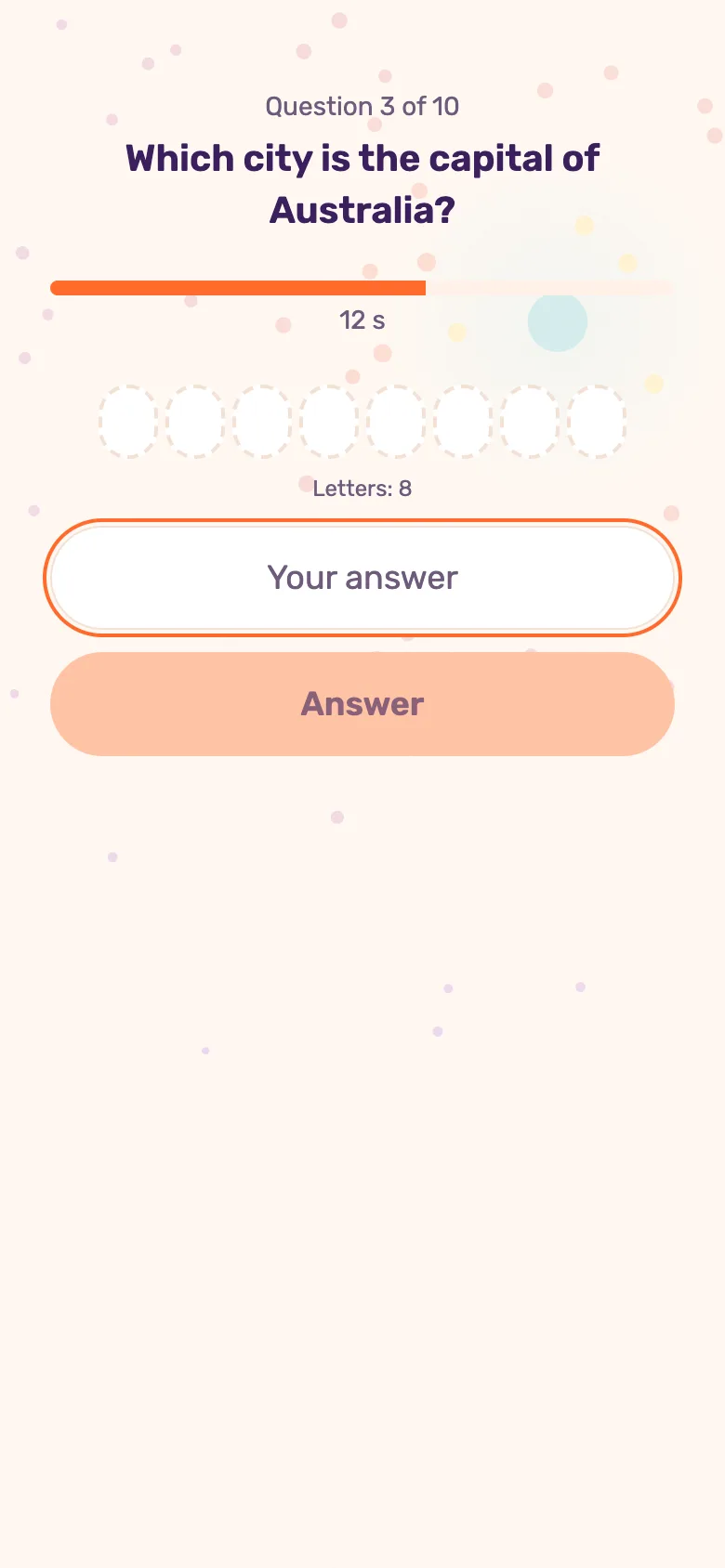
Type the answer
A word, a form, a number – typed by the student.
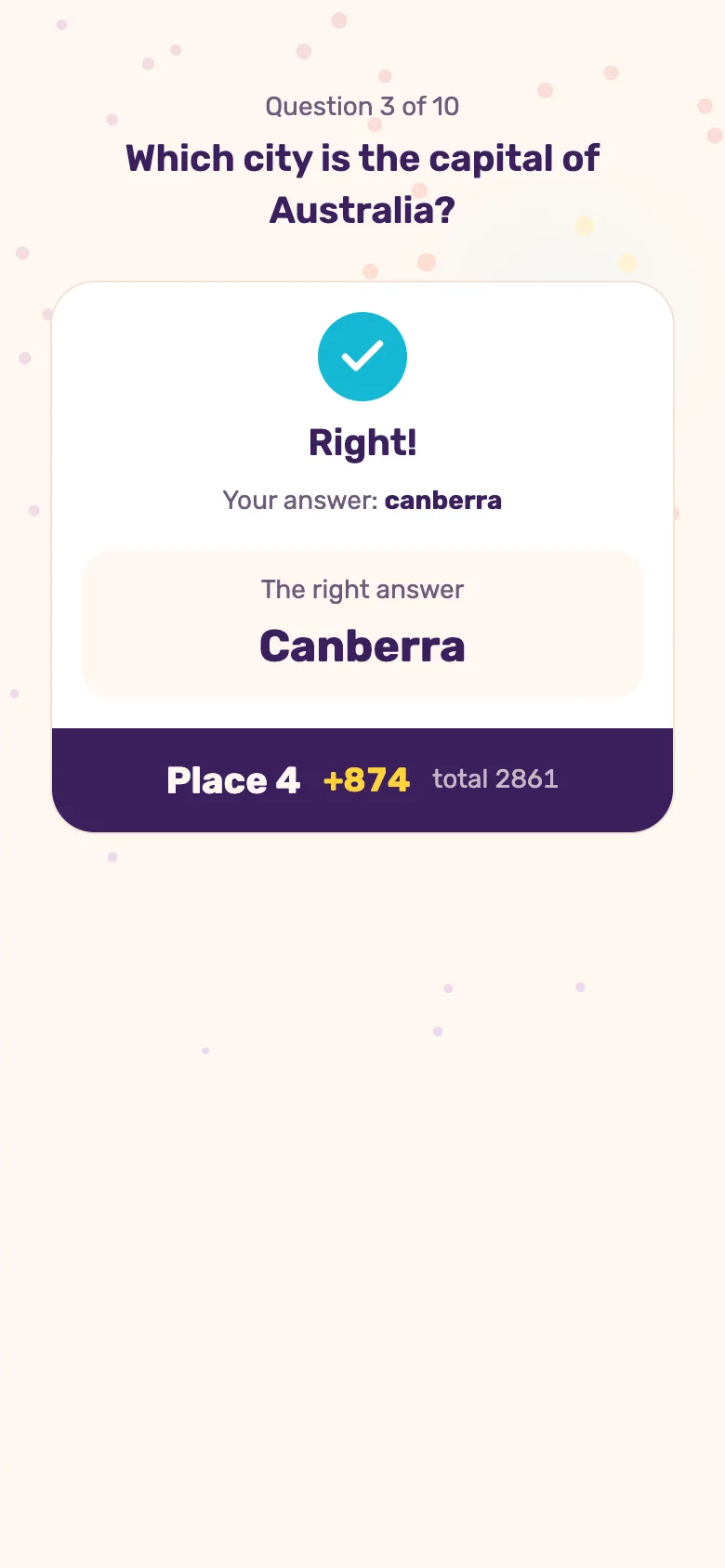
Right or not
Their answer and the right one side by side.
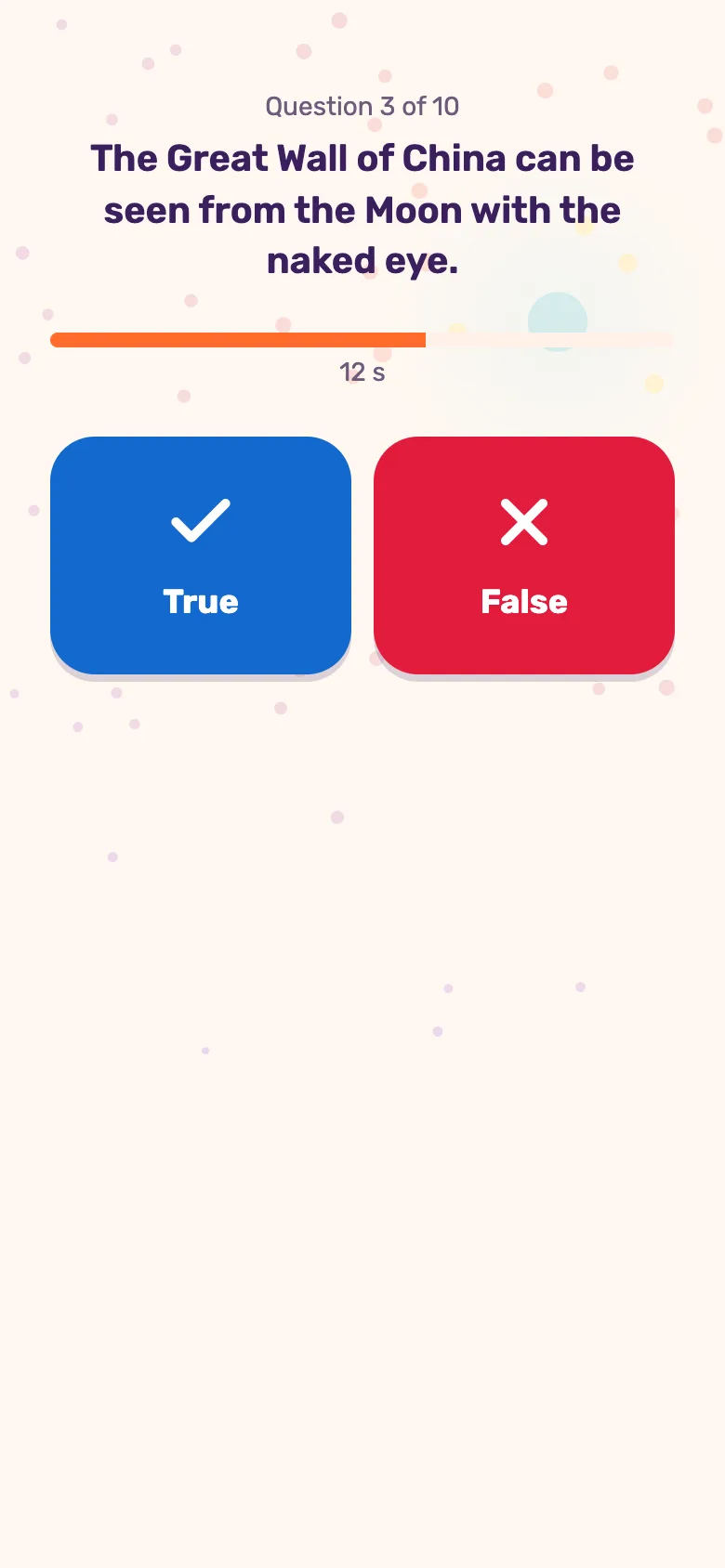
True or false
For common traps and quick revision.
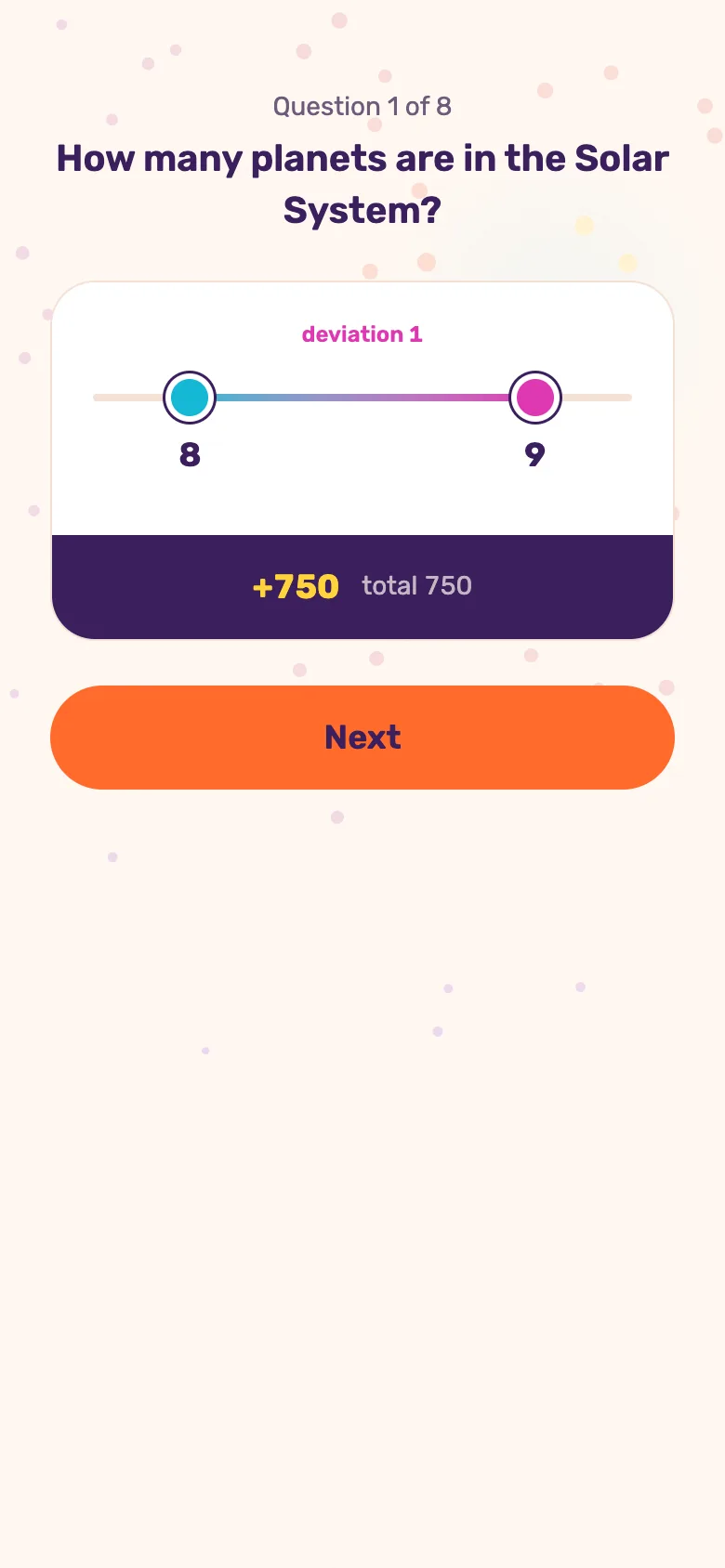
Homework by link
The result of each question and the points.
One-to-one lessons
BeCloser works with a single student too. A live game in the lesson – with a timer and a review after each question. A quiz by link – for the student to take alone, at home or right on the call.
Online
Share the projector screen on the call, and the student answers from a phone or another browser tab.
In person
Show the game on a laptop or tablet, and the student answers from a phone.
Fancy a contest?
Join the game as a player from another device – and play against each other.
Ideas for tutors
- A 3–5 minute warm-up: questions from the last lesson to check what stuck.
- New vocabulary: “Match the pairs” with a word and its translation or a picture, then “Type the answer”.
- A rule on a slide, followed straight away by three questions on it.
- Revision before an exam: short rounds of 10–15 questions and a report on which topics are hardest.
- Confidence bet: the student marks “I’m sure” – you see where they know and where they guess.
- A small group: teams of two or three, so students explain things to each other.
- Between lessons: solo practice on the topic pages and the Daily number, no sign-in.
Topics that fit
Common questions
How much does it cost?
It’s free, with no limit on students or lessons.
Does it work with one student?
Yes. A live game works with a single player, and a quiz by link is made to be taken alone.
Does the student need an account?
No. A link or a PIN and a name – nothing else.
Can I see a student’s history of results?
Each game is its own report with an Excel file. There are no student accounts yet, so keeping results from different lessons in files per student works best.
Prepare a game for your next lesson
Free. Your student installs nothing.
Create a game