
BeCloser · a live quiz game played on phones
Closest wins
The height of Everest, the year Tetris came out, the number of keys on a piano. Nobody knows for sure, so everybody plays: the know-it-alls and the bold guessers alike.
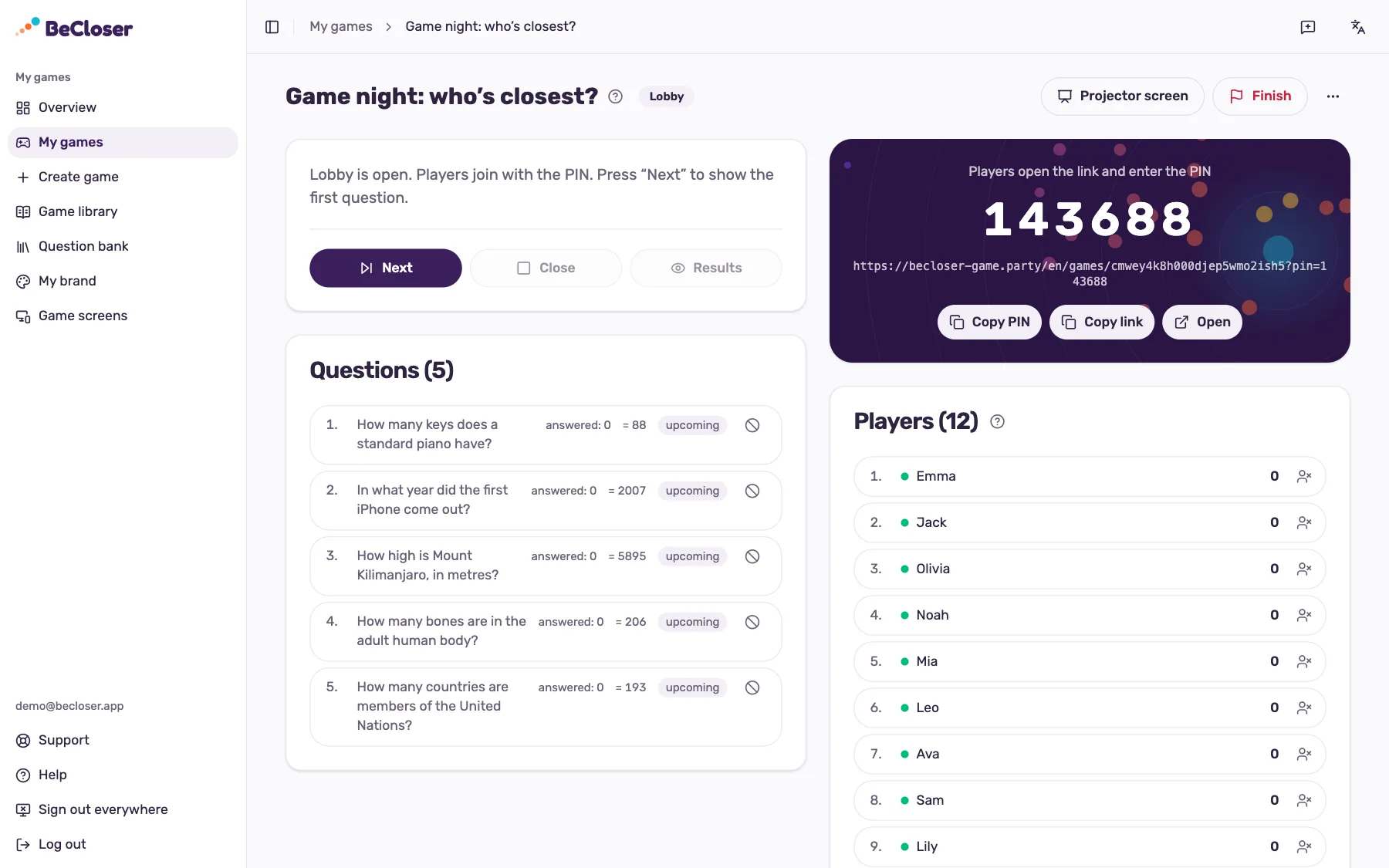
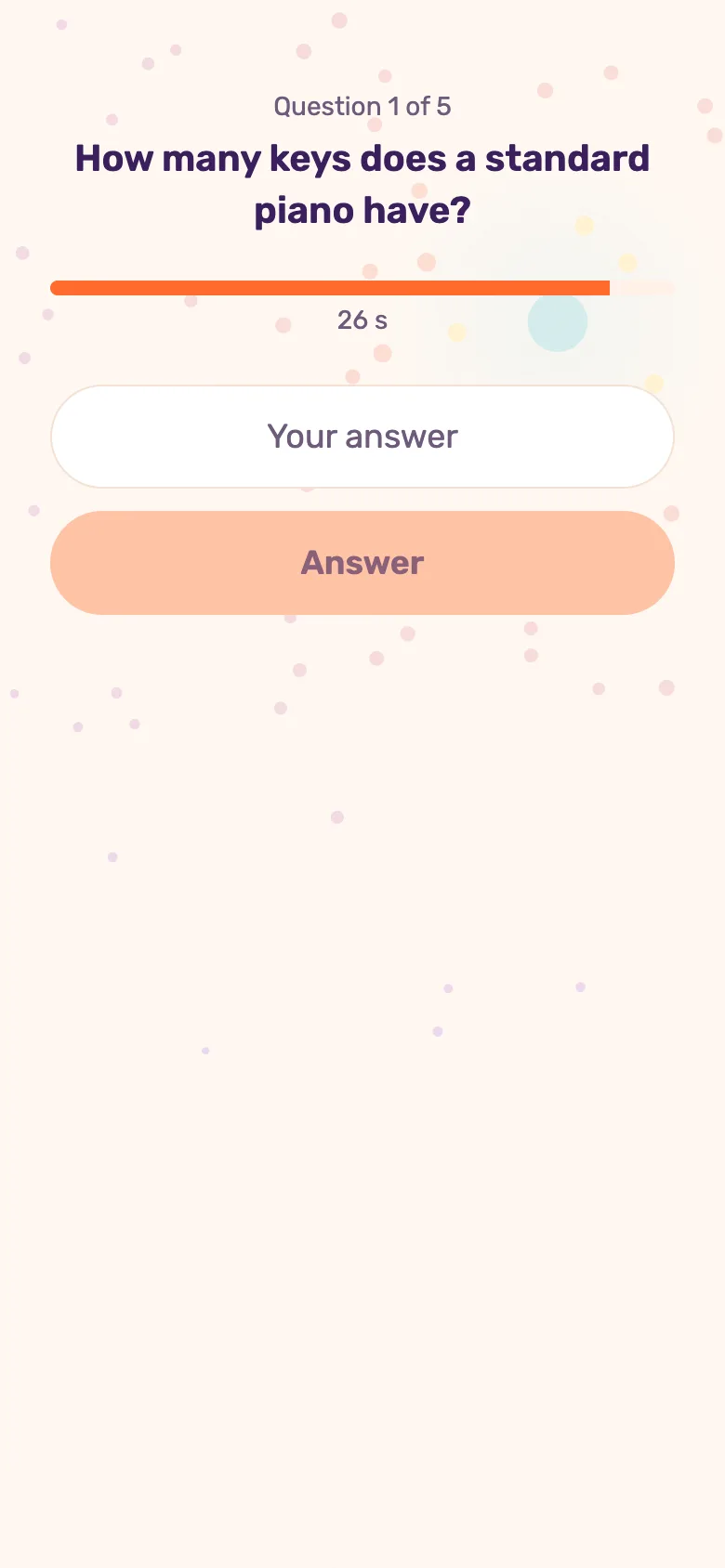
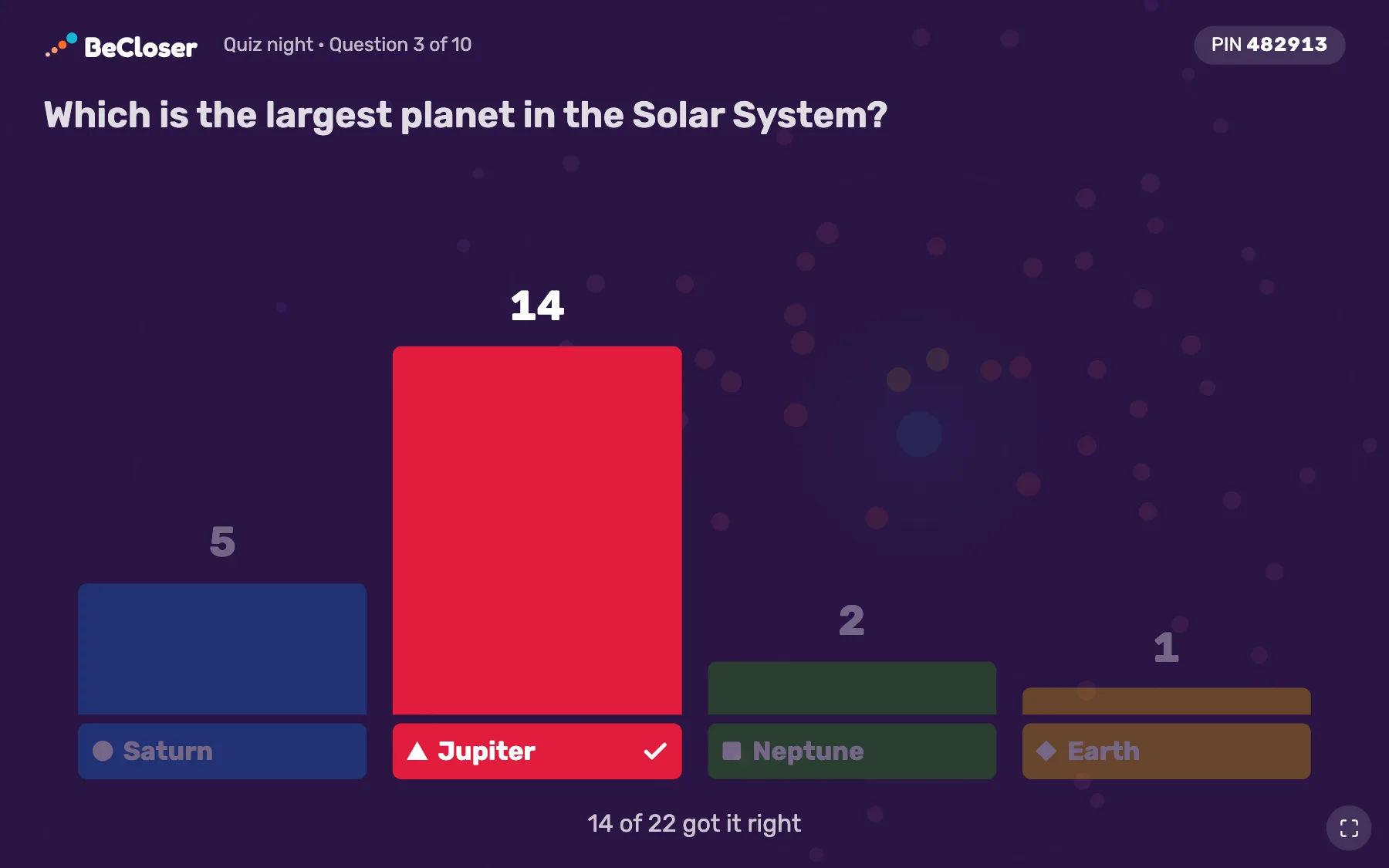
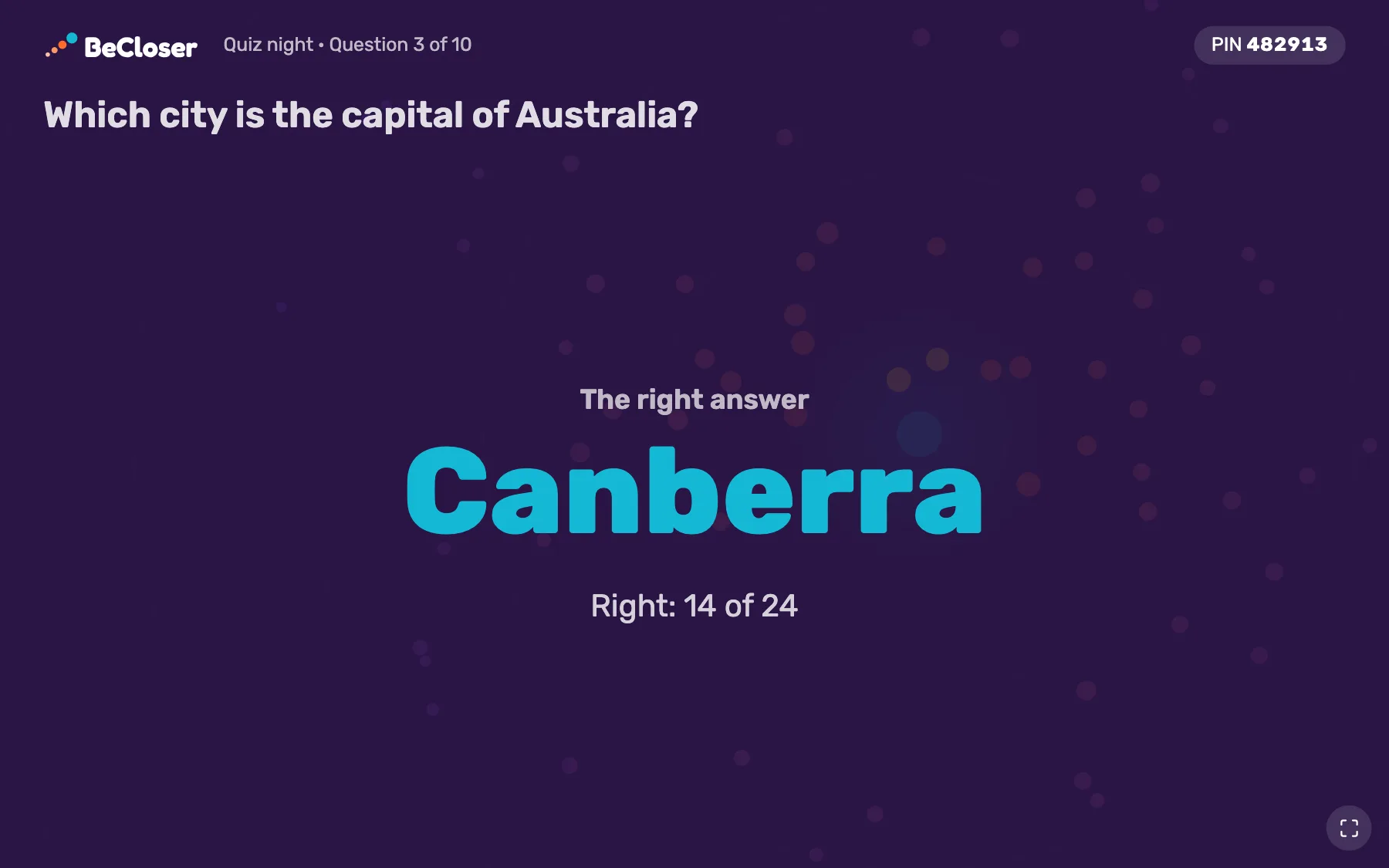
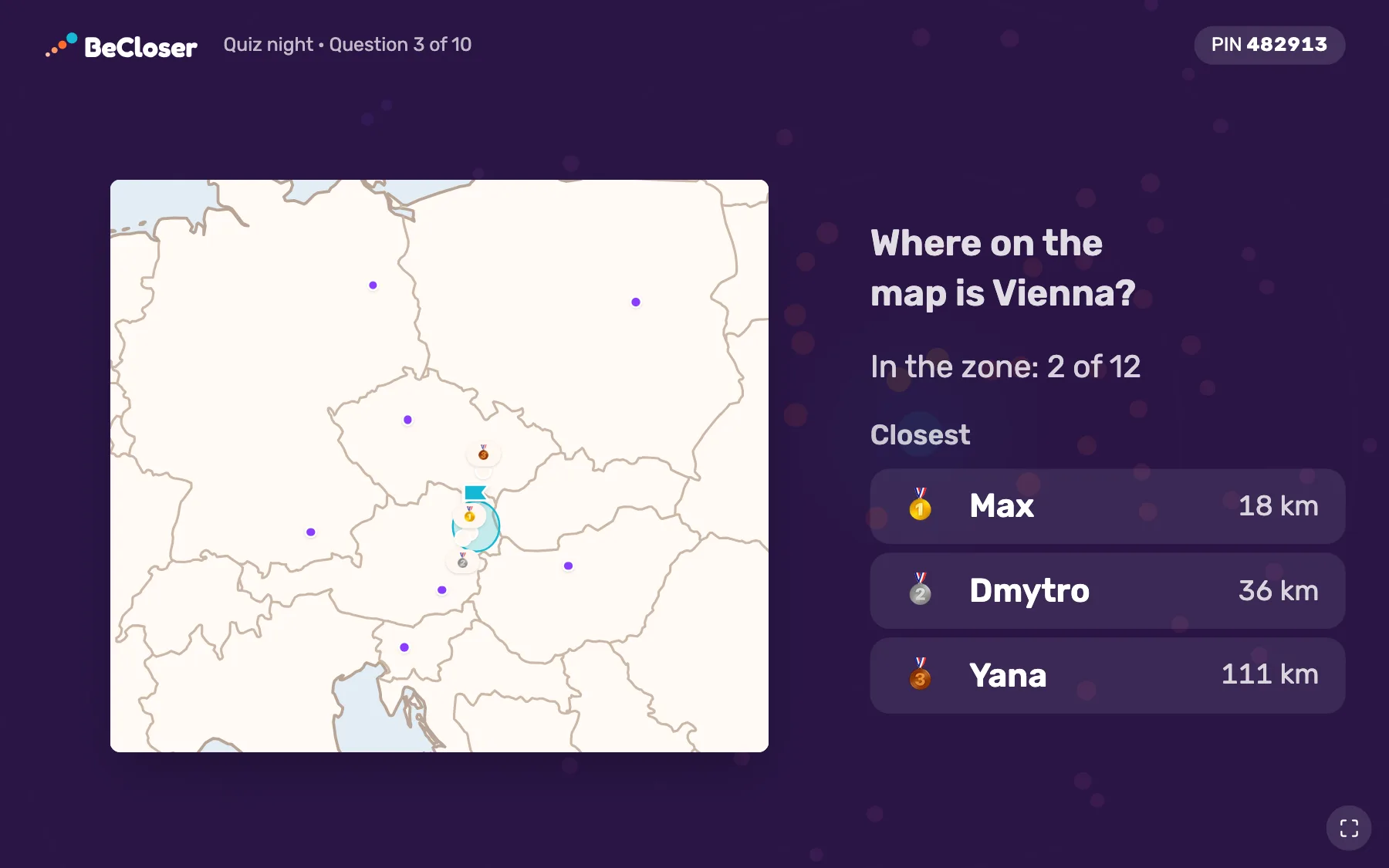
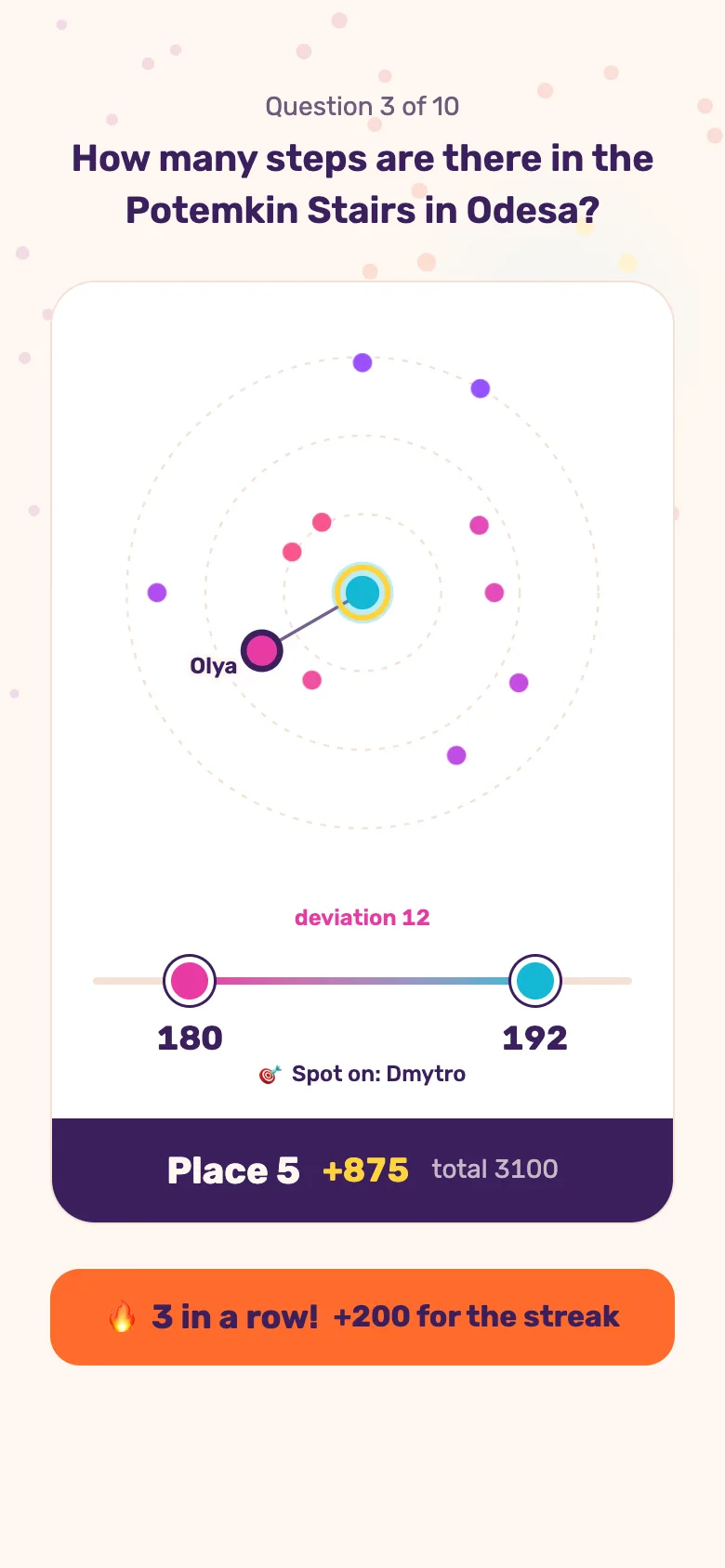
The host screen on the projector, players with phones in hand.
Nobody knows exactly. The closest one wins.
BeCloser is an online party quiz game built around questions whose answer is a number. Players answer from their phones, and the radar shows who came closest.
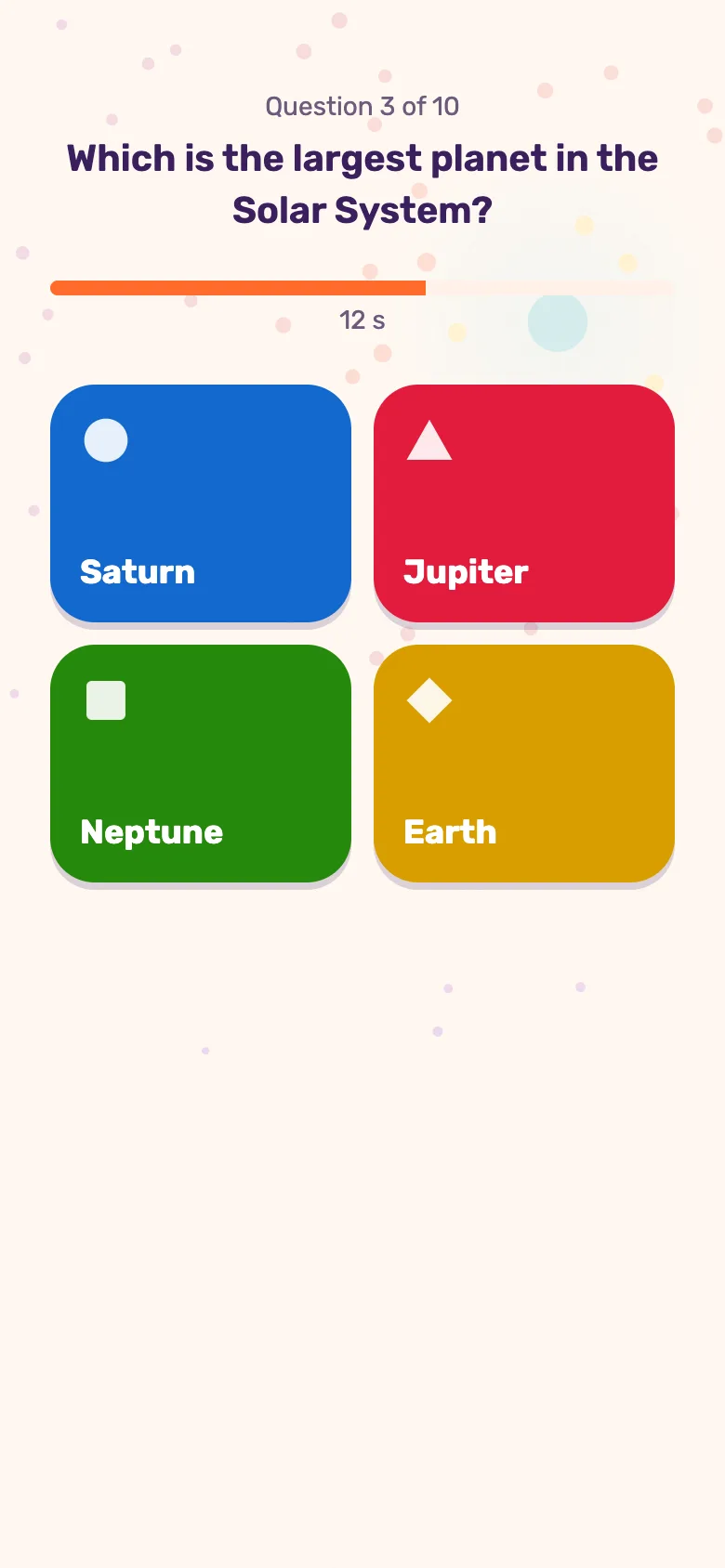
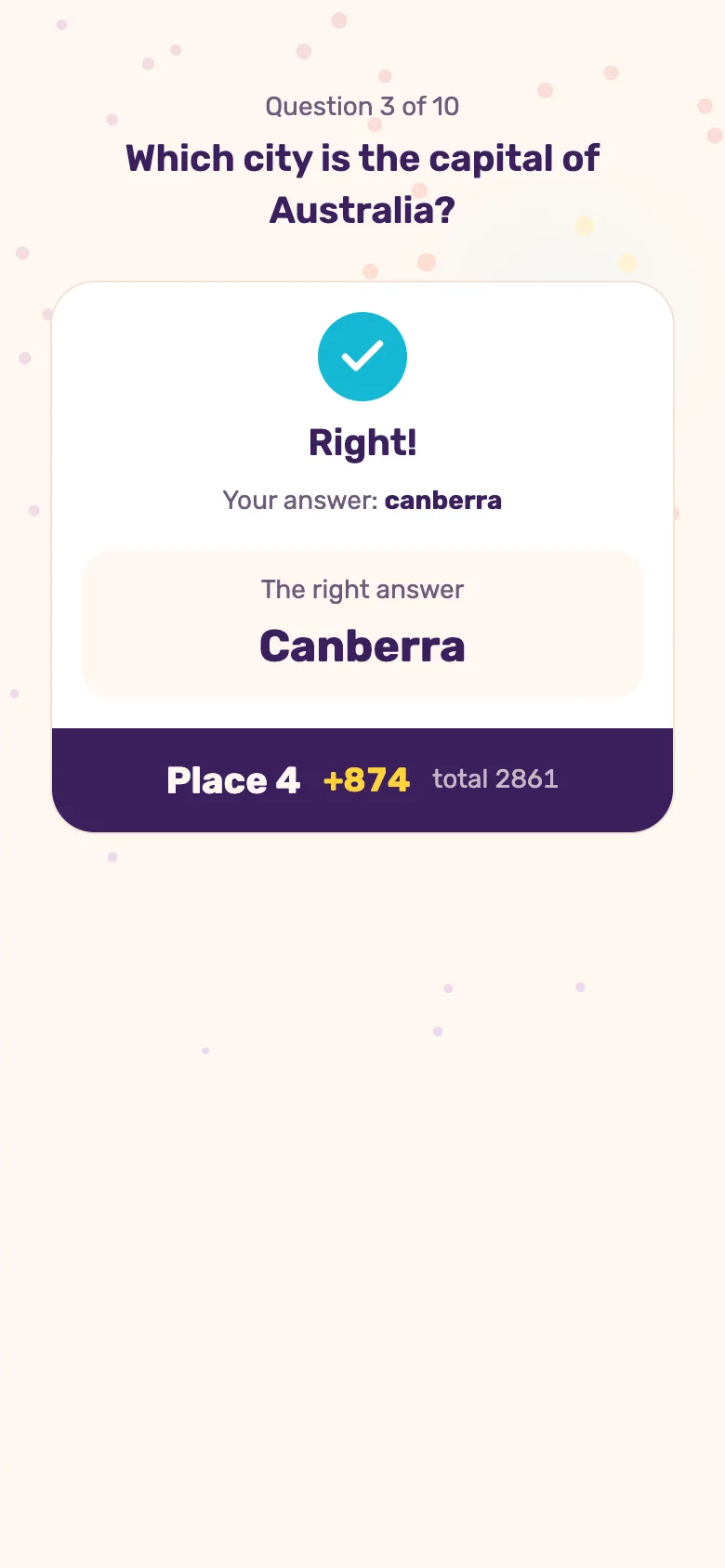
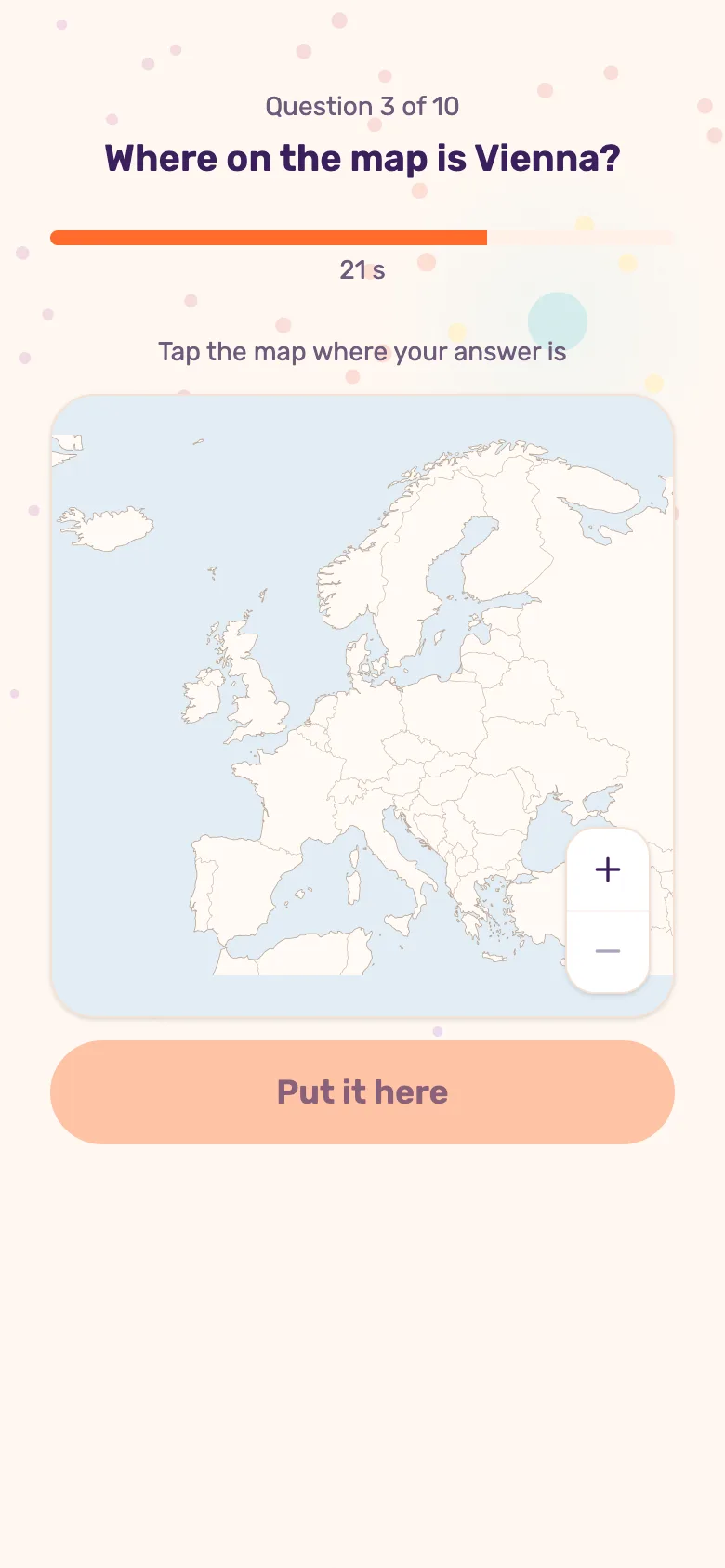
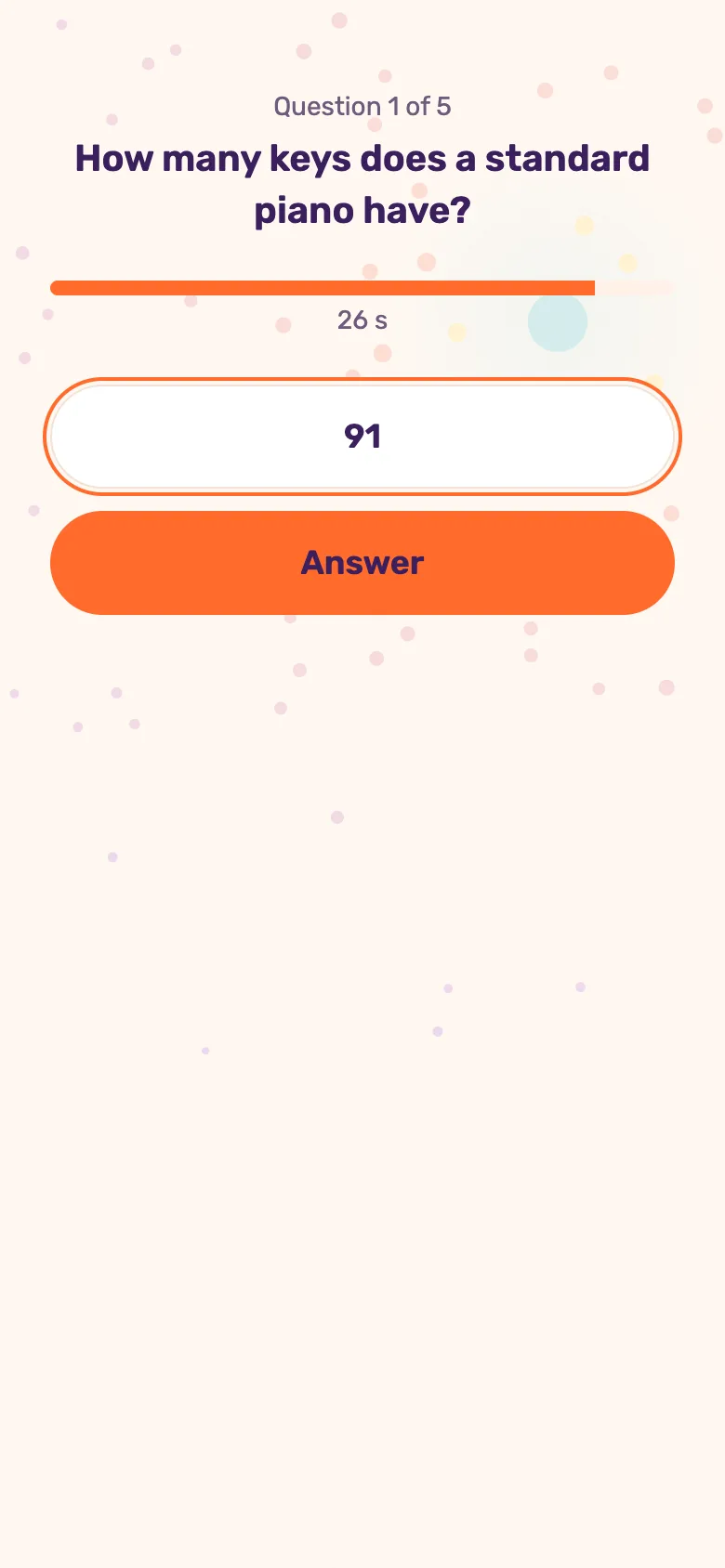
This is how every question looks to a player. Try it.
Two ways to play
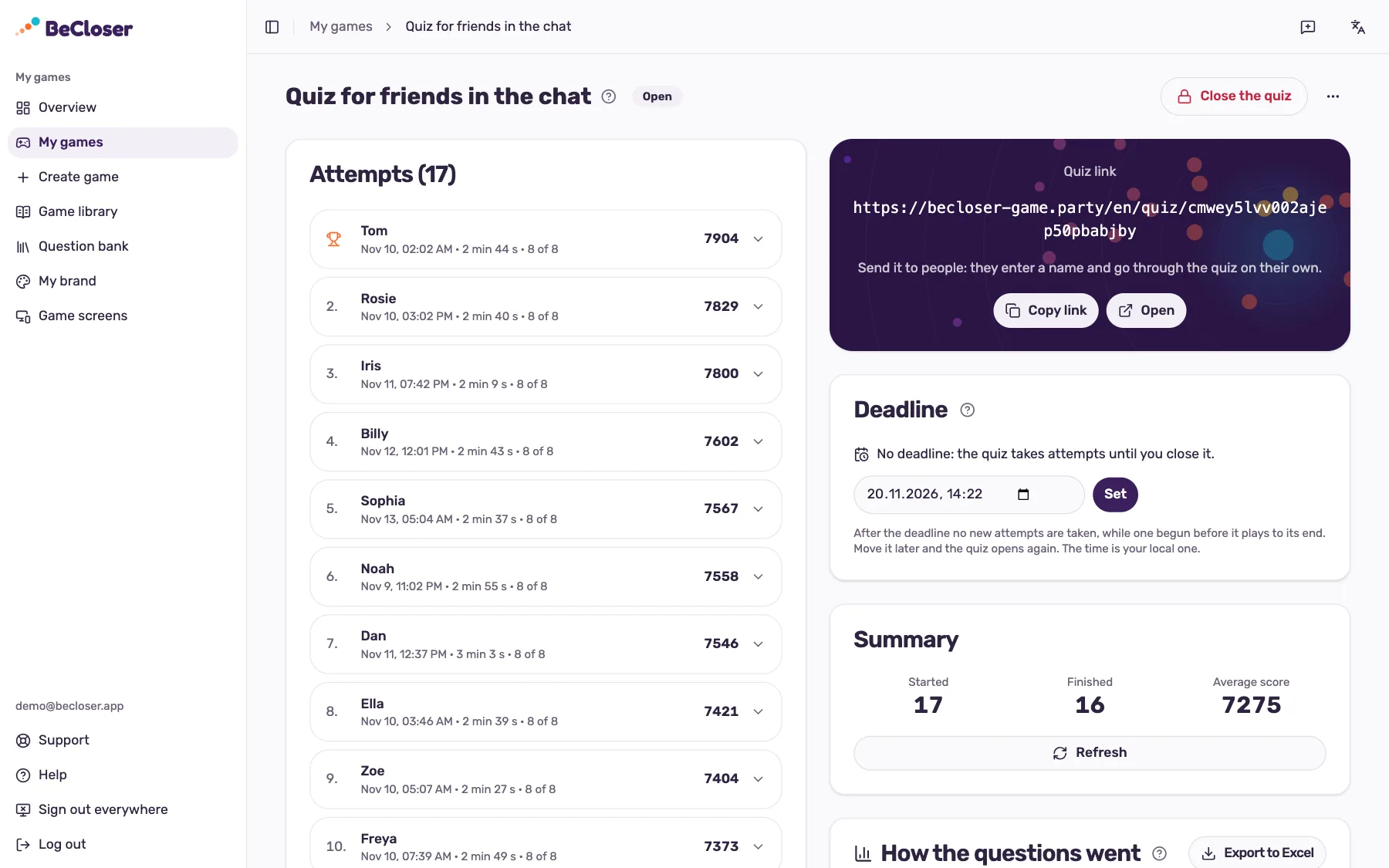
Get everyone together and host the game live, or just send a link to an online quiz: each player goes through it alone, and you see the ranking.
Live game
Party, classroom, office, video call
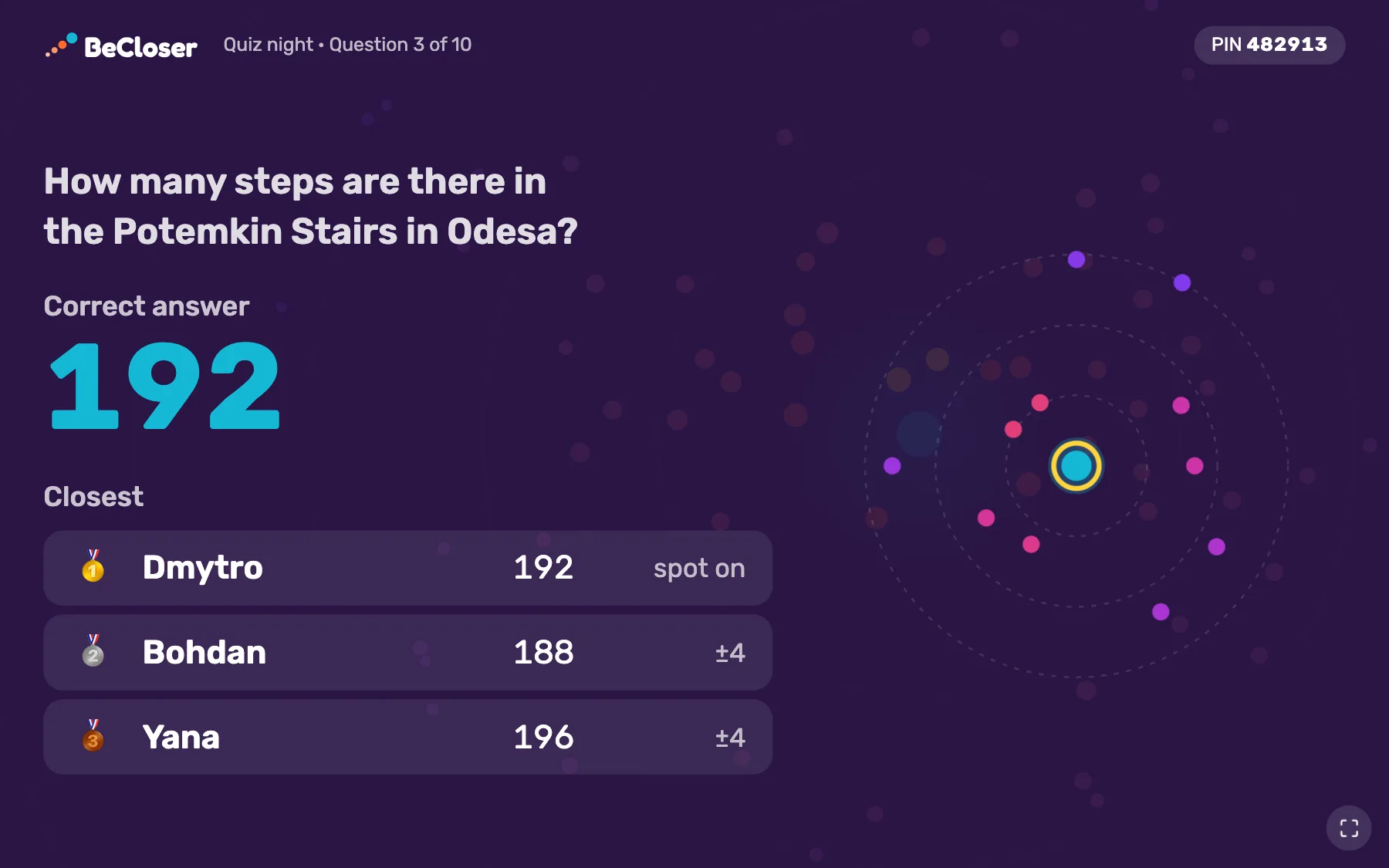
You host: put the questions on a projector or a shared screen, and players answer from their phones at the same time. After each question the radar shows who came closest.
- Join with a PIN or a link, no sign-up
- Closeness radar after every question
- Live ranking and a final podium
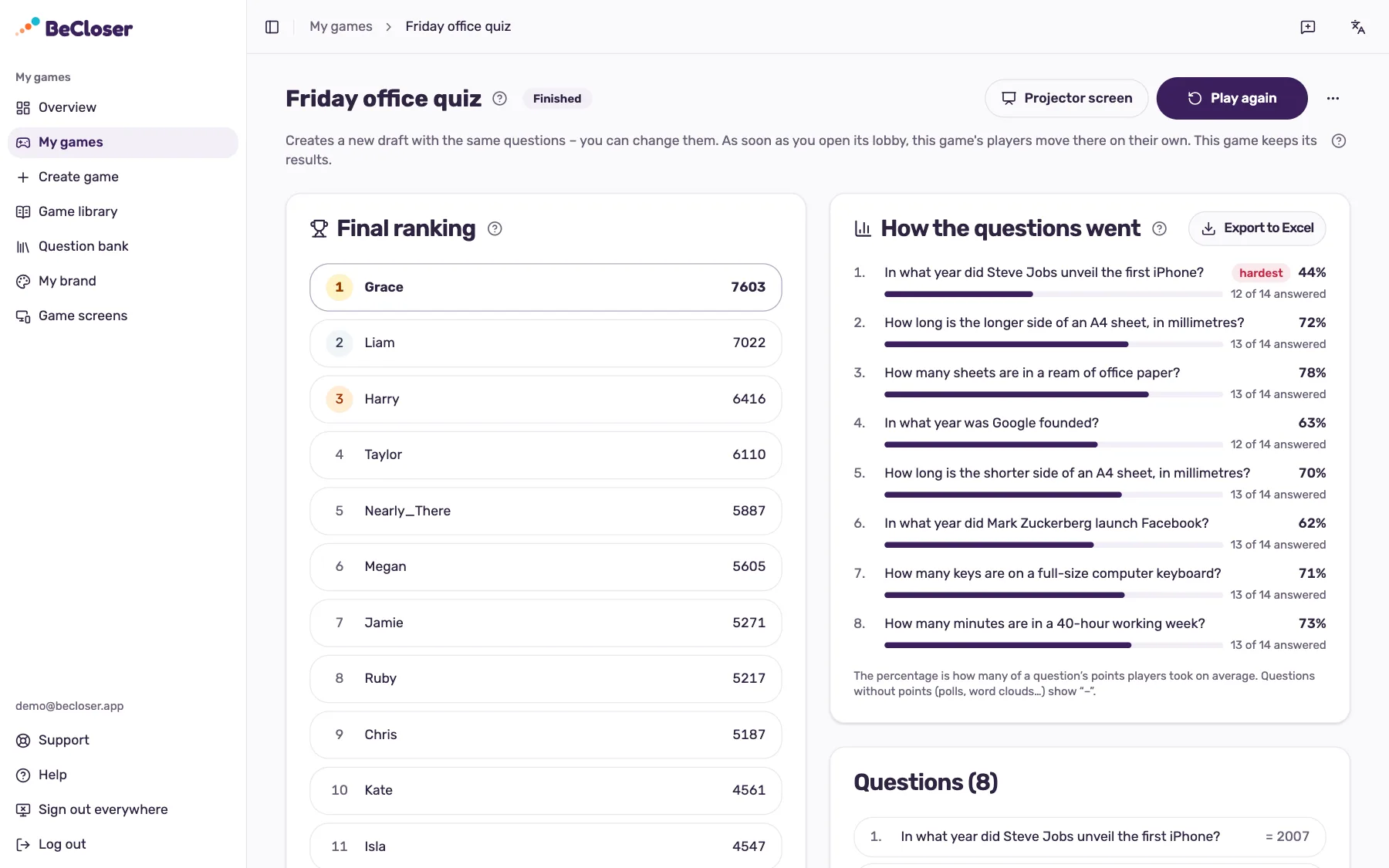
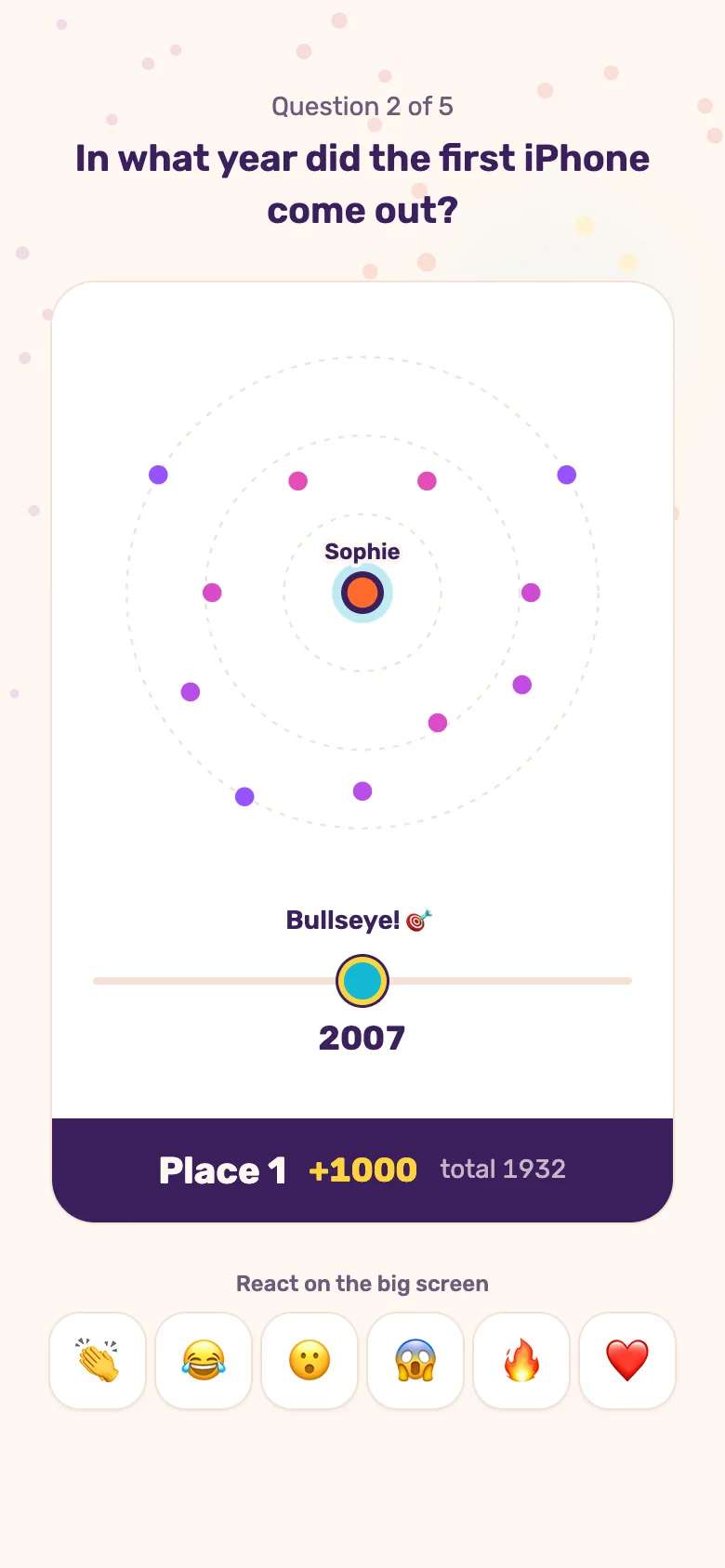
Quiz by link
Group chat, team, followers
No host needed. Send a link, and everyone takes the quiz on their own, whenever it suits them. Points for accuracy: the closer the answer, the more points.
- A link instead of a PIN, players only type a name
- A timer on every question and the right answer straight away
- A ranking of attempts: points, time and every answer
Seventeen kinds of question
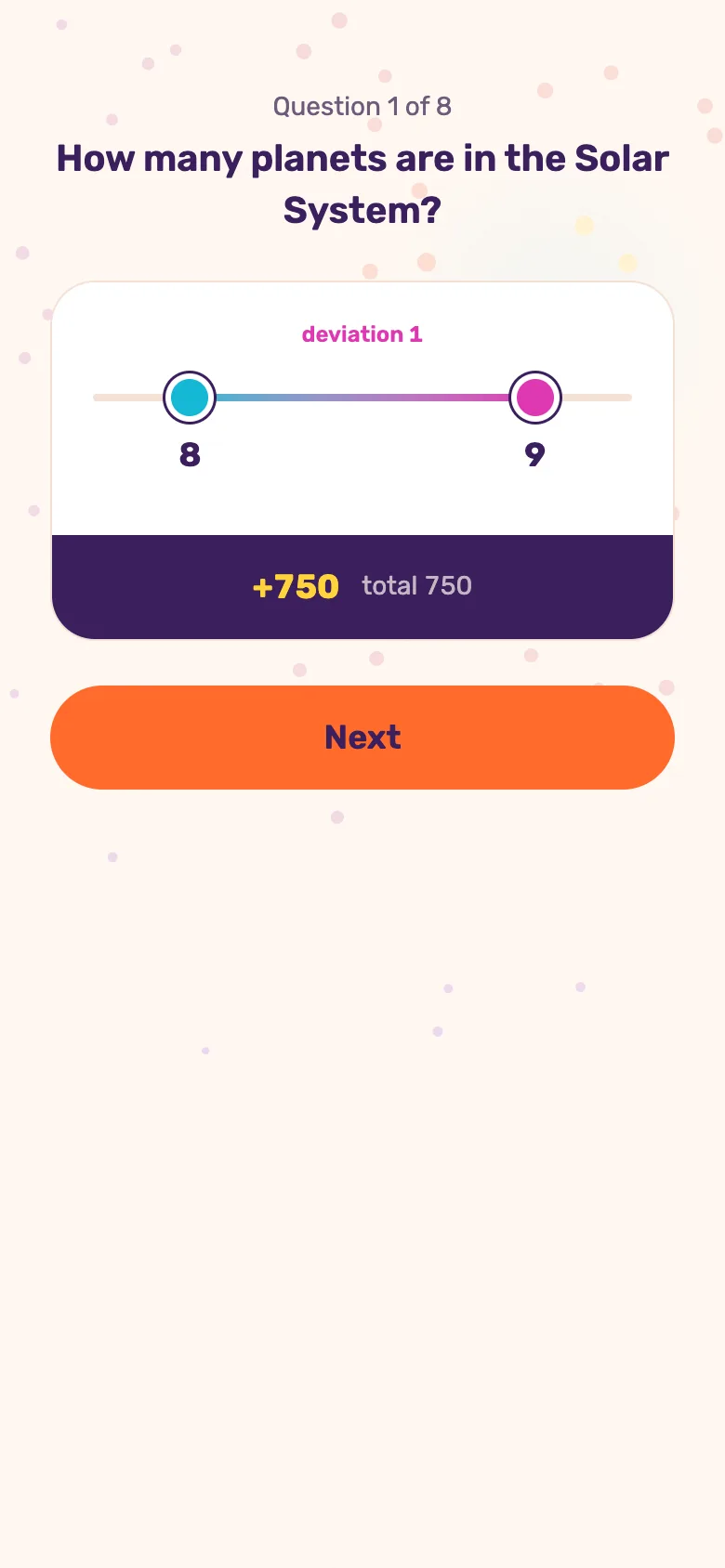
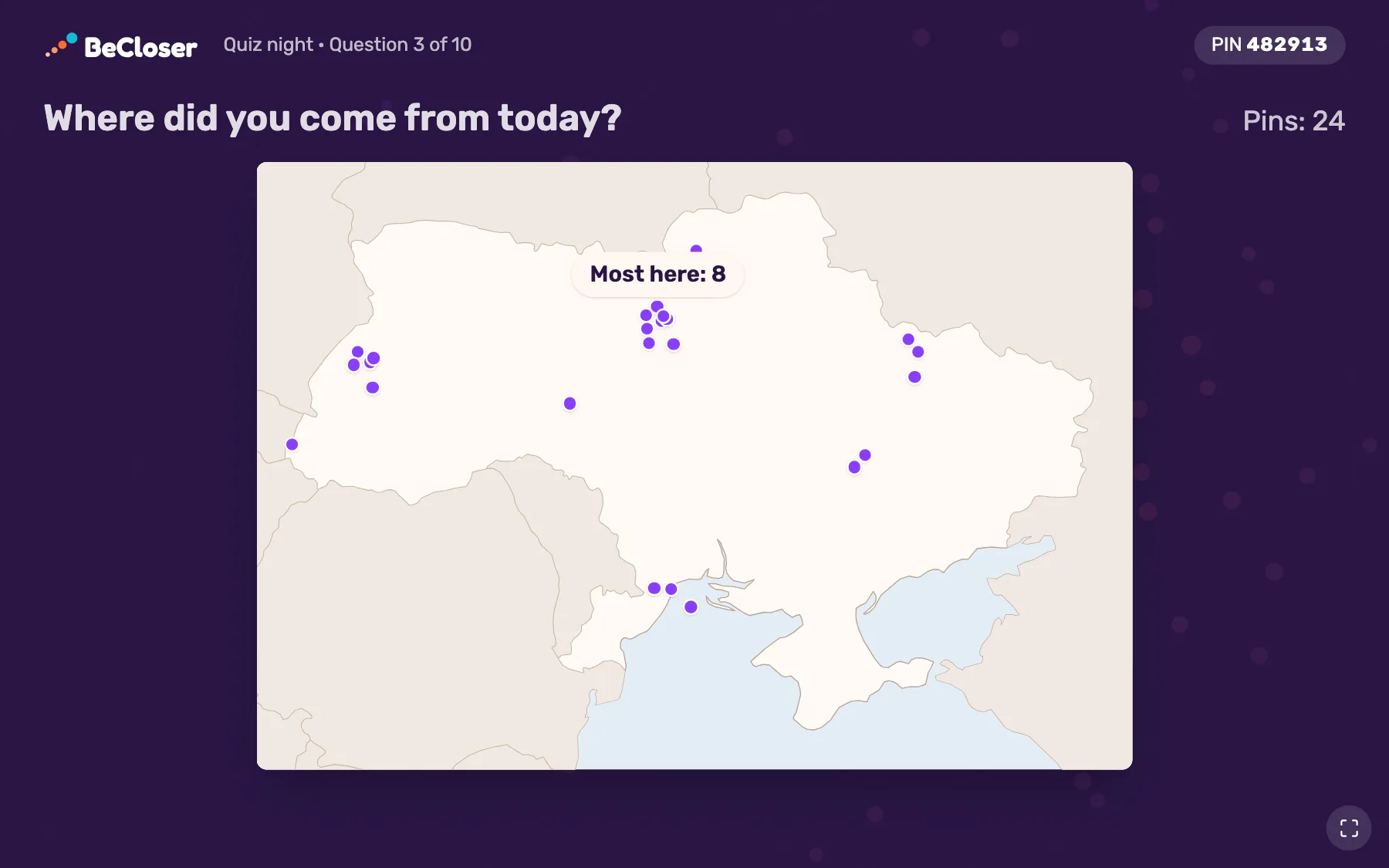
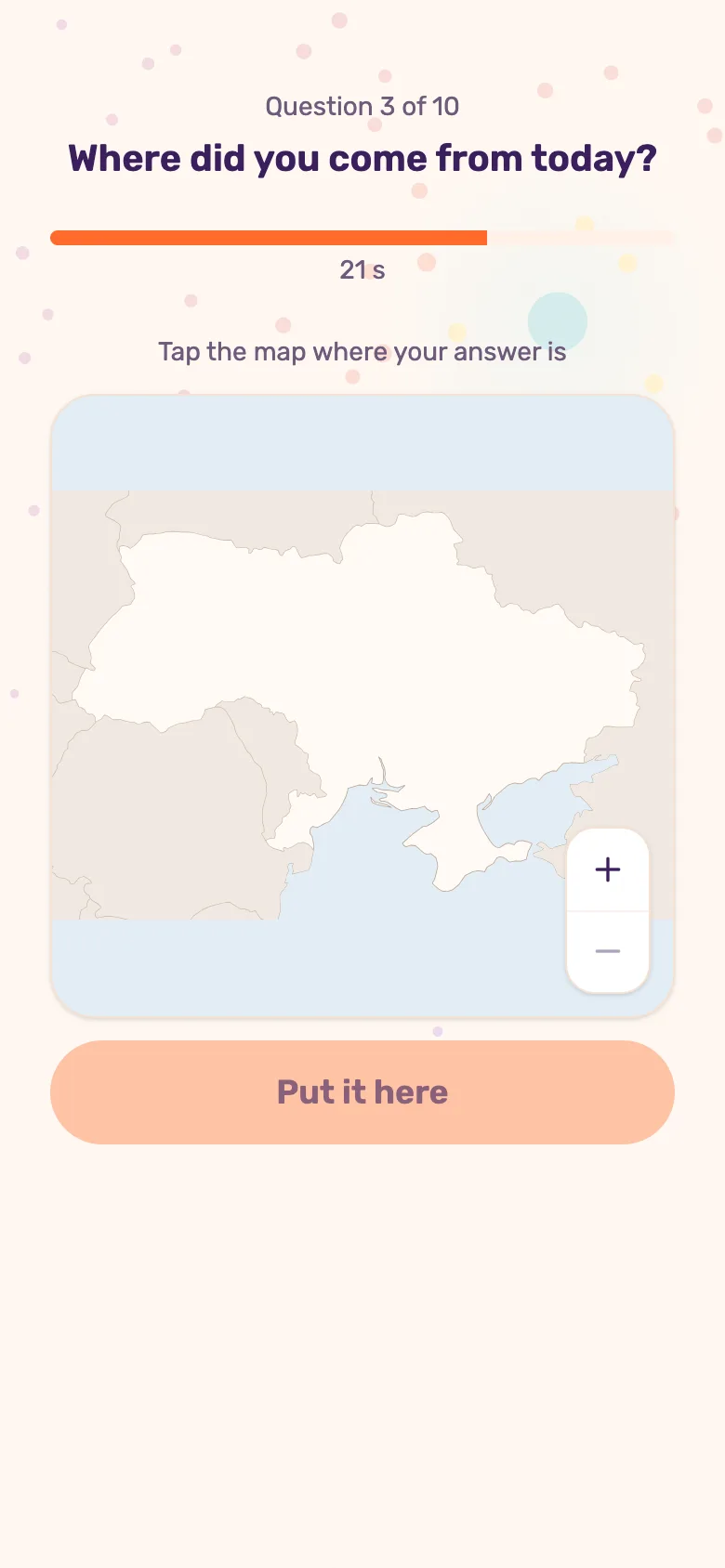
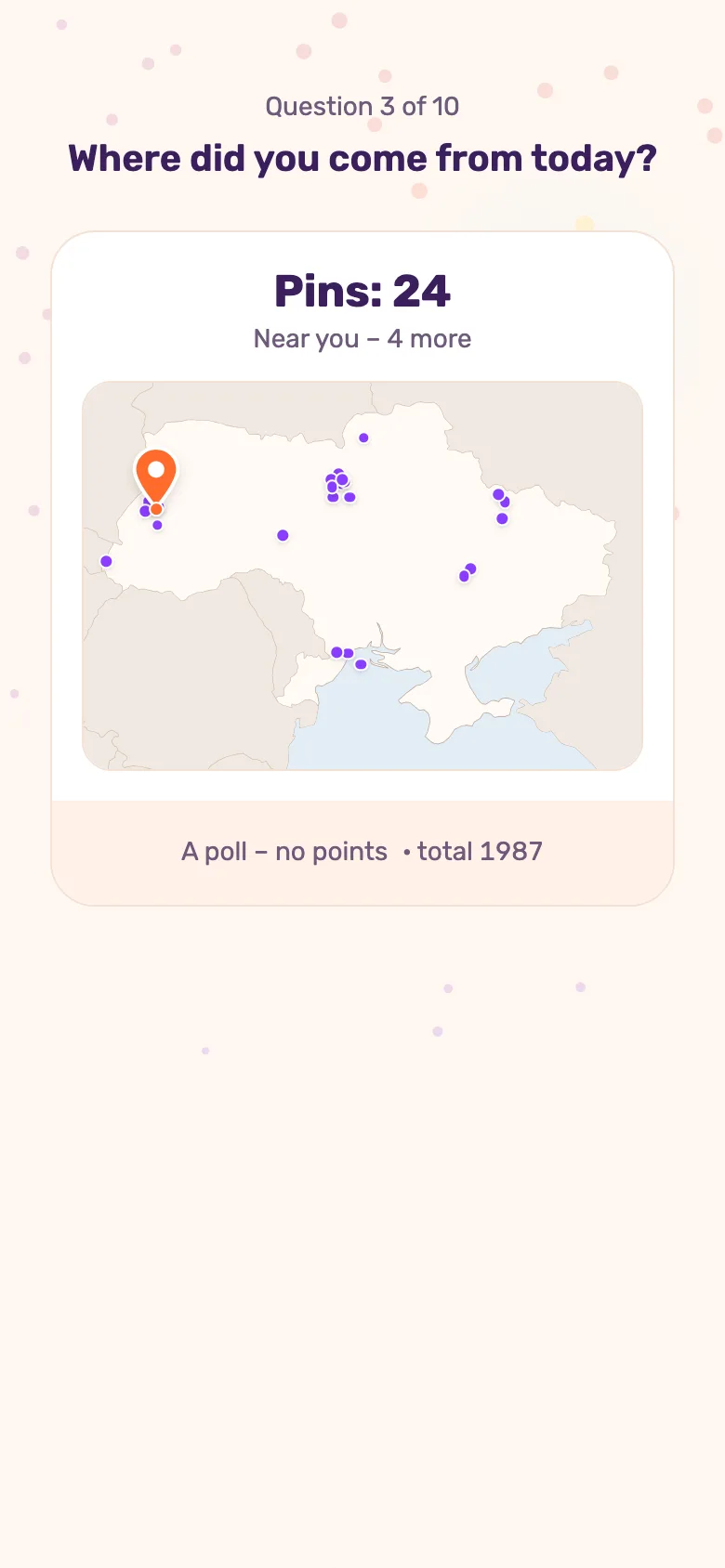
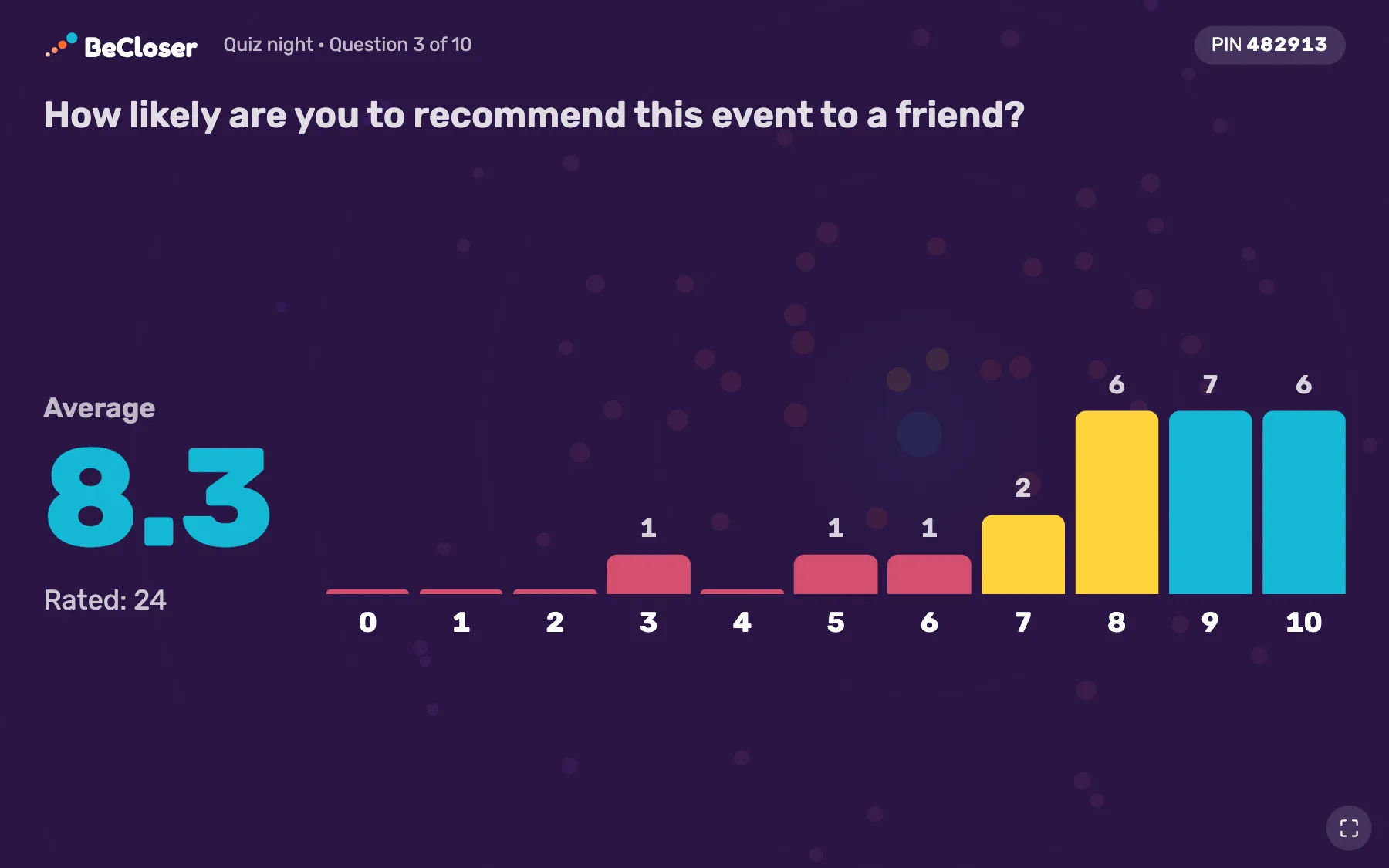
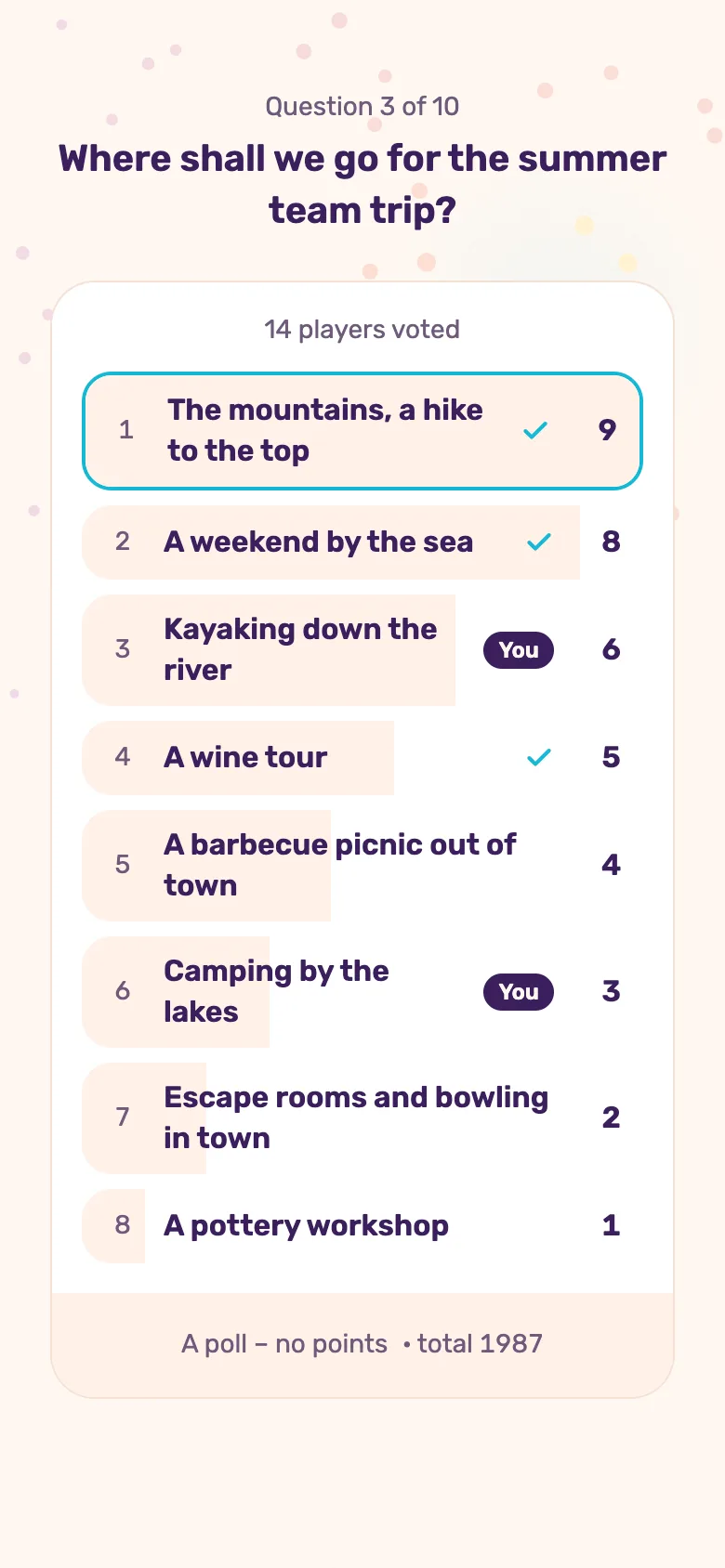
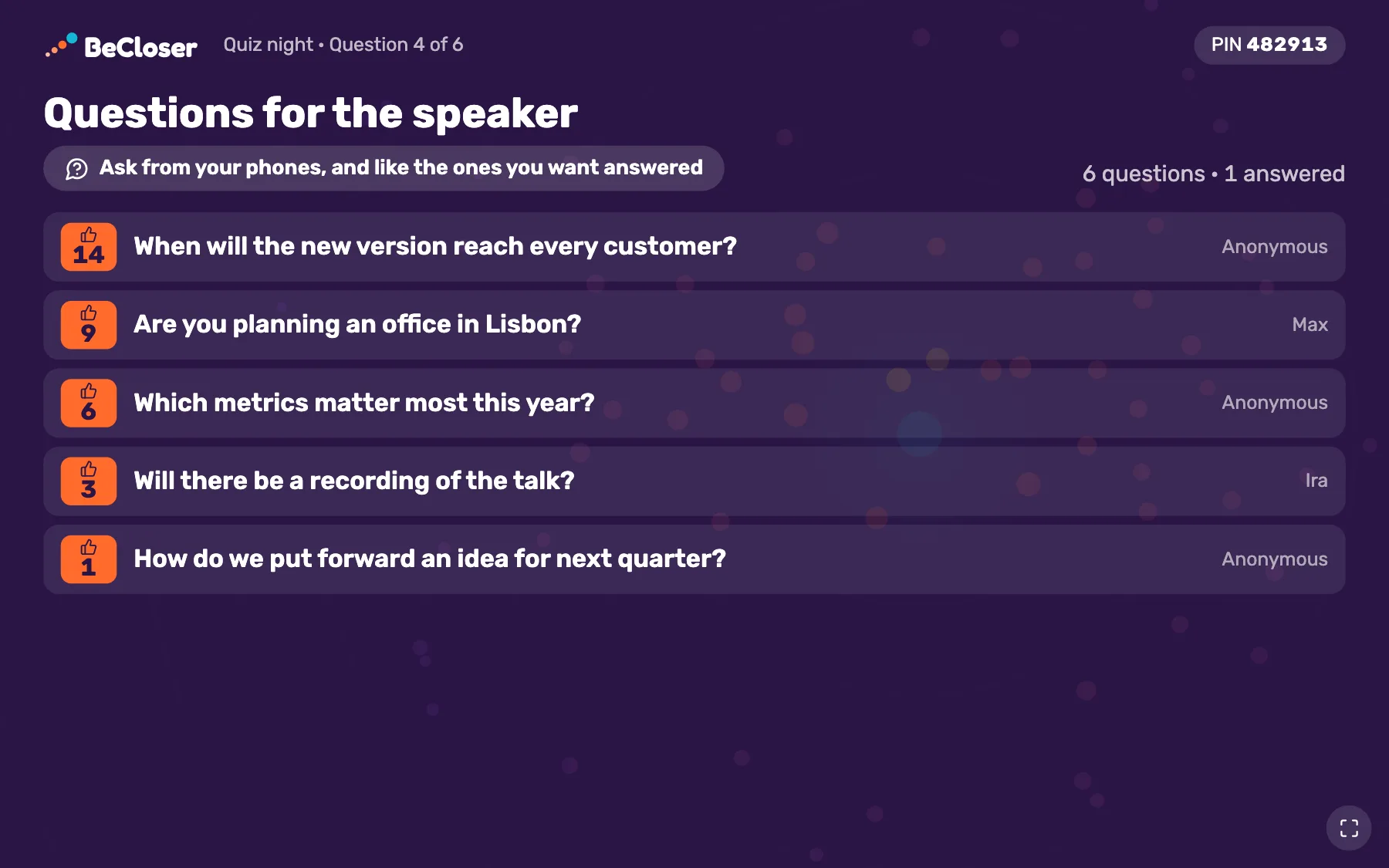
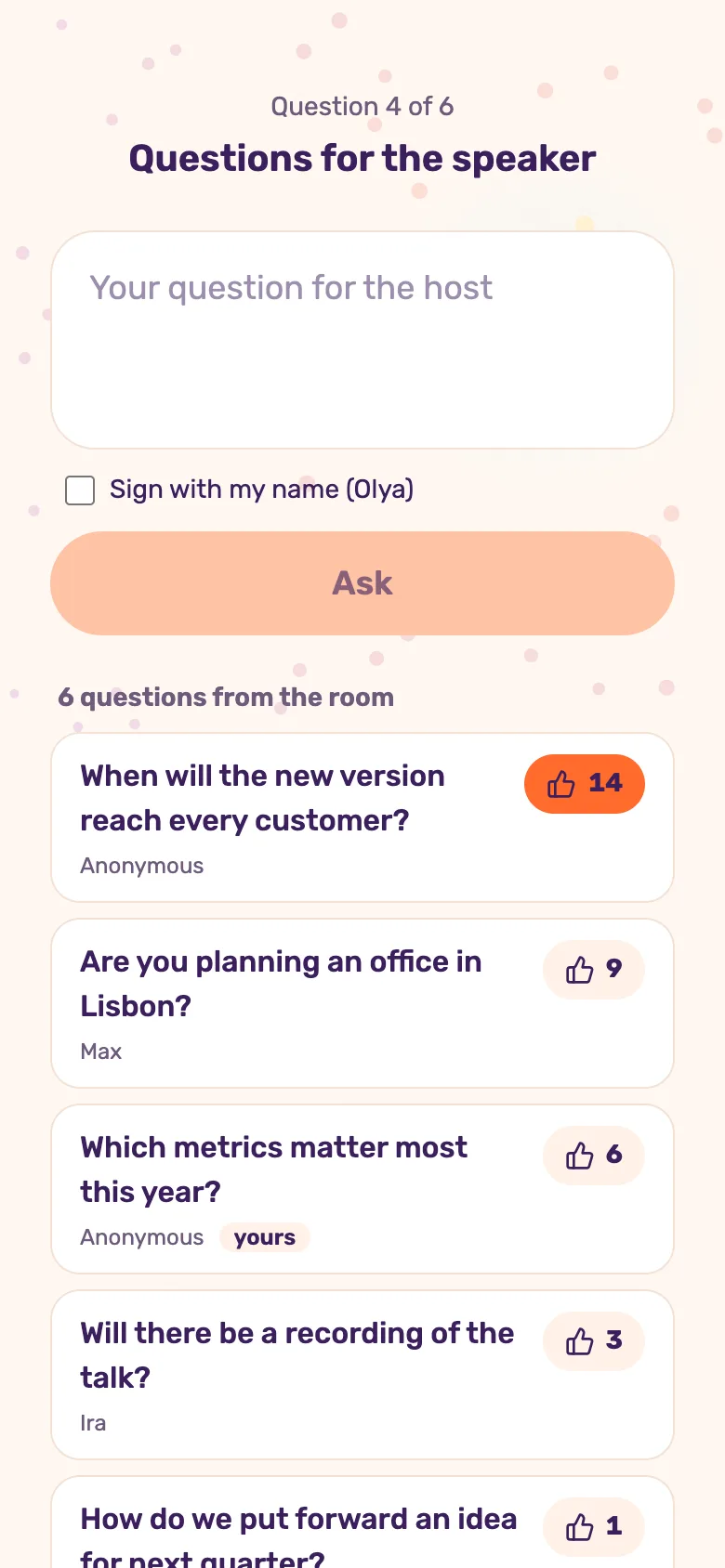
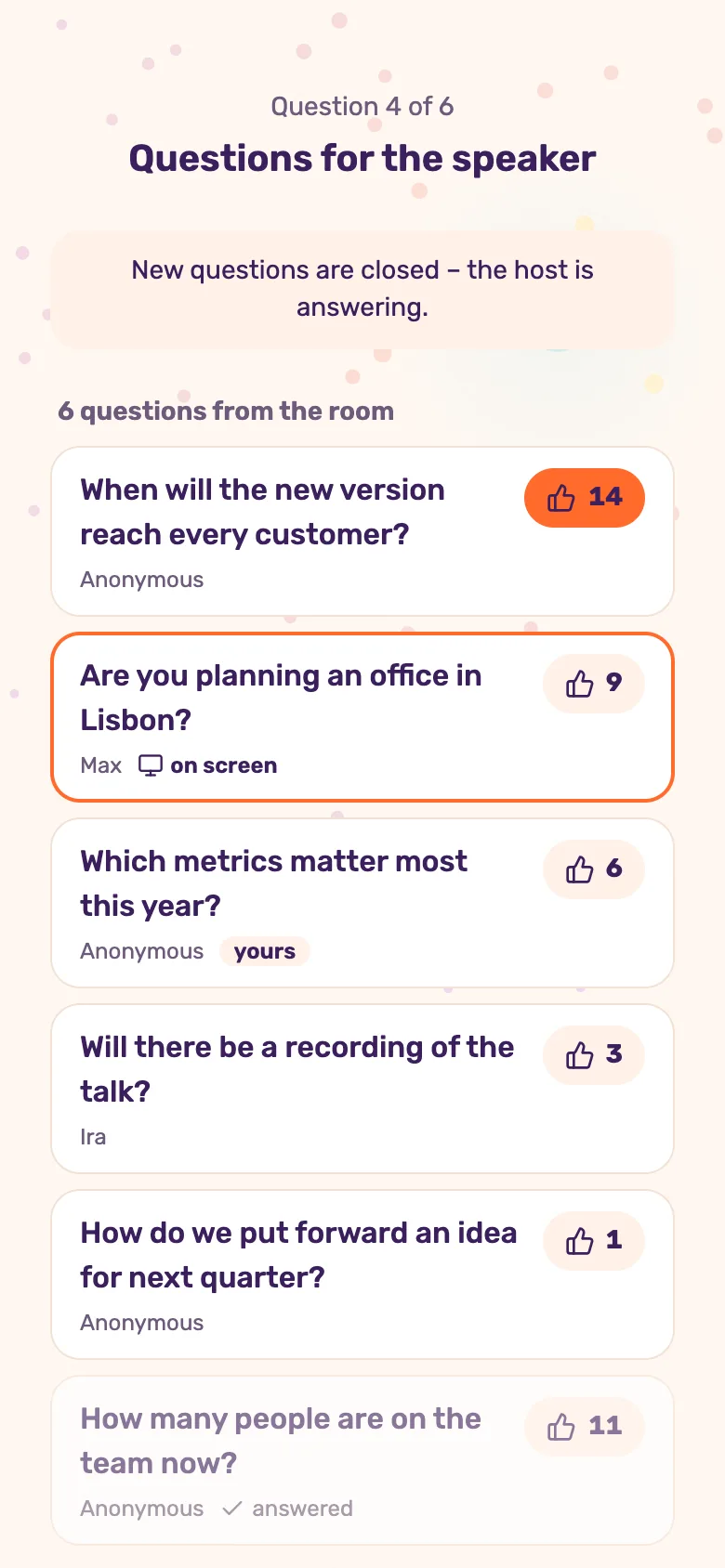
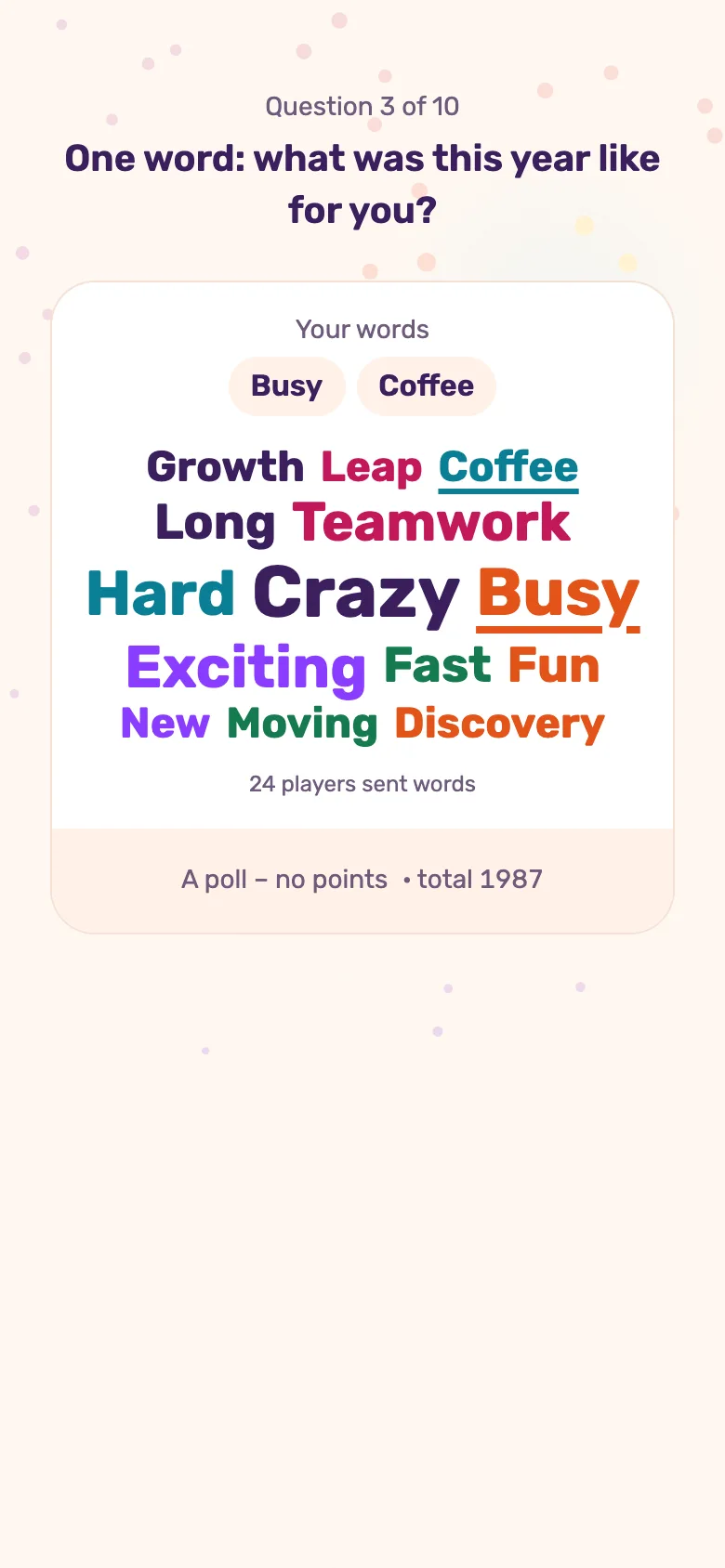
The heart of BeCloser is a question whose answer is a number, where the closest guess wins. To keep a game fresh, mix it with other kinds in the same game – from classic multiple choice (pictures included) to polling the room, a pin on a map, a scale, a word cloud, an answer in your own words, a brainstorm or questions for the host. Slides can go between the questions.
Closest answer
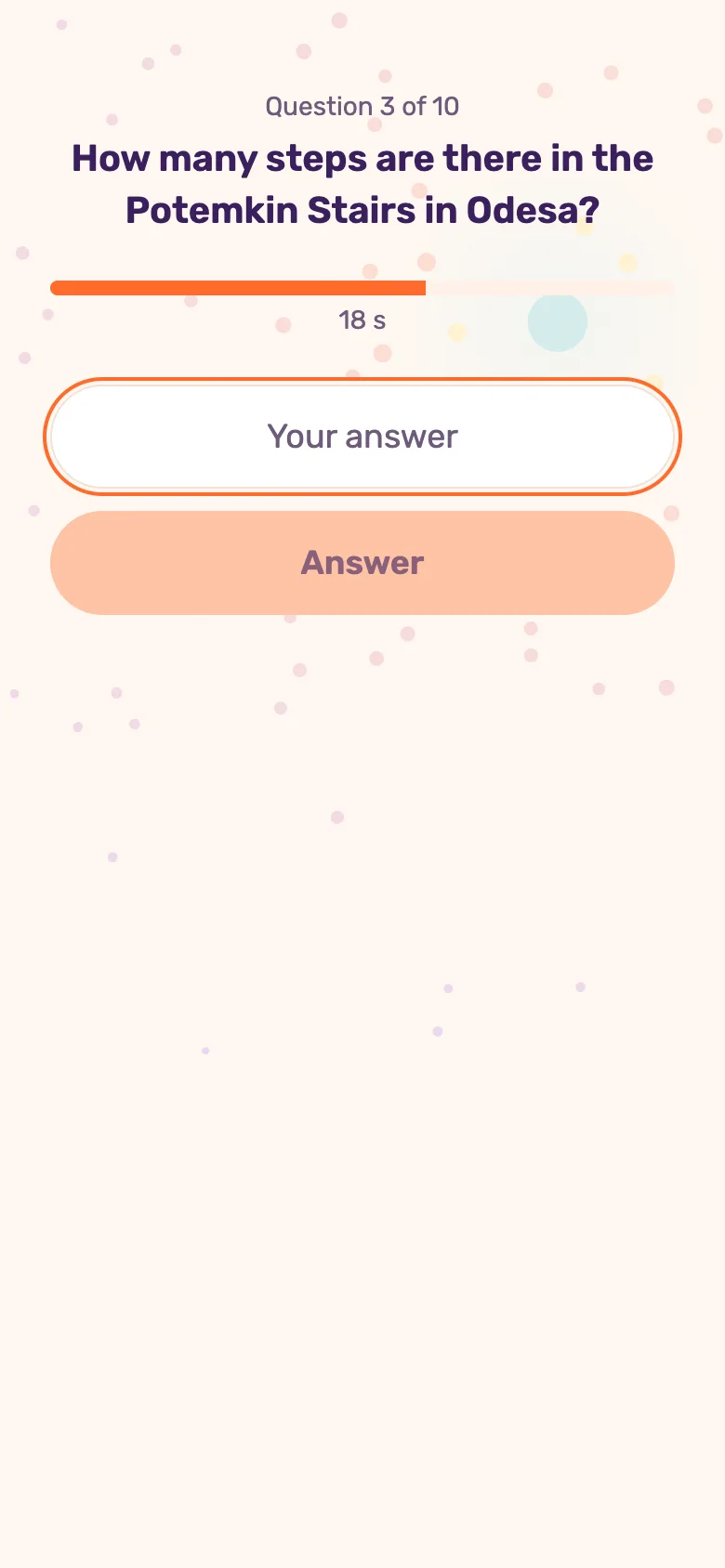
The answer is a number: a height, a year, a count. Nobody knows it exactly, so everyone plays, and the points go to whoever comes closest.
Points: the closer, the more
How it goes
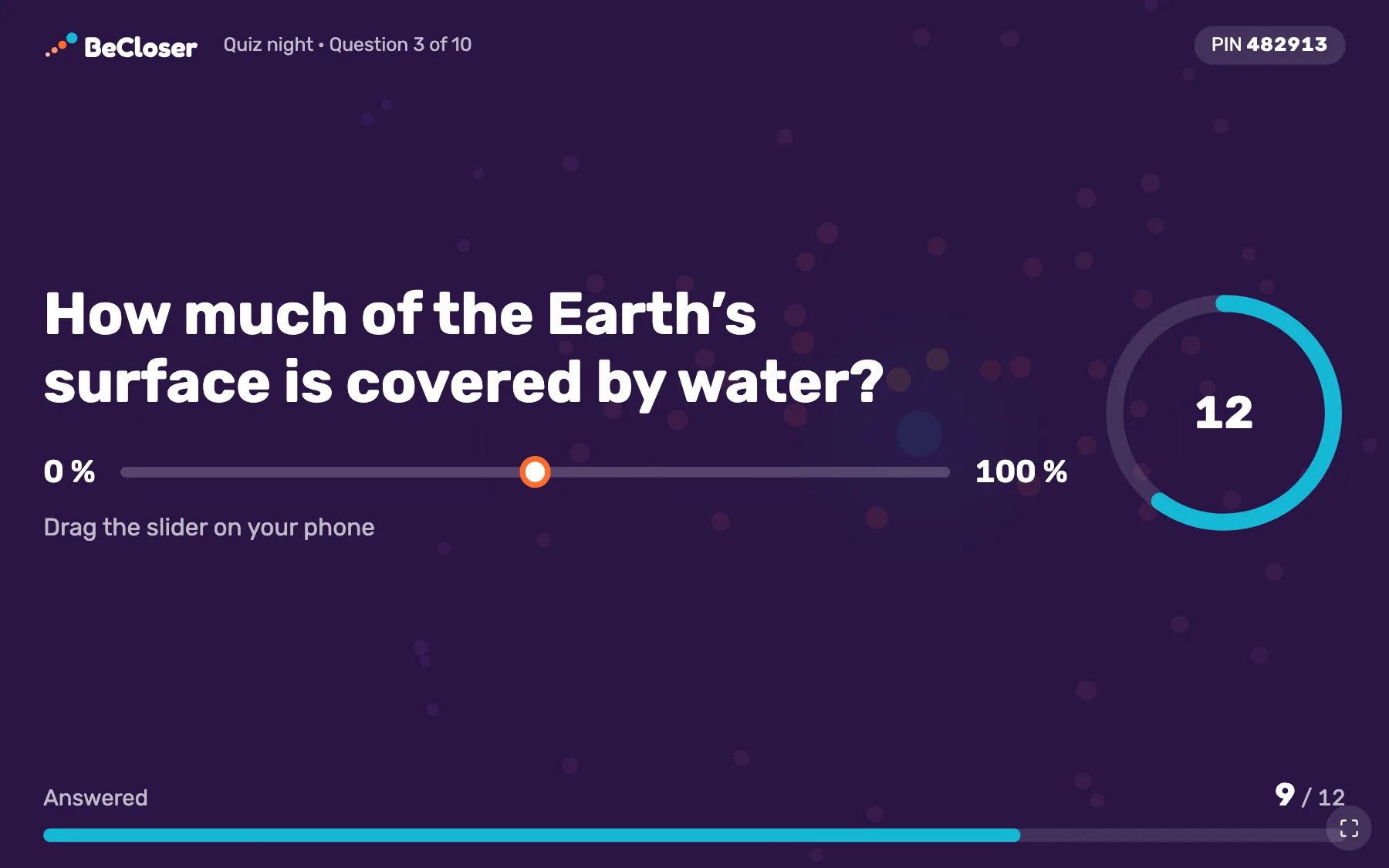
- 1The question shows on the screen and on the phones, and the timer starts.
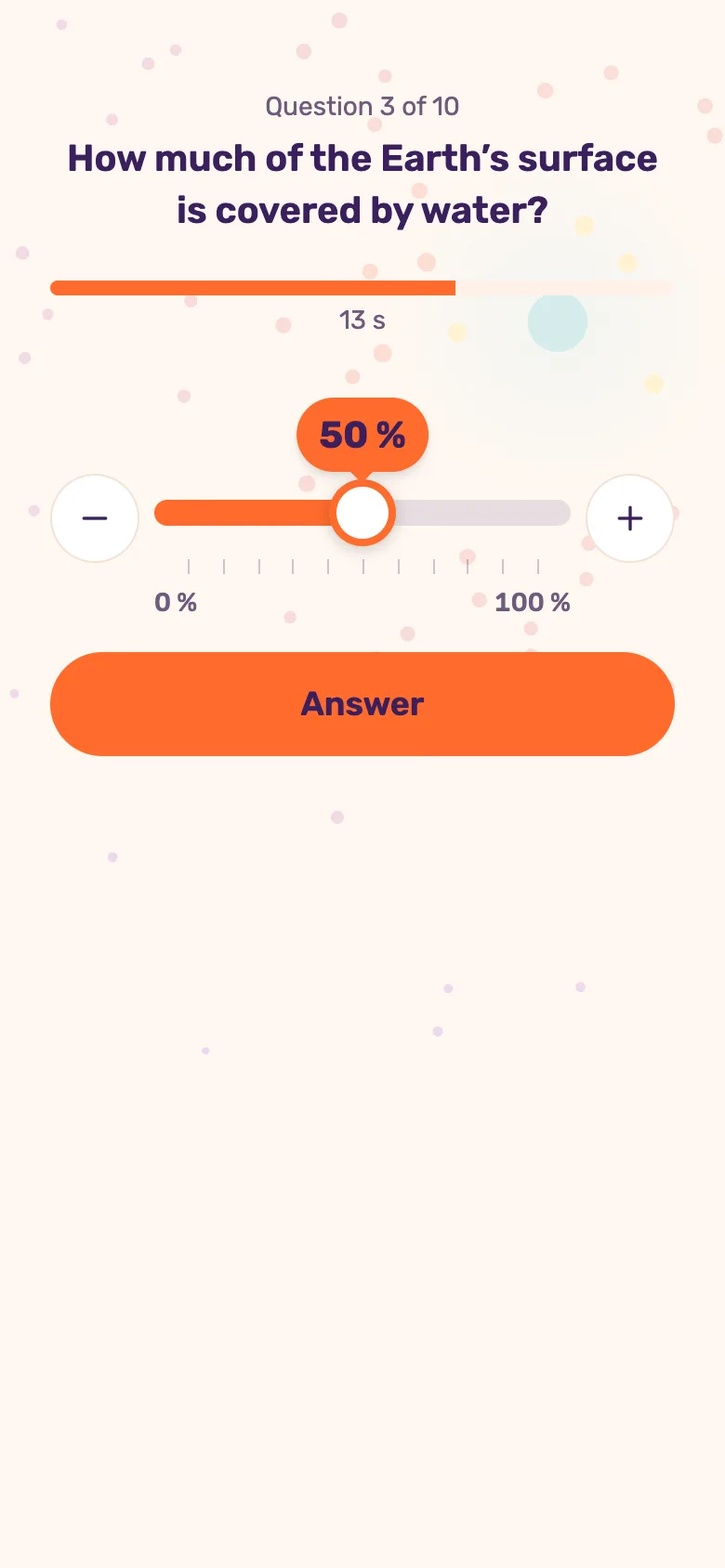
- 2Everyone types their number on their phone.
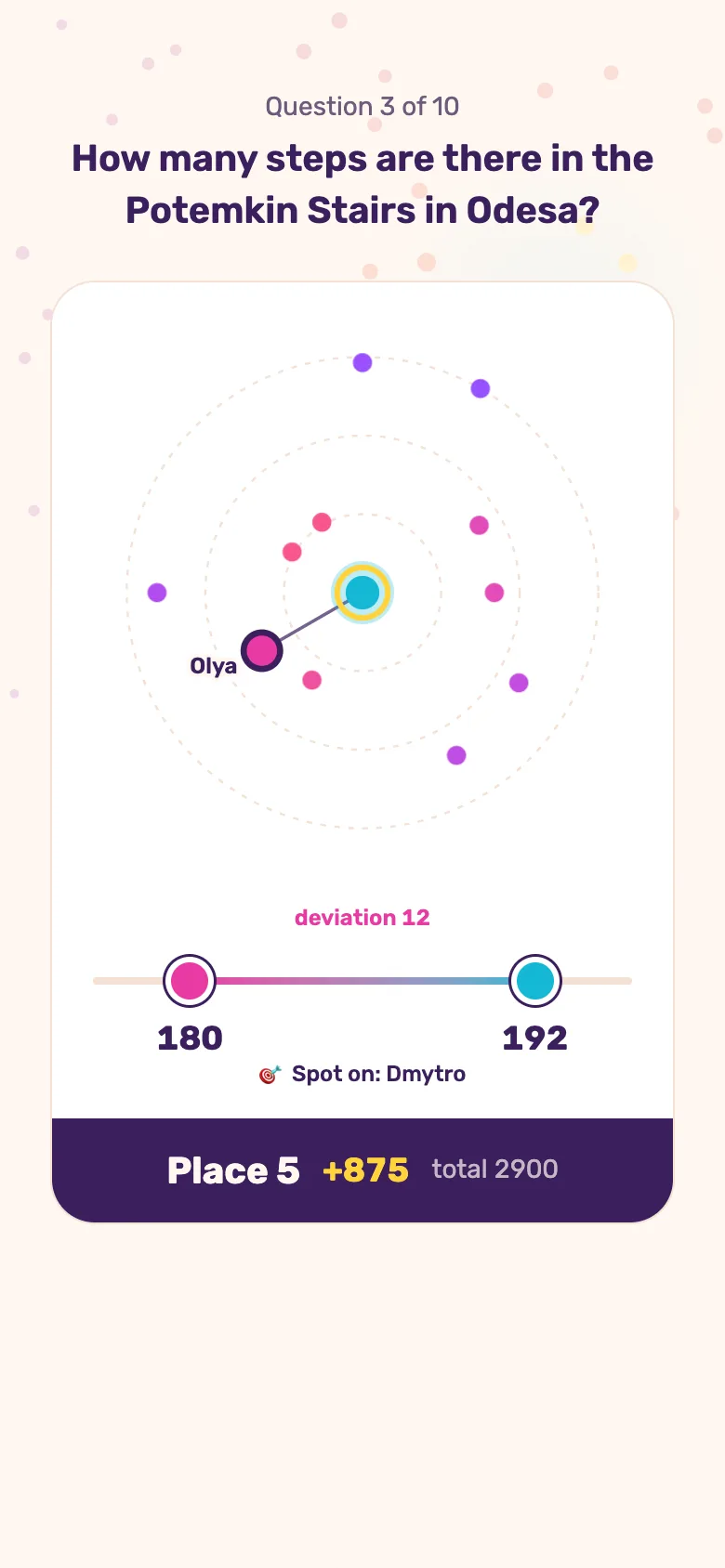
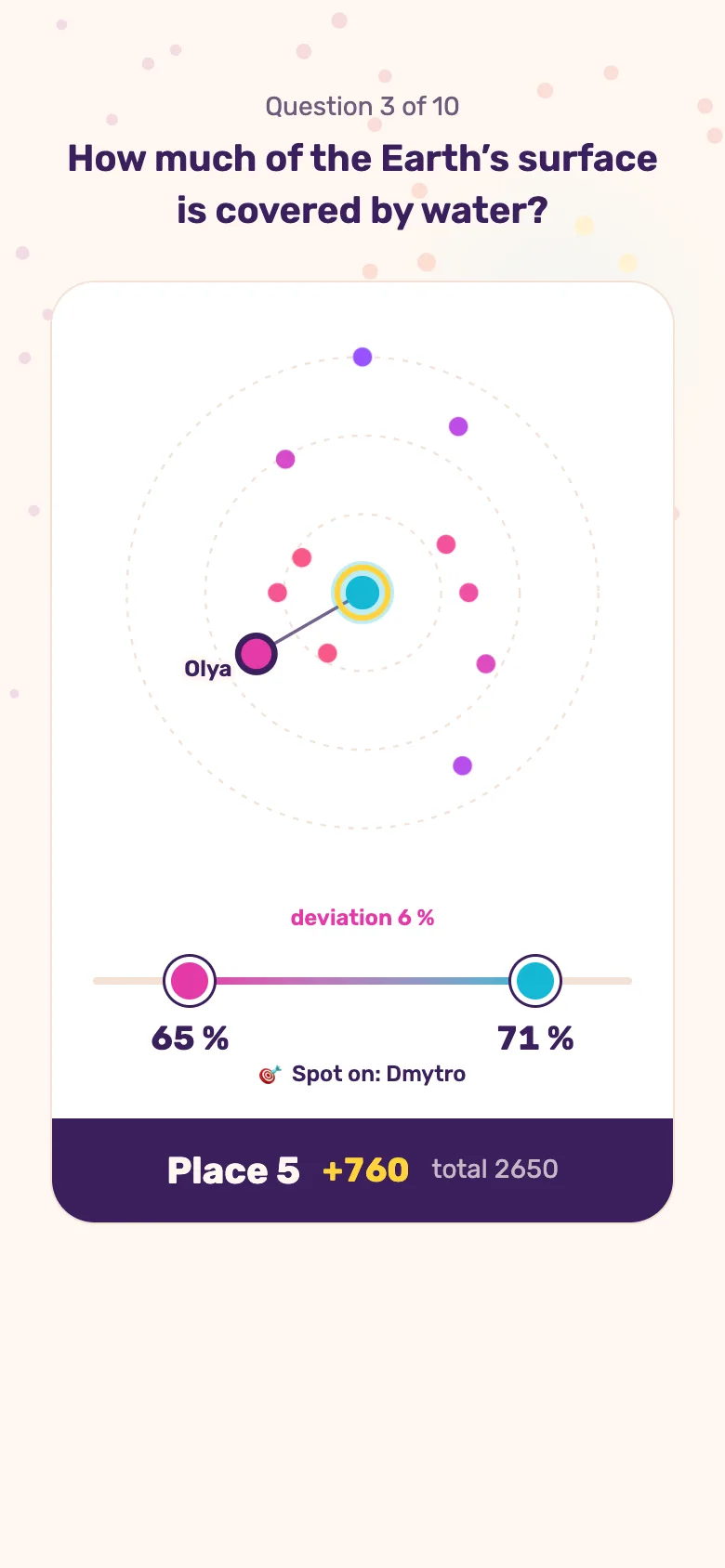
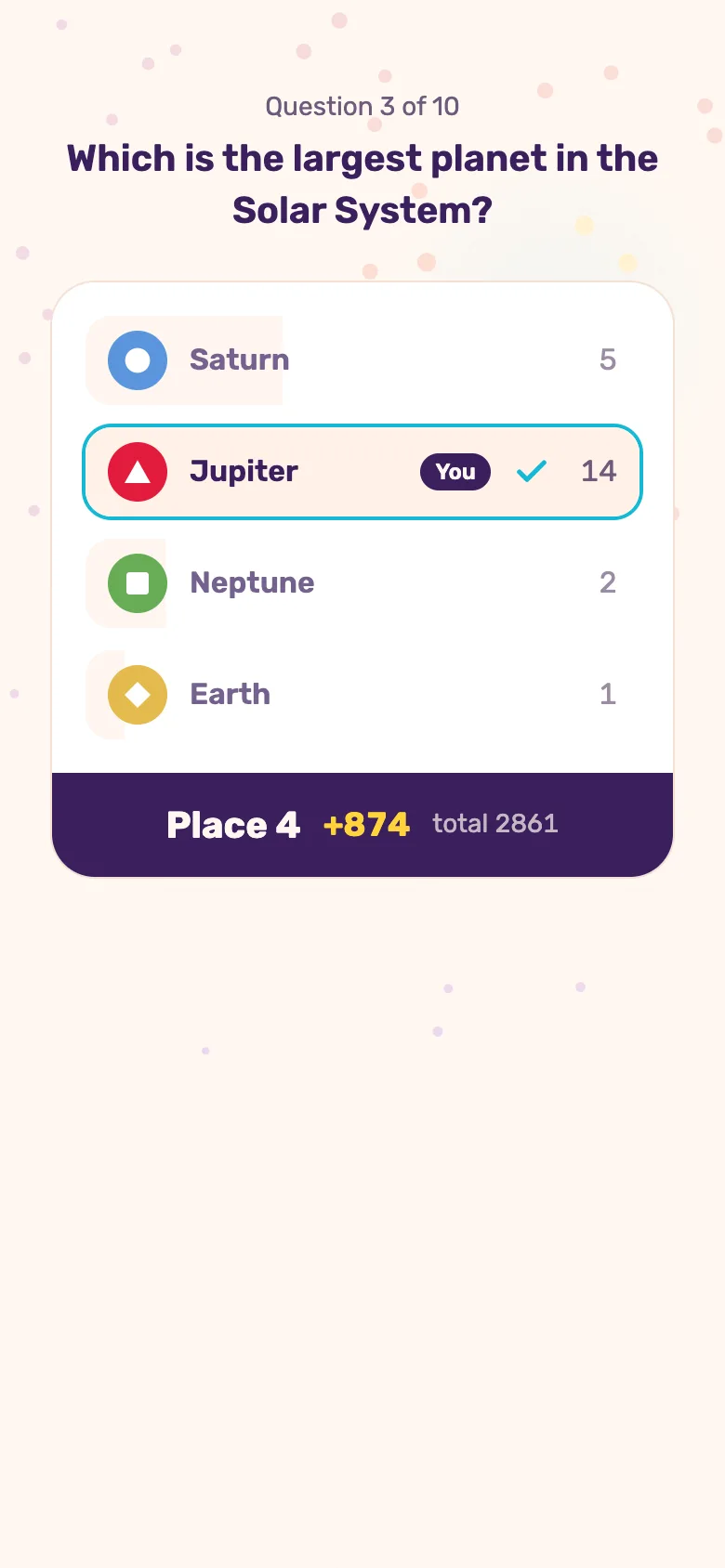
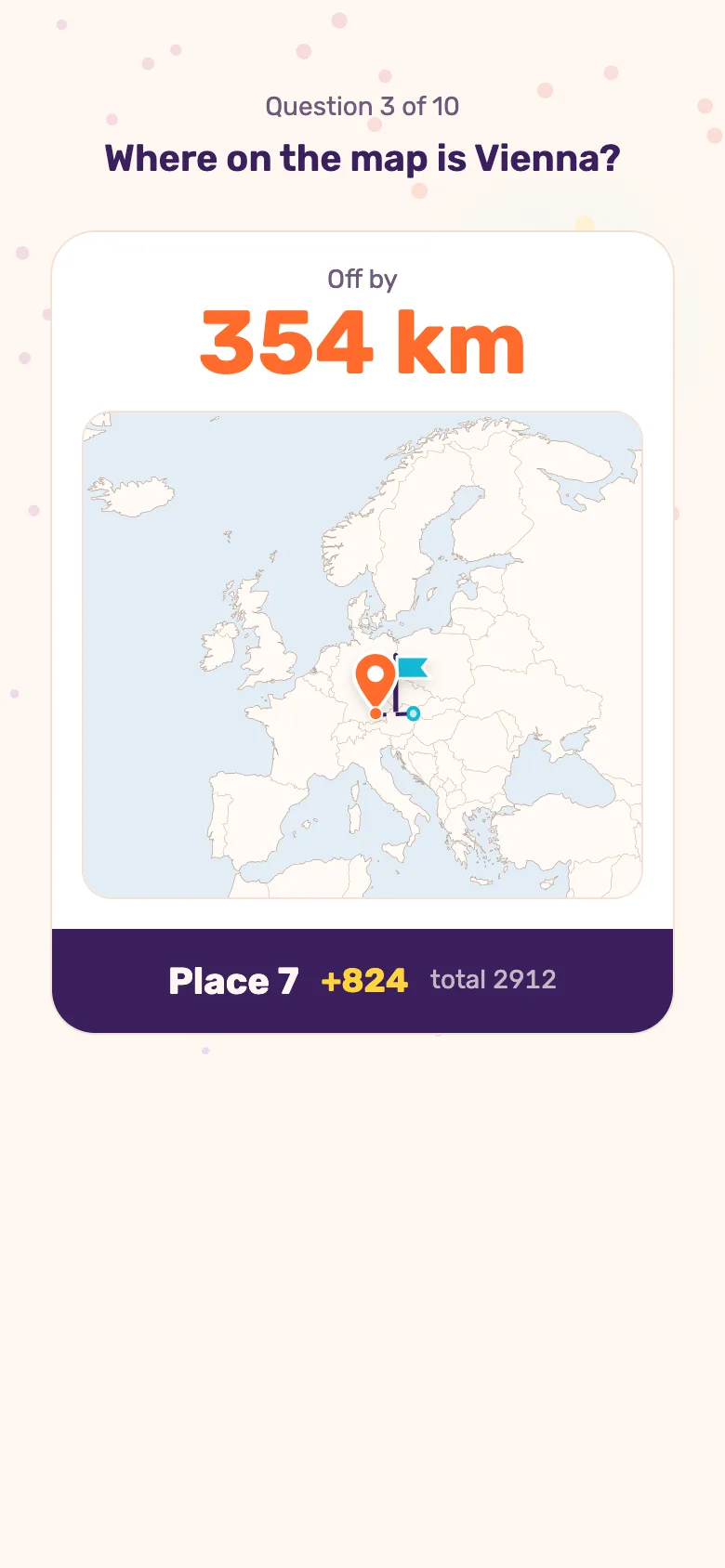
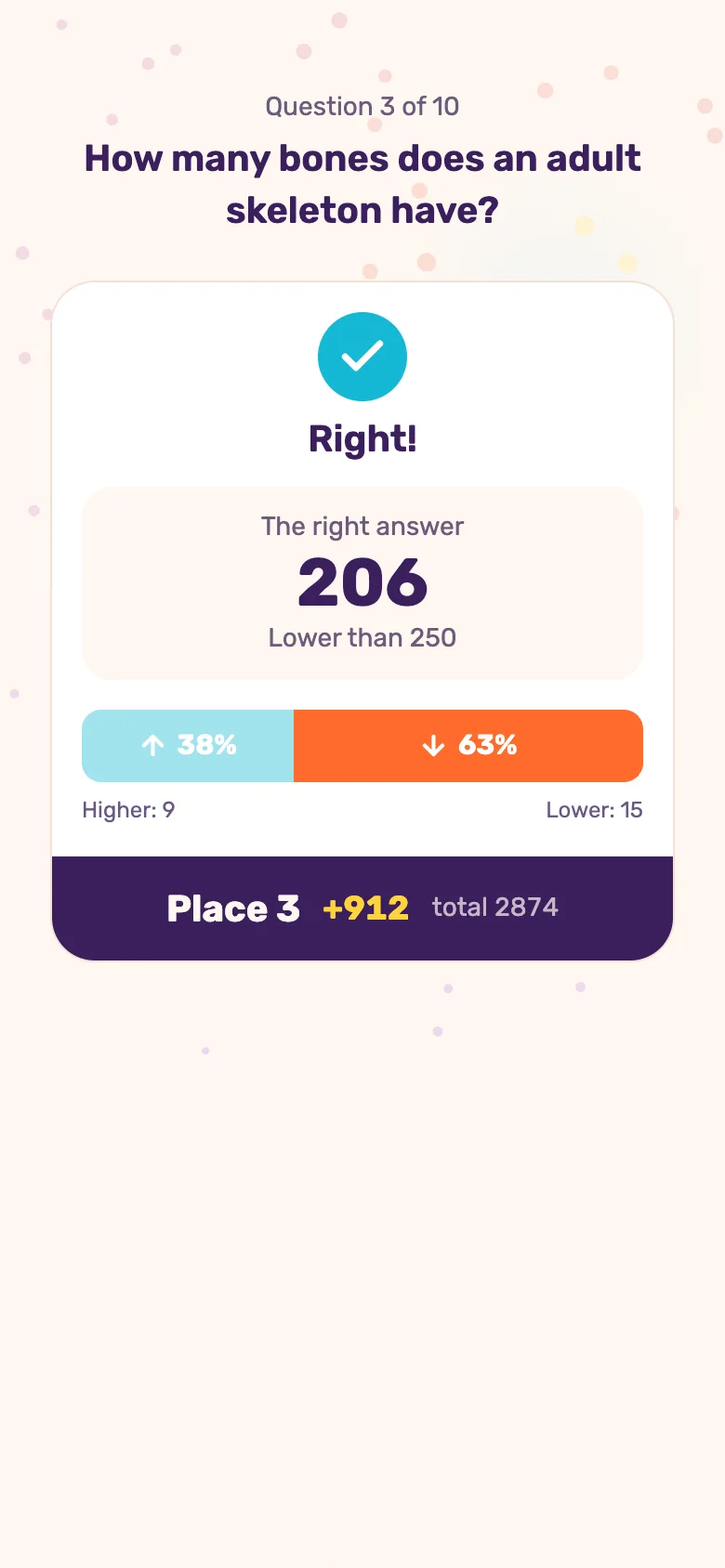
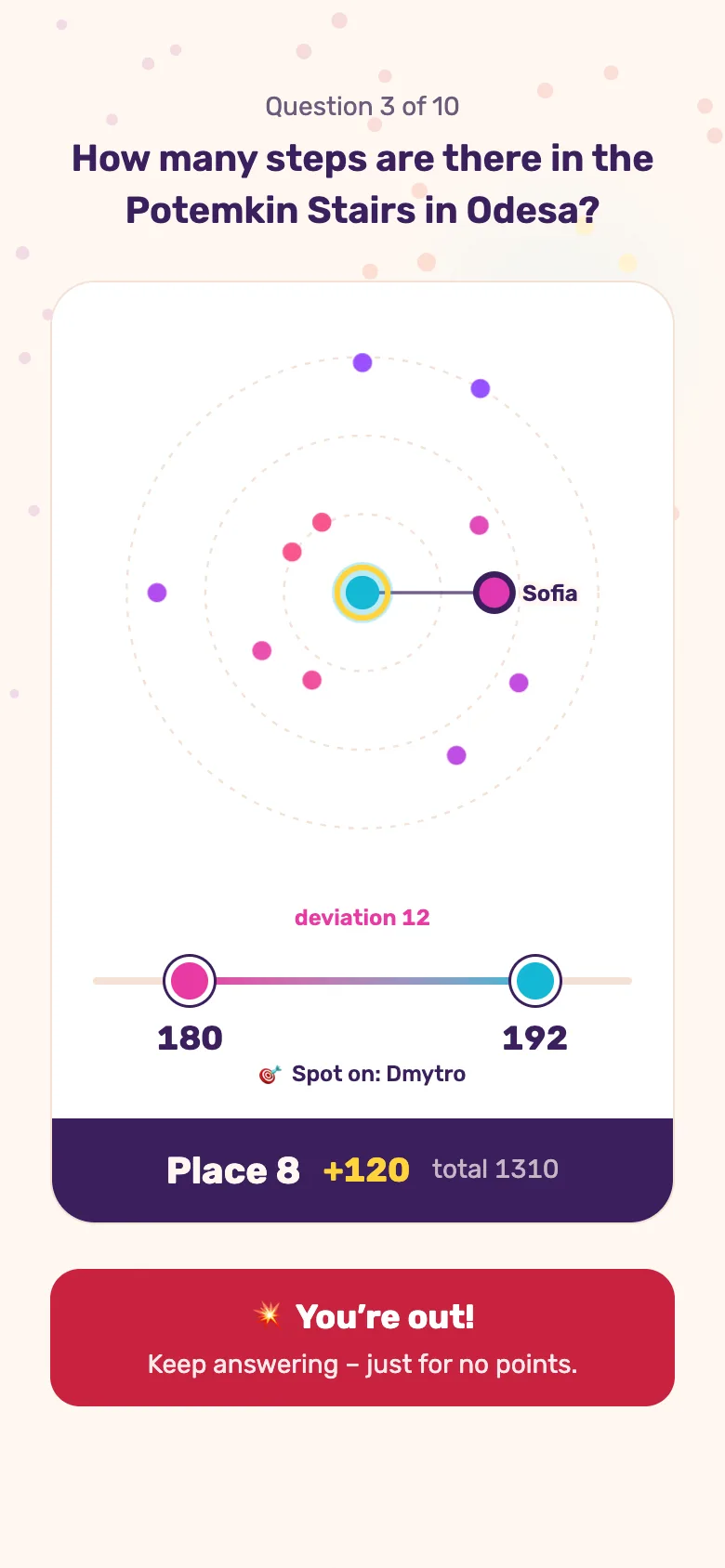
- 3The radar shows how far off everyone was; each player sees their place and points.
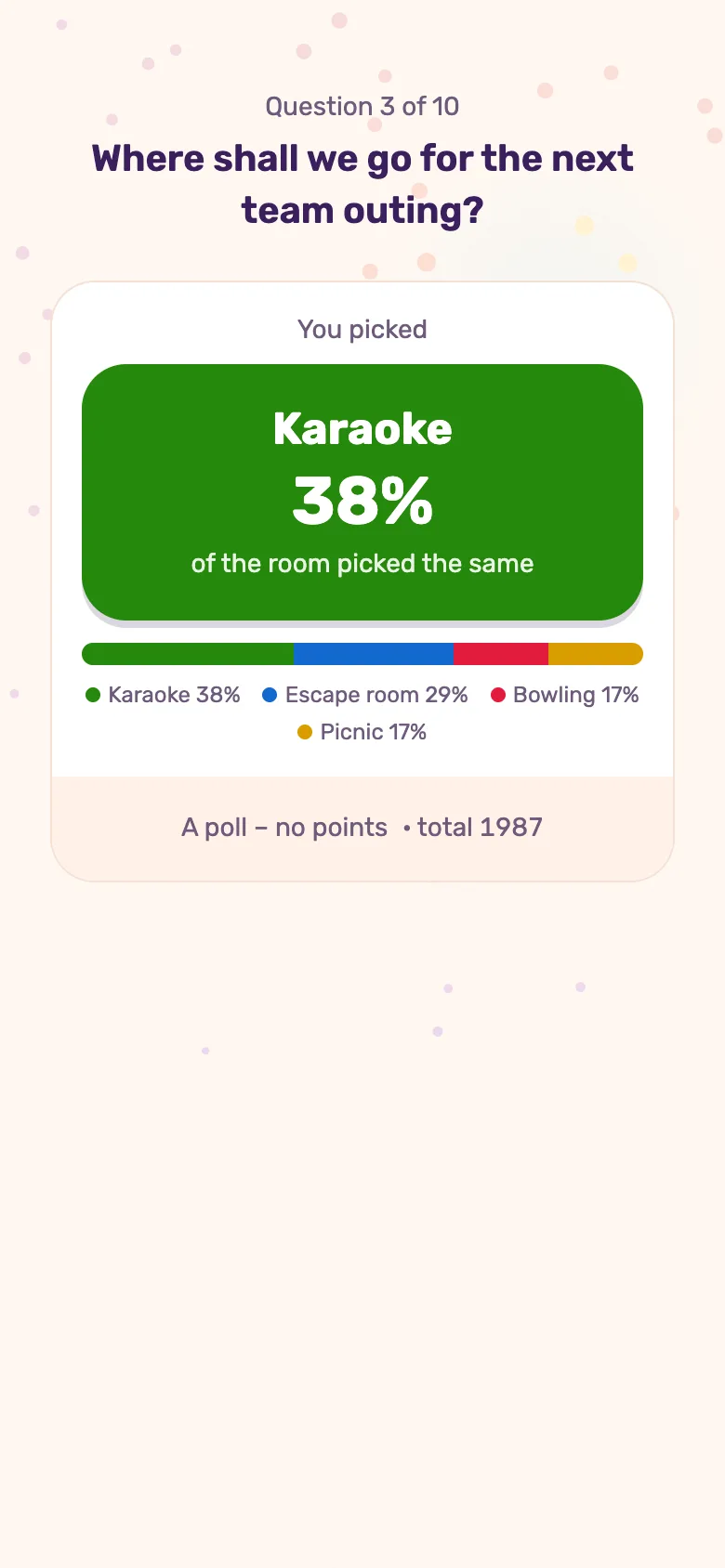
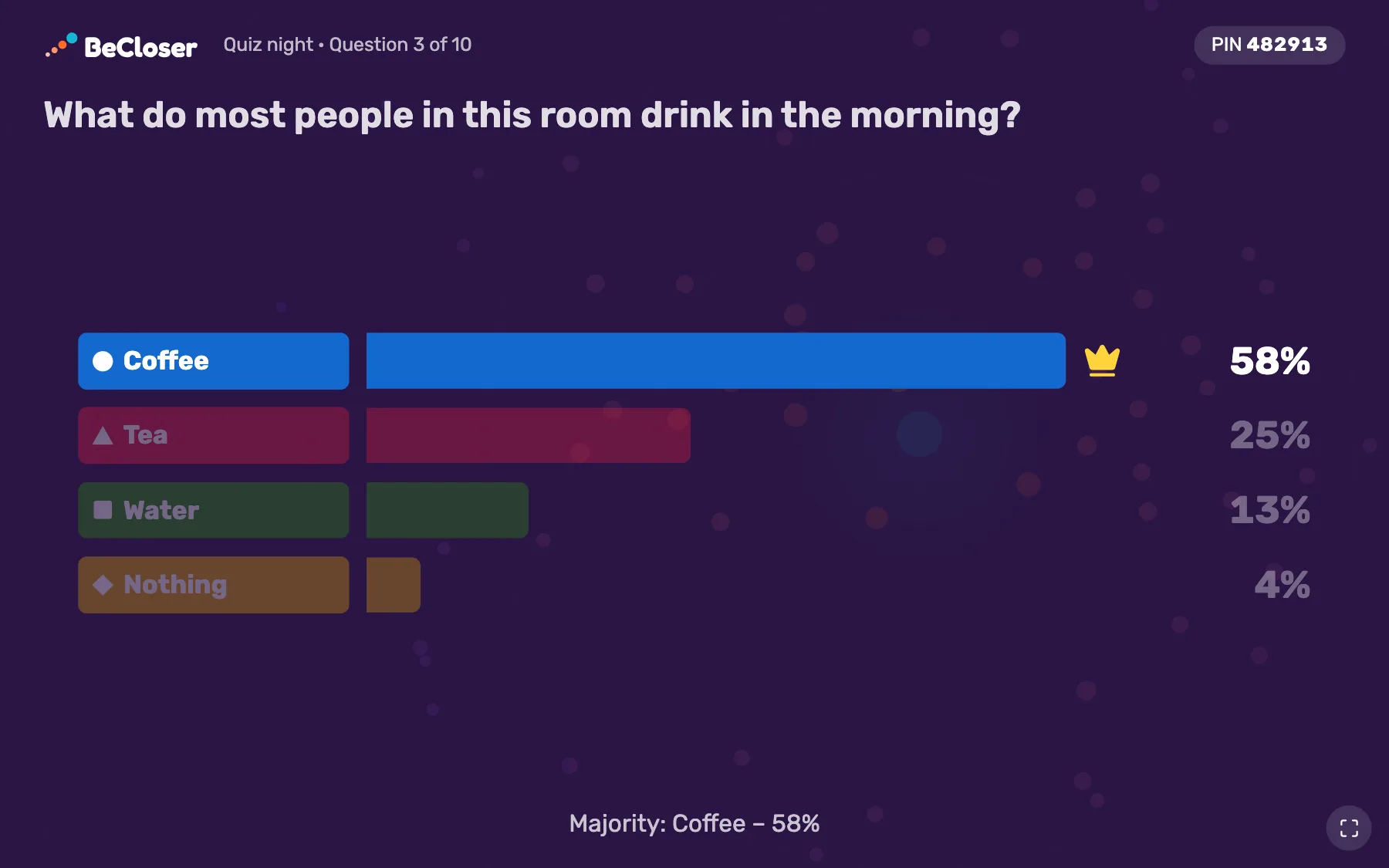
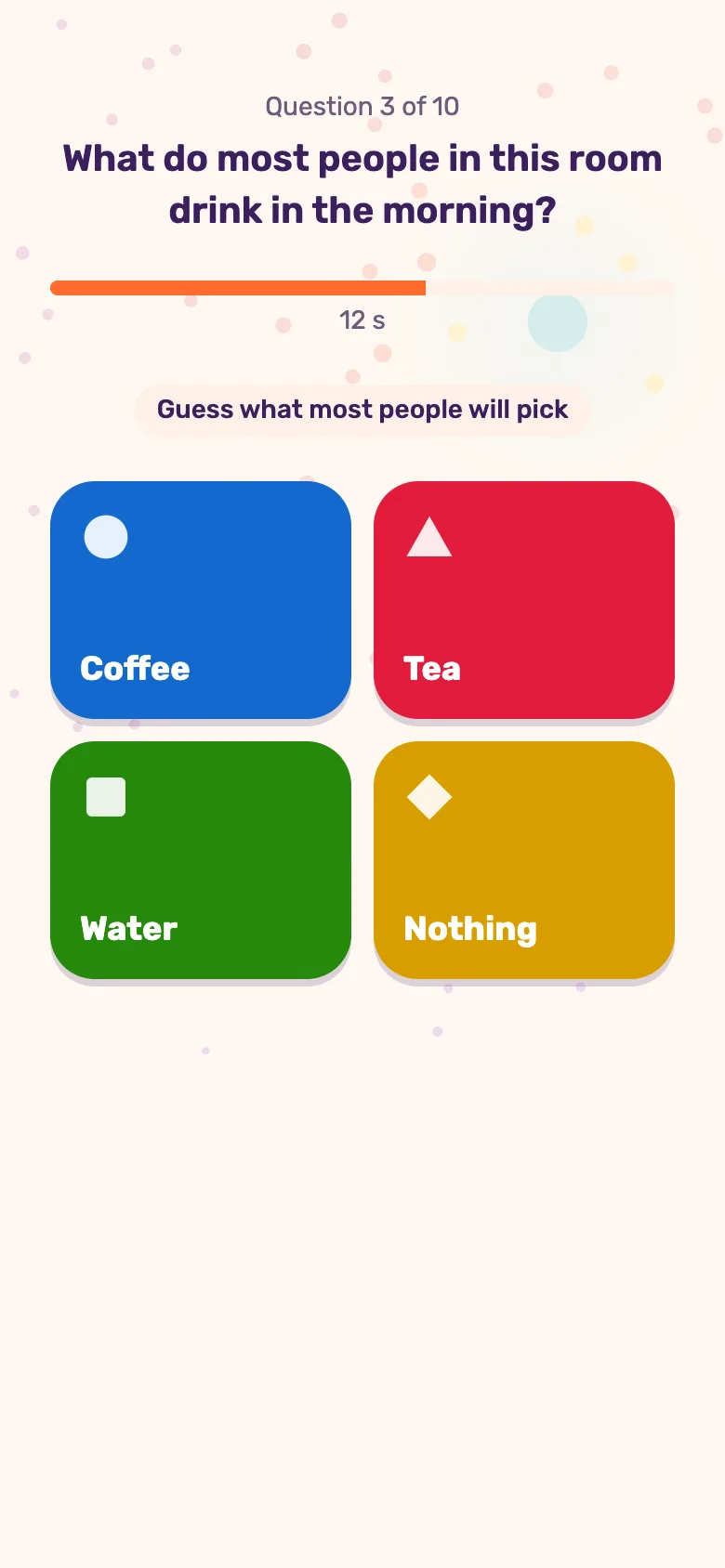
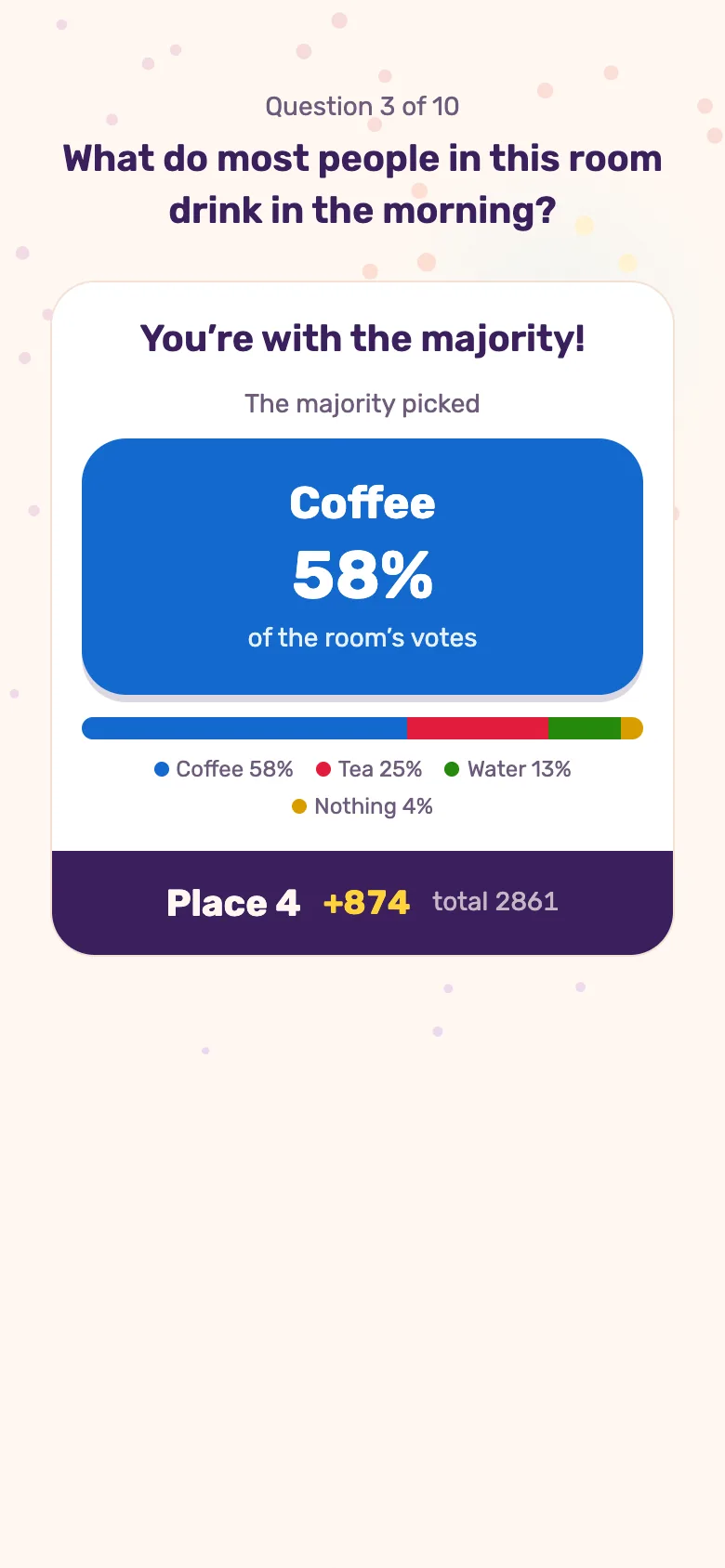
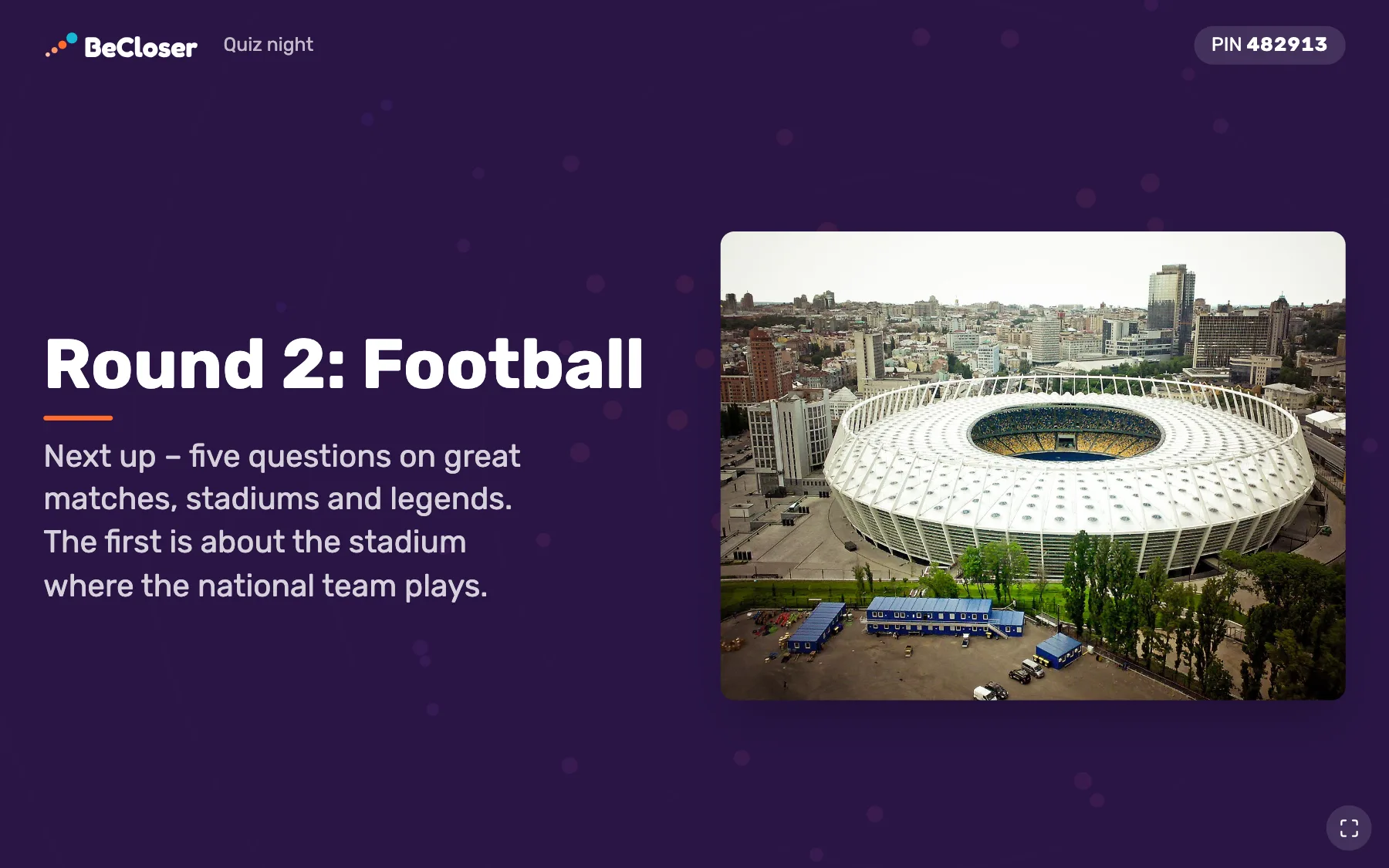
Game modes
The same questions can be played in different ways: knockout style, with a streak bonus, or with a picture coming clear before everyone’s eyes.
Survival
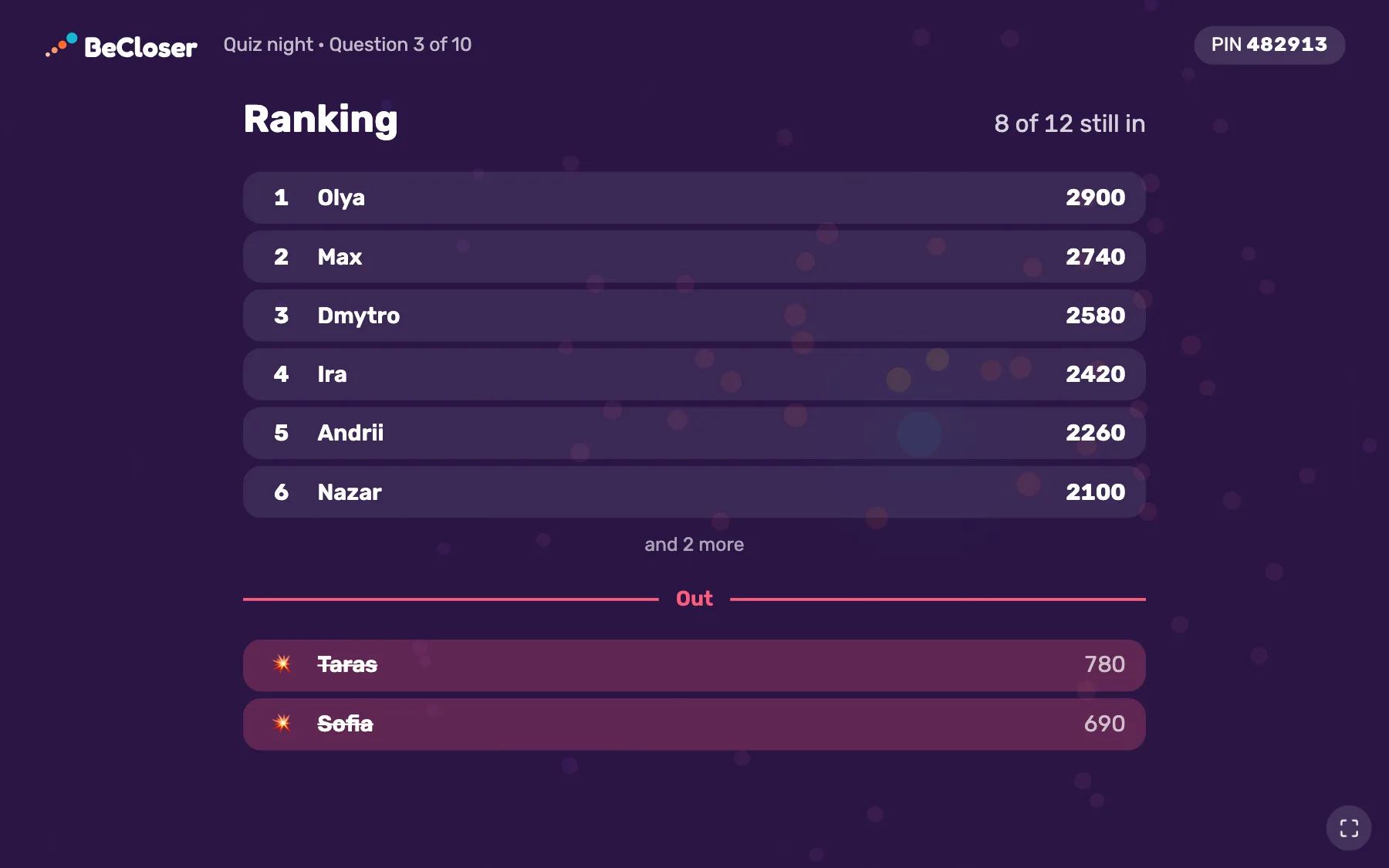
After each question the weakest go out – 1, 2, 3, a quarter or half. Those out play on for no points, and the last one left wins.
Streak bonus
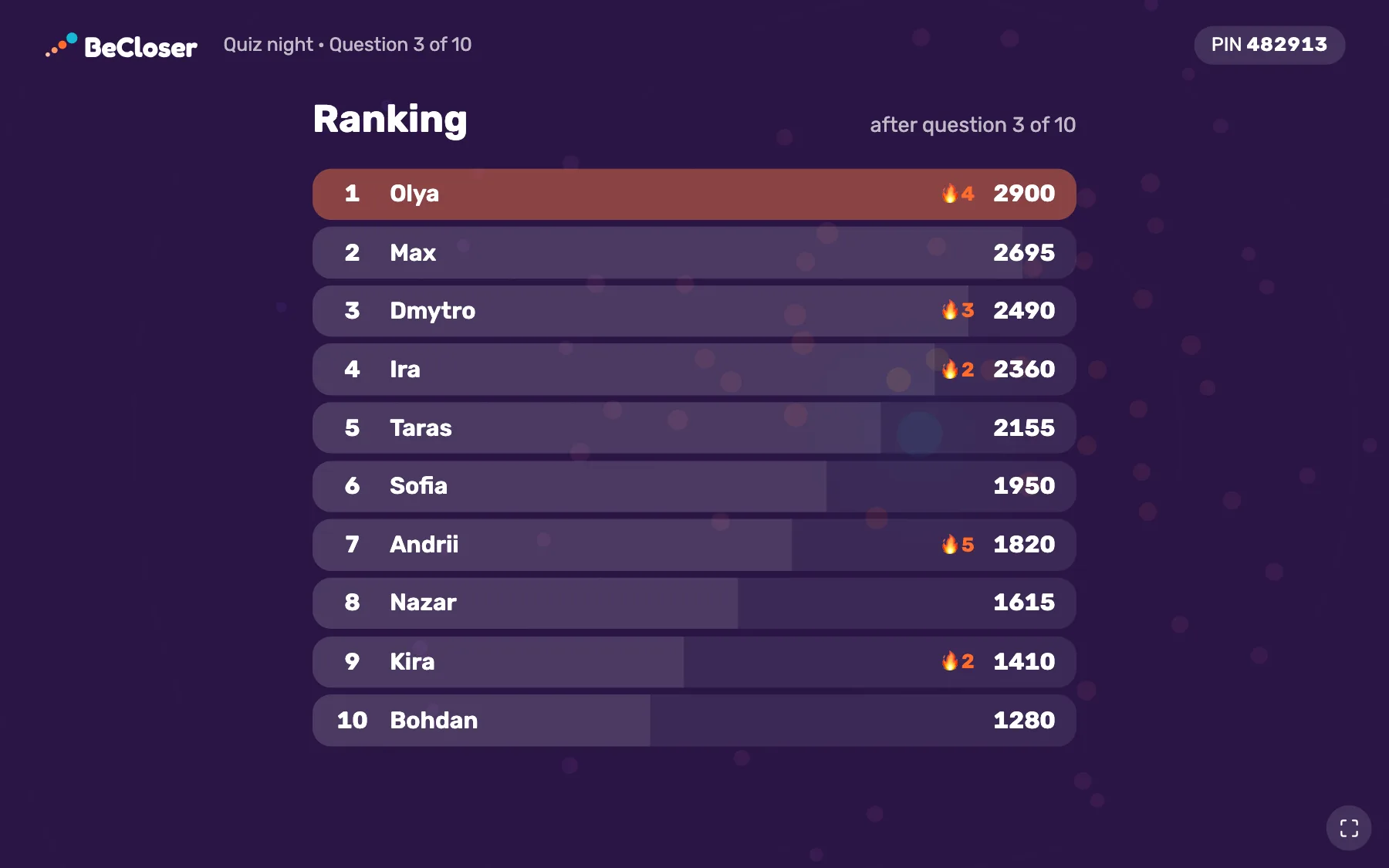
The second hit in a row adds +100, the third +200 – up to +500. On the projector a flame with the streak’s length burns beside the score.
A picture coming clear
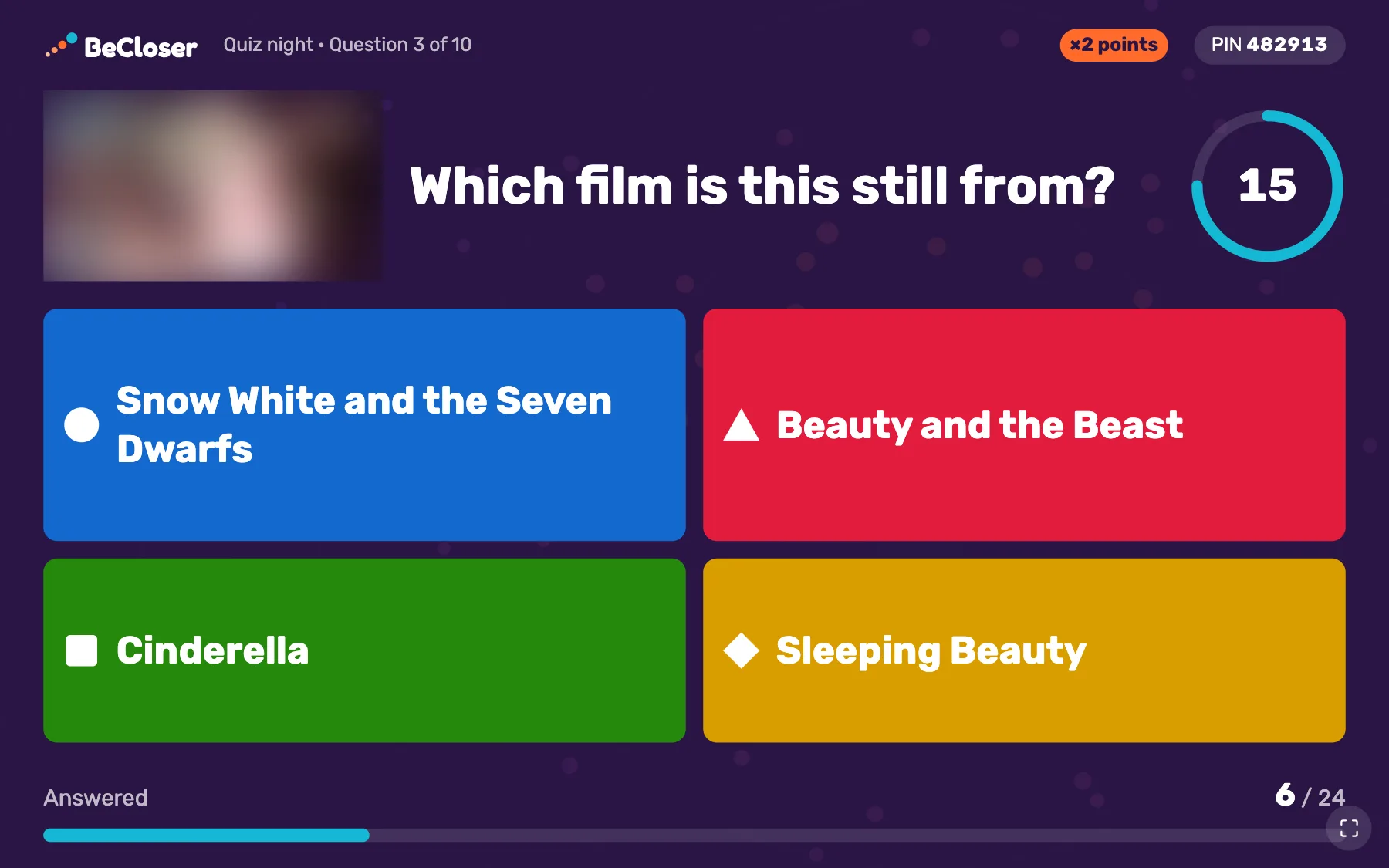
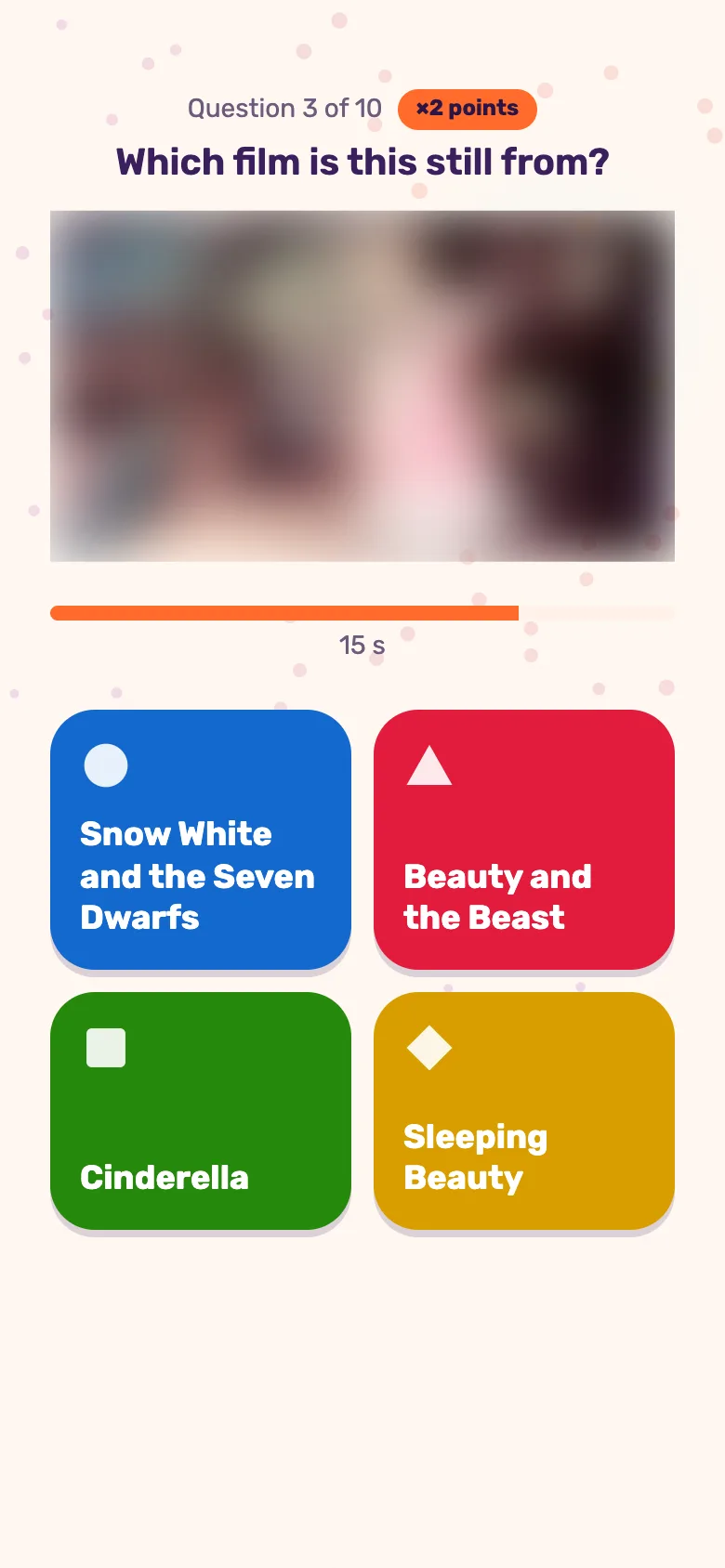
The question’s picture comes clear from a blur: whoever recognises it first answers first. And any question can be worth ×2 or no points.
Confidence bet
“I’m sure” next to the answer: a hit pays ×1.5, a miss costs half the question’s points.
Team game
From 2 to 8 teams in their own colours. A team gets its players’ average, so a big team has no edge over a small one.
×2 and “No points”
Double points for the final question or “No points” for a warm-up – set per question.
Music and sounds
Music in the lobby and under questions, a countdown and fanfares from the projector screen. Turned on when creating the game.
Quiz with a deadline
A quiz by link closes on its own at the time you set, and whoever started before it plays to the end.
New mode
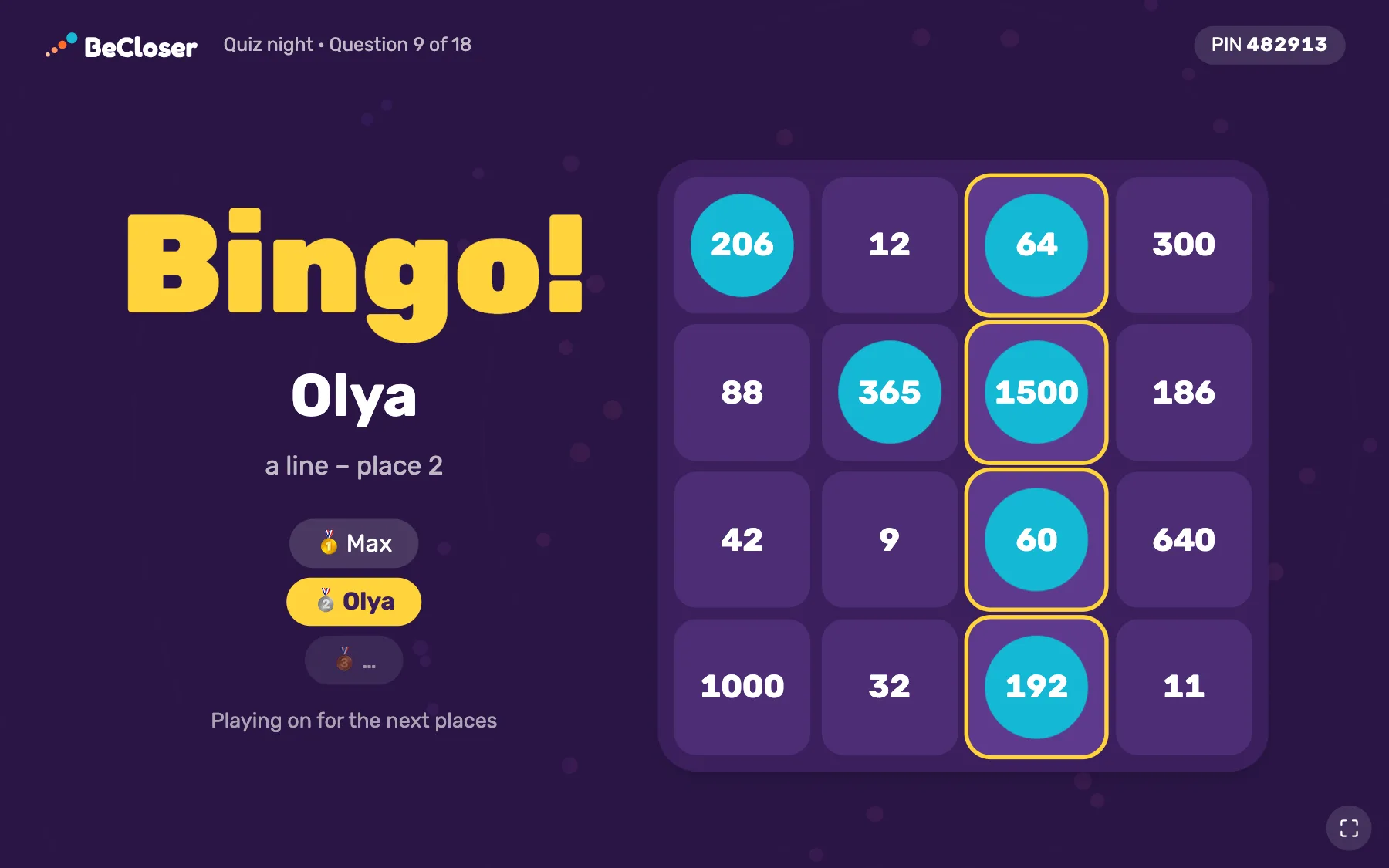
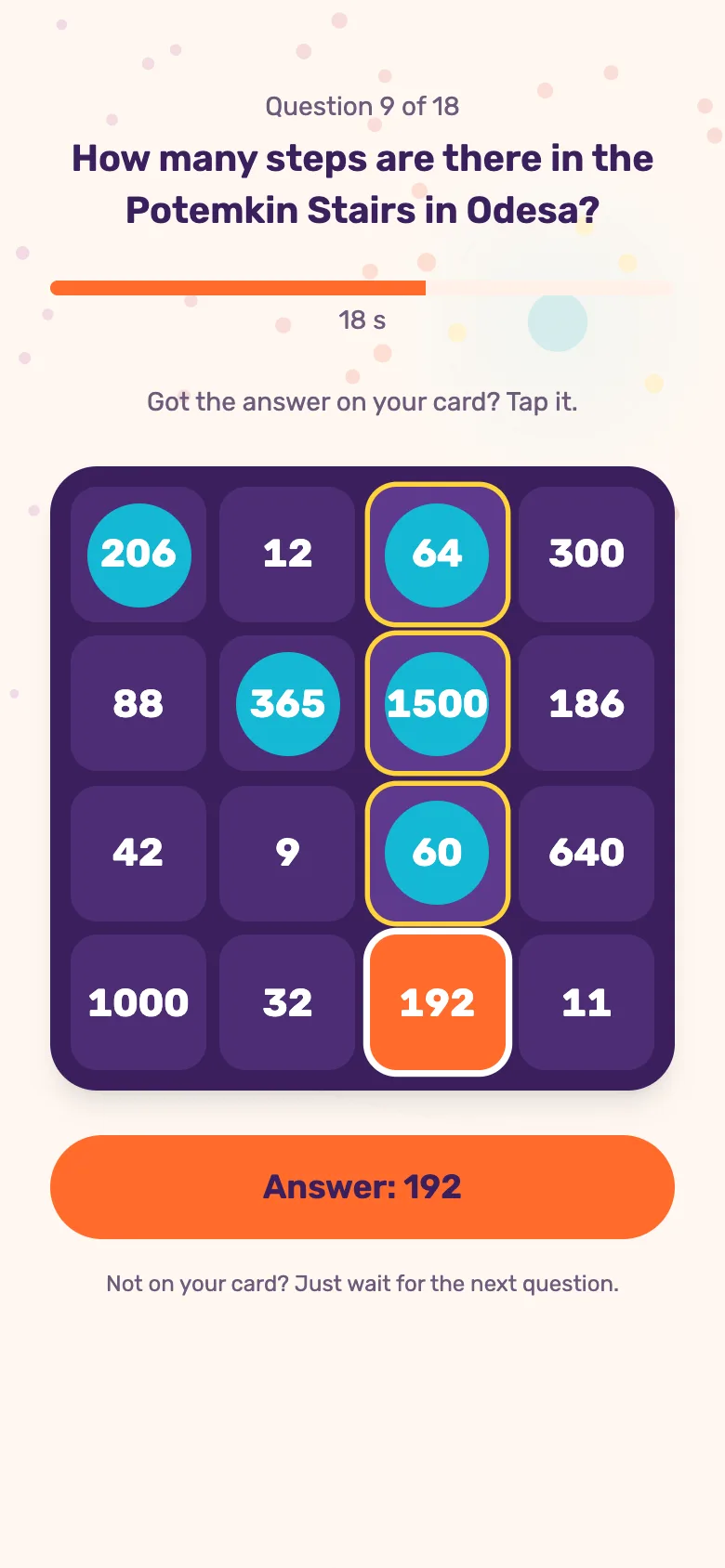
Number bingo
Every player has their own card of numbers on their phone – answers to the questions and traps that look like them. The host shows a question, players tap the right numbers, and the first to fill a line has bingo!
- Only the right answer marks a cell: knowledge wins, not luck.
- The screen shows who is “almost bingo” – the room cheers to the end.
- Played for 1st, 2nd and 3rd place: the fun doesn’t stop at the first bingo.
AI assistants
A quiz from ChatGPT in a minute
Connect BeCloser to ChatGPT, Claude or another assistant with MCP connectors and just ask for a game in the chat. It appears in your games: check it and host it as usual.
Create a 10-question space quiz for our team party
Done: the game is in “My games”
Which game to put together
Pick your occasion: we suggest the format, the modes and the question types, and the game plan is ready to use as it is.
All use casesWho it’s for
Friends at home, a quiz night at a bar, a crowd before a film.
What matters is that everyone plays, not just the know-it-alls. Number questions give everyone a chance, survival makes the final tense and the streak bonus makes it a thrill.
Format
- Live game
- Quiz by link
Modes
- Survival
- Streak bonus
- Confidence bet
- A picture coming clear
- Music and sounds
Question types
- Closest answer
- Higher or lower
- Multiple choice
- Majority pick
- Pin on a map
- Poll
Game plan
- 1Warm-up: two or three “Closest answer” questions – heights, years, prices. Nobody knows exactly, so everyone plays.
- 2“Higher or lower” – a quick round where a streak is easy to build.
- 3A film still coming clear from a blur, for ×2 points: who recognises it first.
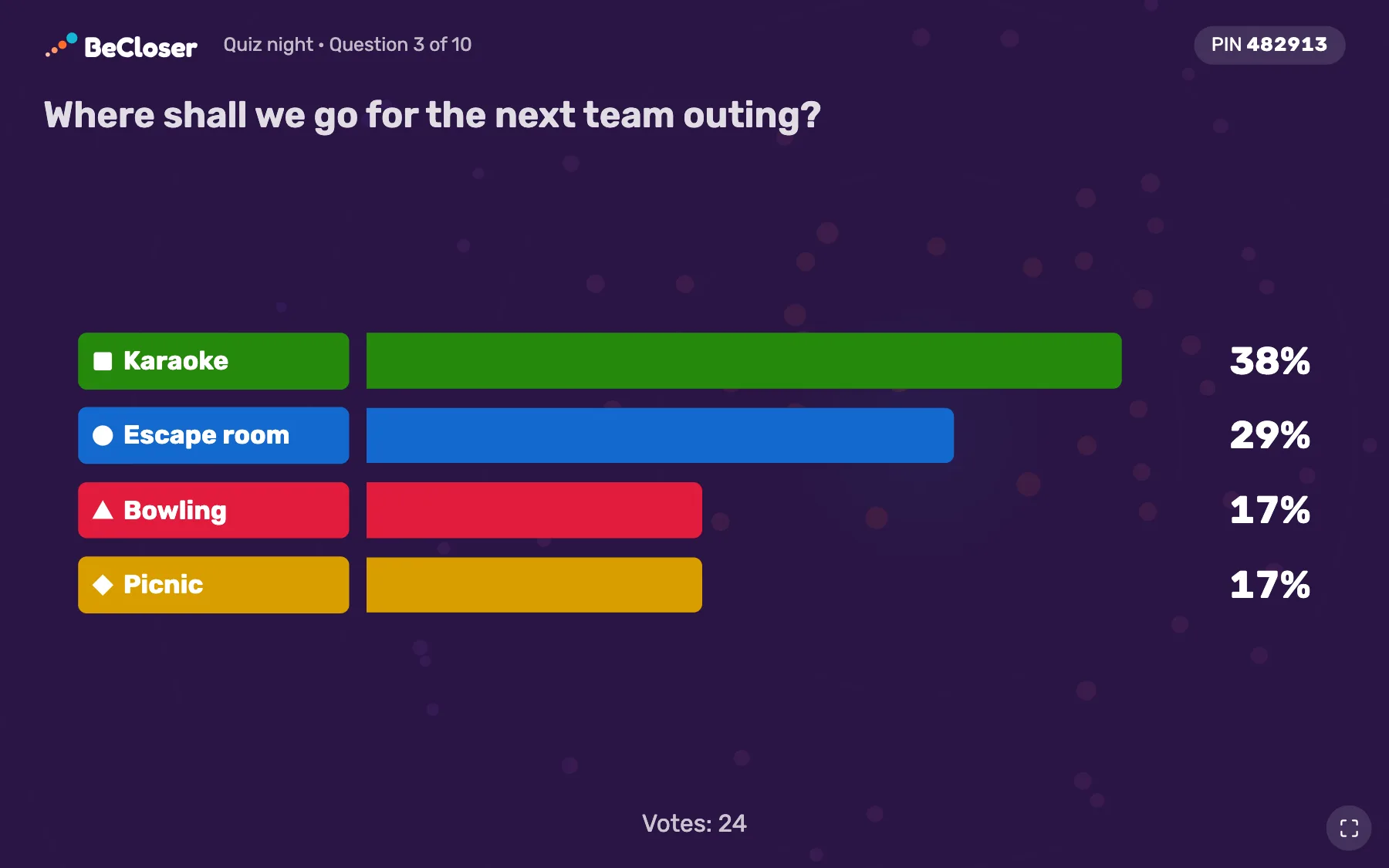
- 4“Majority pick” about the group itself: who falls asleep first, where we go next.
- 5With survival set to “1 goes out”, two or three reach the last questions and the whole room watches the final.
For teachers
A lesson where every student answers
Students answer from their phones, reason through number questions and see how close they got. And you see at once what the class has understood – before the test. No projector needed: it all shows on the phones.
- Everyone answersNot just whoever raises a hand first.
- See who understood whatThe radar, the hardest question and an Excel report.
- No student accountsA PIN and a name – no sign-up, no app.
- Homework quizzesBy link, with a deadline that closes the quiz on its own.
For HR and teams
A quiz the whole team plays
An office party, onboarding new hires, an all-hands with questions for leadership, or a remote team on a call. Seniority gives no edge: whoever gets closest wins.
- Everyone joins inThe quiet ones too – everyone answers from their own phone.
- Your brand, freeYour logo and colour on the phones and the projector.
- Department teamsFrom 2 to 8, by average – fair for any size.
- Office or callZoom, Meet, Teams, or a quiz by link with a deadline.
How a live game starts
It takes a few minutes to get from an empty game to the first question on your players’ phones.
- 1
Create a game
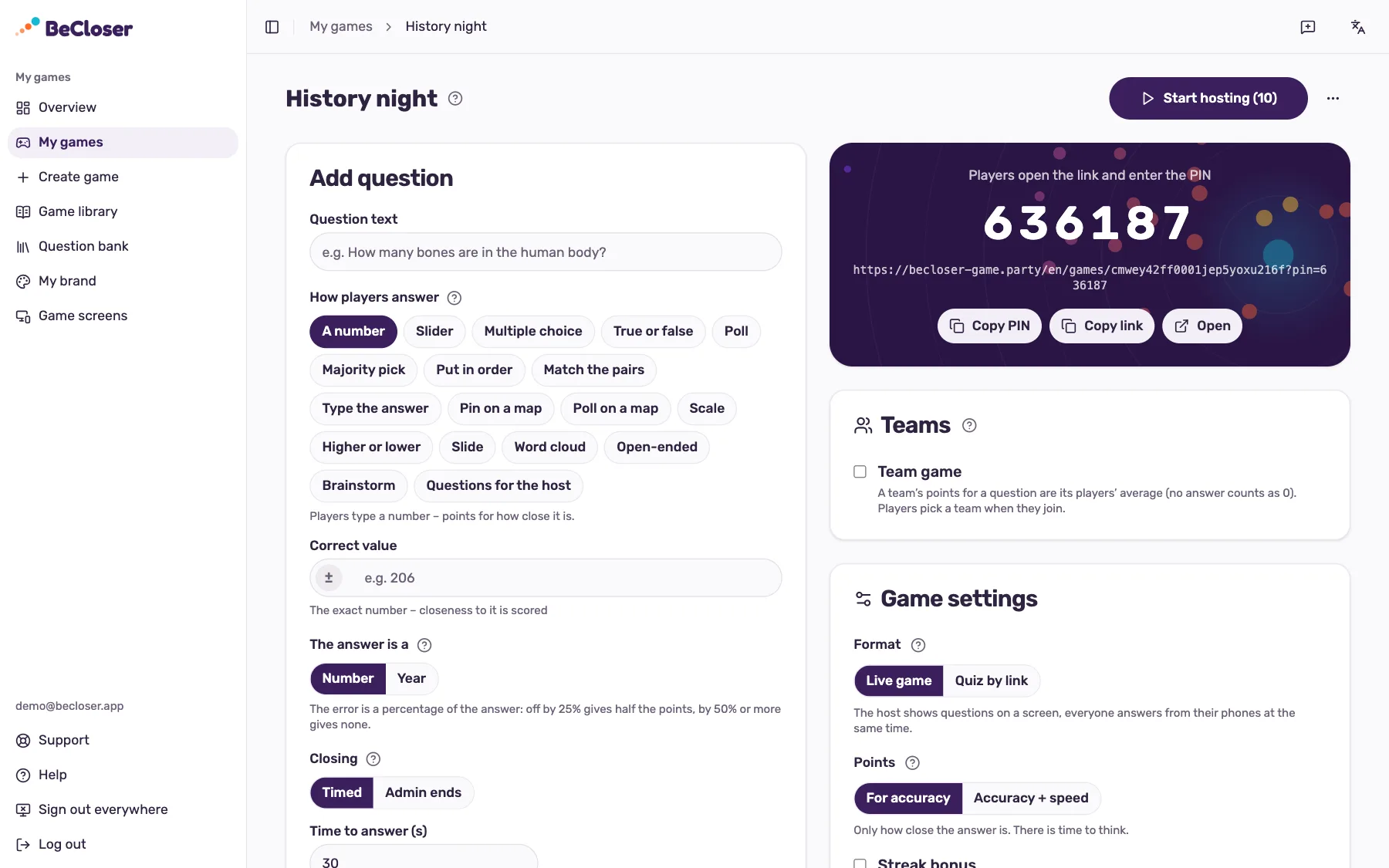
Name it and add questions: take a topic from the bank or type your own. Give each question its kind, the right answer and a time limit. Drag to reorder.
- 2
Open the lobby
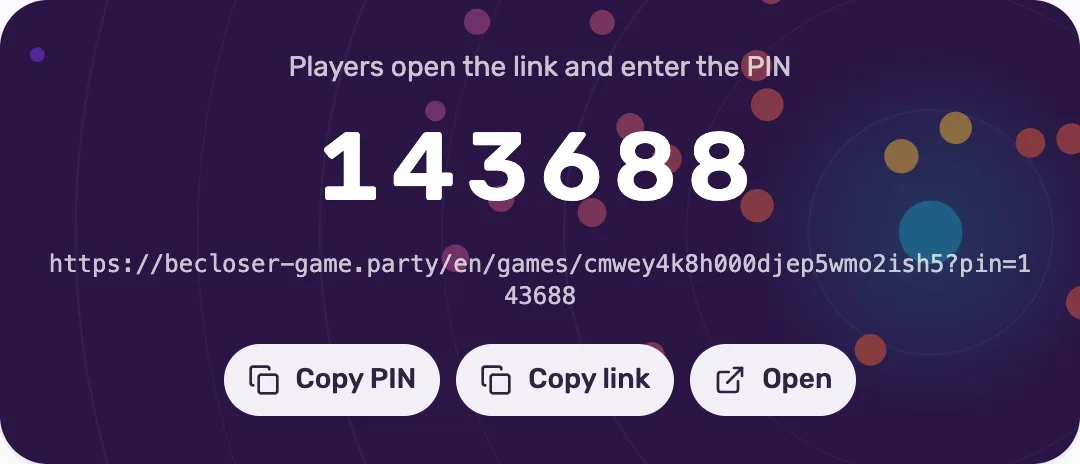
Press “Start hosting”. The game’s PIN and a link for players appear. Put this screen on the projector or drop the link in a chat.
- 3
Players join from their phones
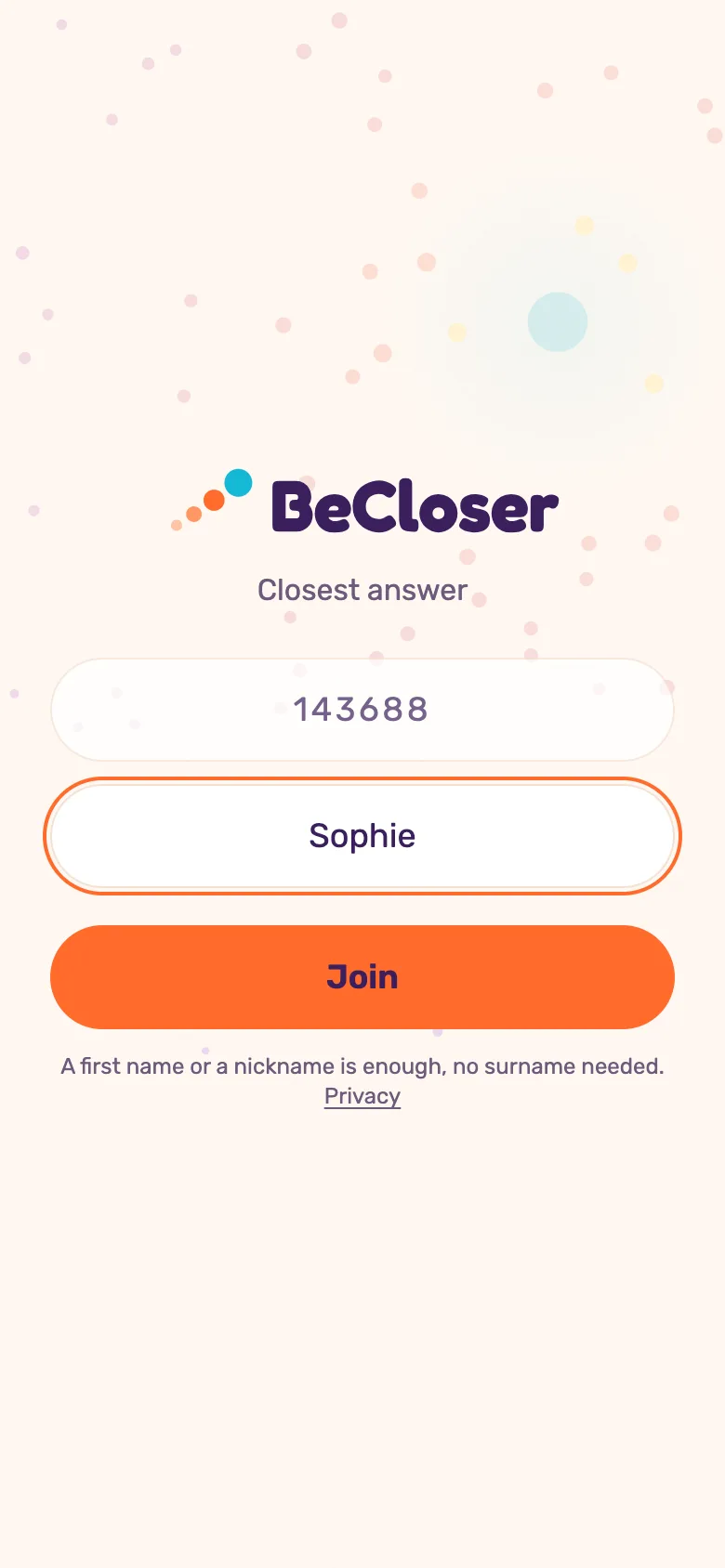
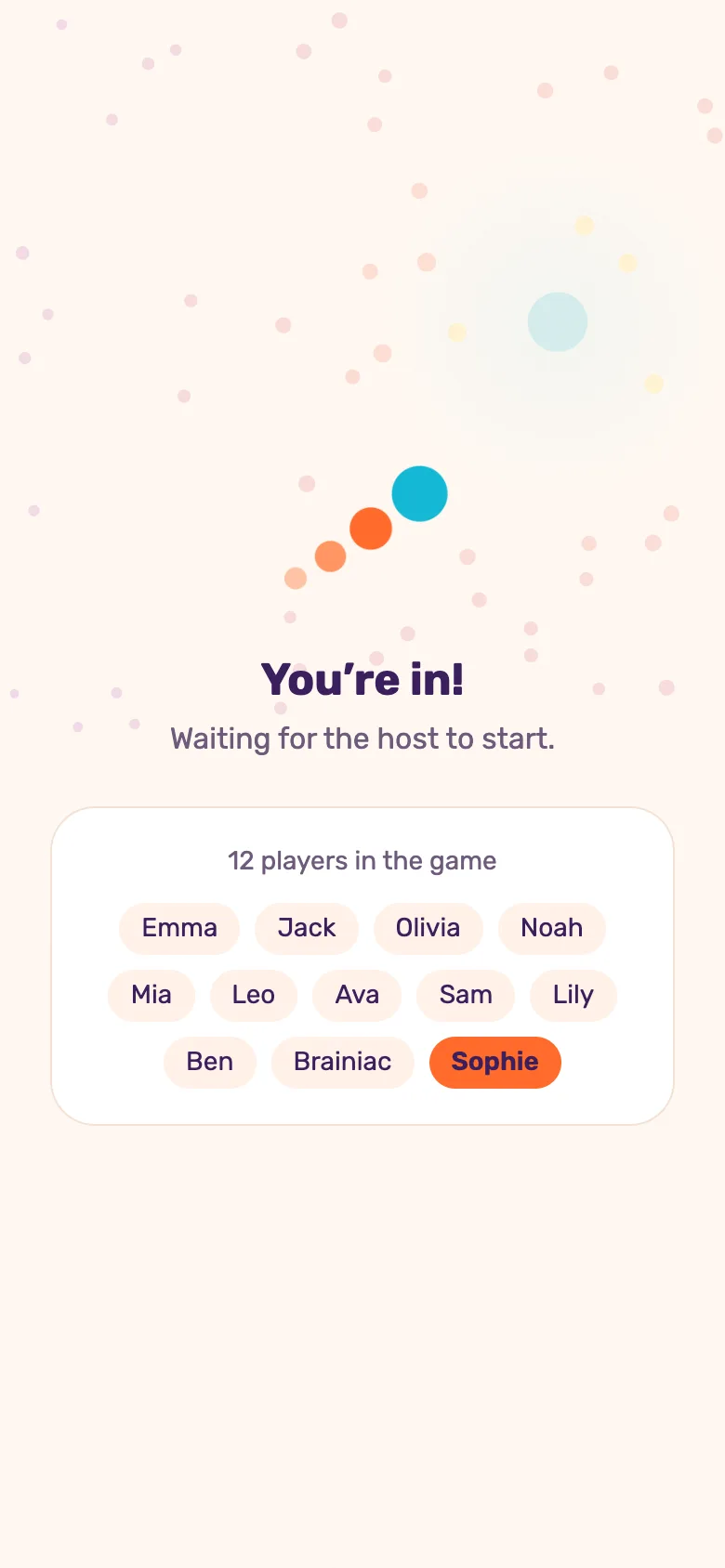
The link fills in the PIN, so players only type a nickname. No app, no sign-up. In the lobby everyone sees who else is in.
- 4
The first question
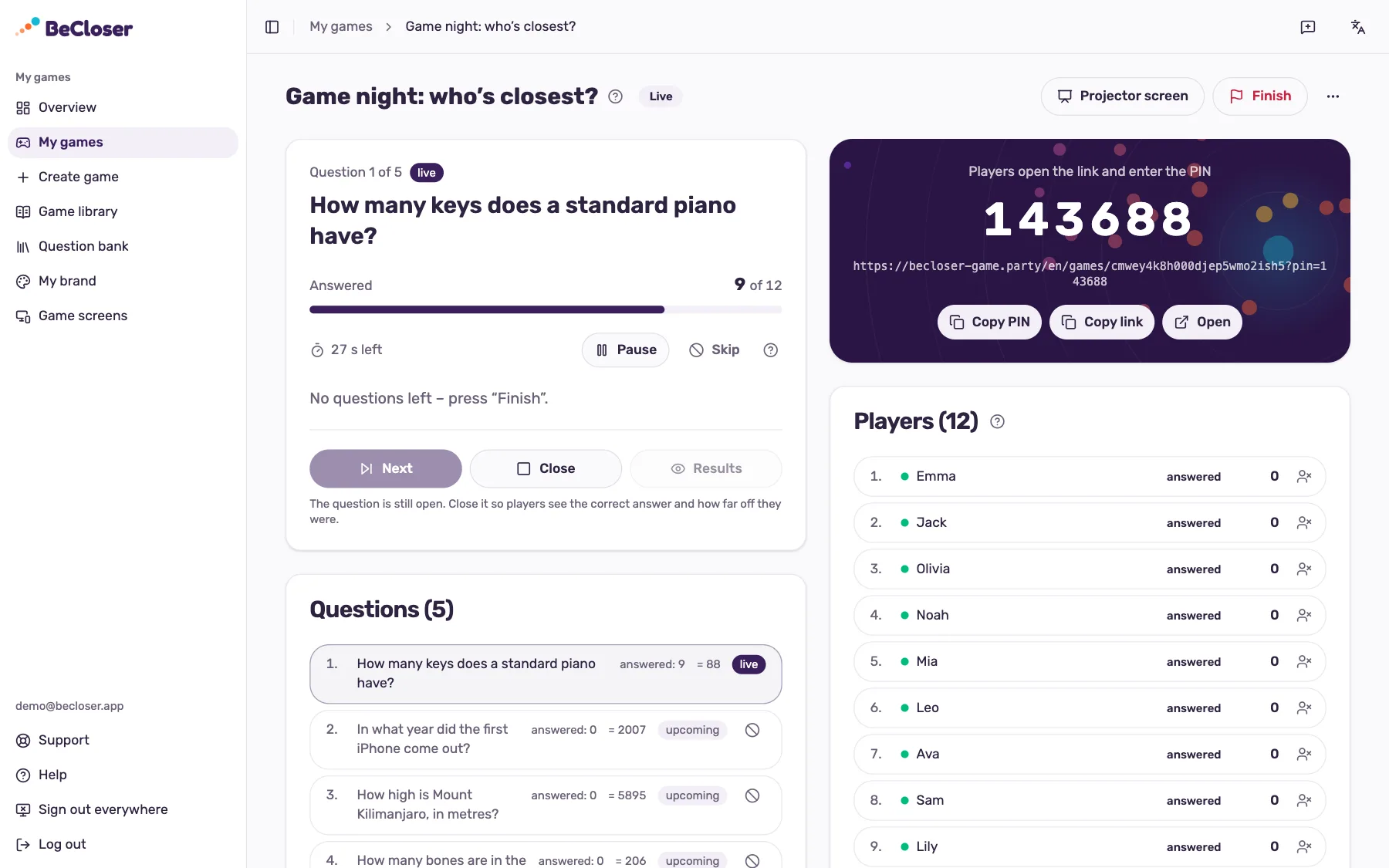
Press “Next”: the question appears on every phone and the timer starts. Your screen shows how many players have answered and who is still thinking.
What’s inside
Closeness radar
After every question everyone sees how far off they were and who hit the bullseye.
Thousands of ready questions
29 topics: space, film, world history, the Premier League, records and more. Or write your own in seconds.
Import from a spreadsheet
Questions from Excel, CSV or pasted cells, the Kahoot template included.
Host panel
Who has answered, who is still thinking, the live ranking. All on one screen.
Game report
How each question went, the hardest marked, and the whole game in one Excel file.
Any phone
A player only needs a browser. Lost the connection? They come back with the same score.
Daily number
One question a day for everyone, one go. Then you see how many players you beat, and your run of days in a row.
Practise alone
Play the bank’s big topics on your own, with no host and no sign-up, and beat your own record.
Reactions
Players who have answered send emoji from their phones, and they float up the projector screen.
Common questions
Is it free?
Yes. Everything in BeCloser today is free: games, questions and players with no limits. No bank card needed.
Do players need to install anything or sign up?
No. Players open the link or type the PIN on any phone with a browser and enter a nickname. Only the person who creates the game needs an account.
How many people can play?
From two friends to a full hall. Everyone answers from their own phone, and the ranking and radar show them all.
Can we play in teams?
Yes, live and in a quiz by link. From 2 to 8 teams: players pick theirs when they join, and the host can move anyone before the start. A team’s points are its players’ average, so teams of any size have the same chance.
What kinds of question are there?
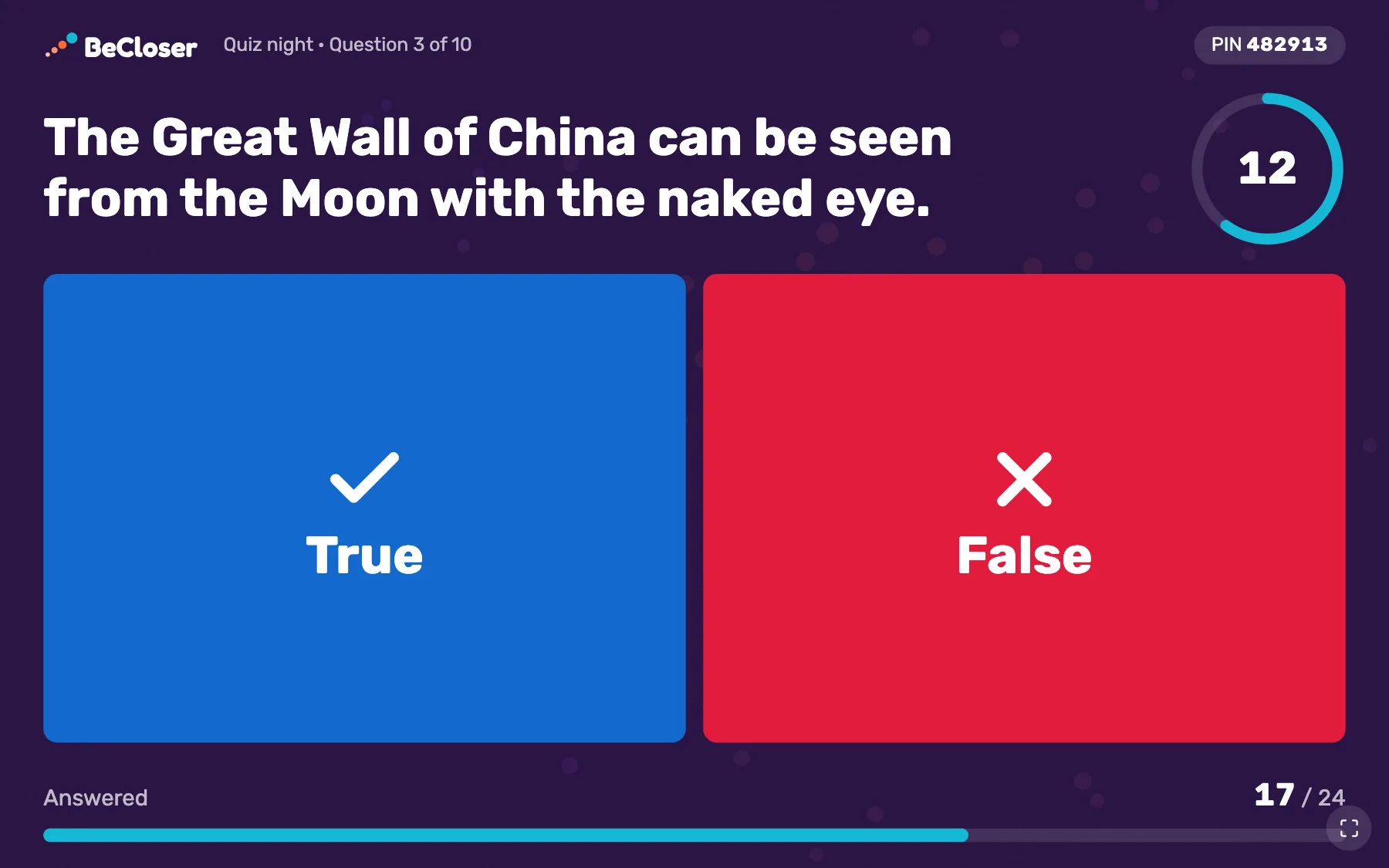
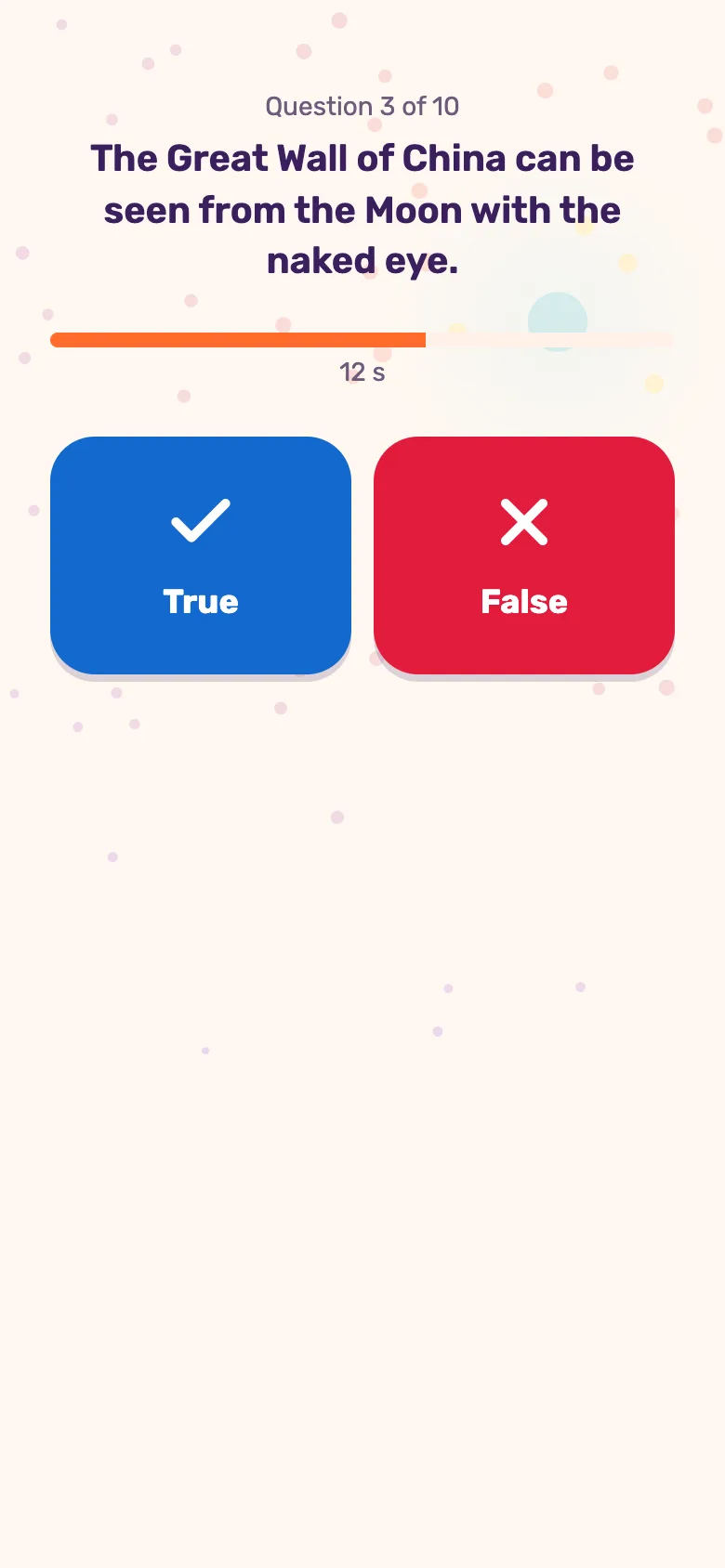
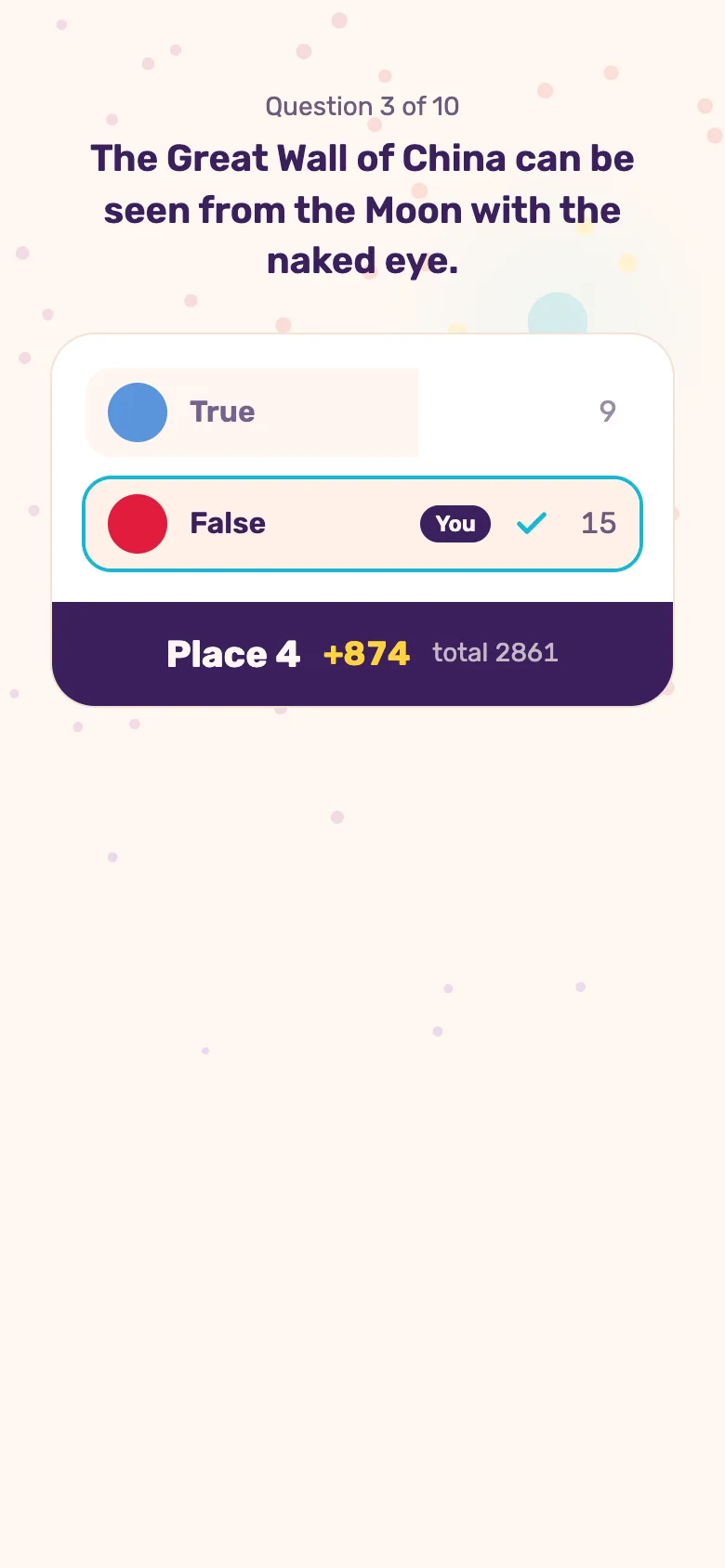
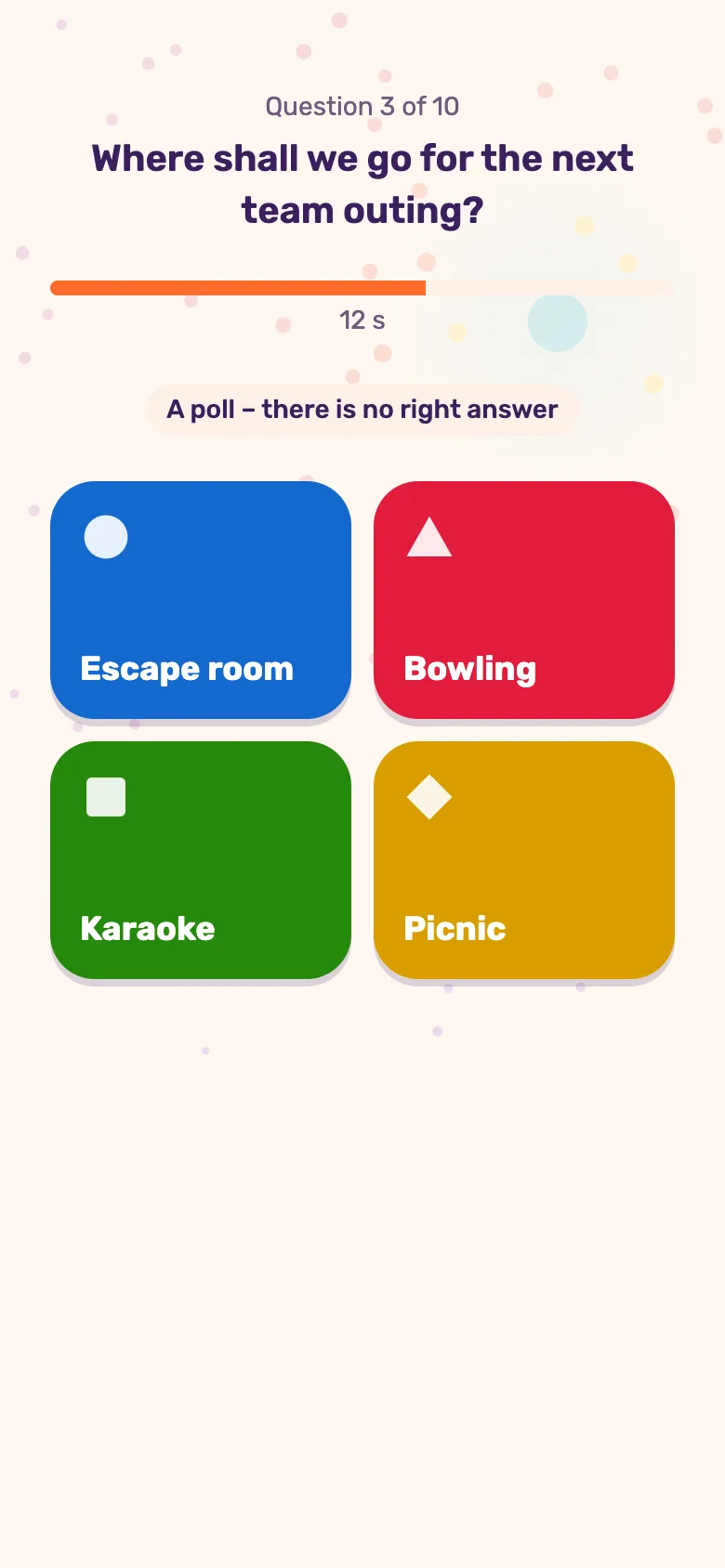
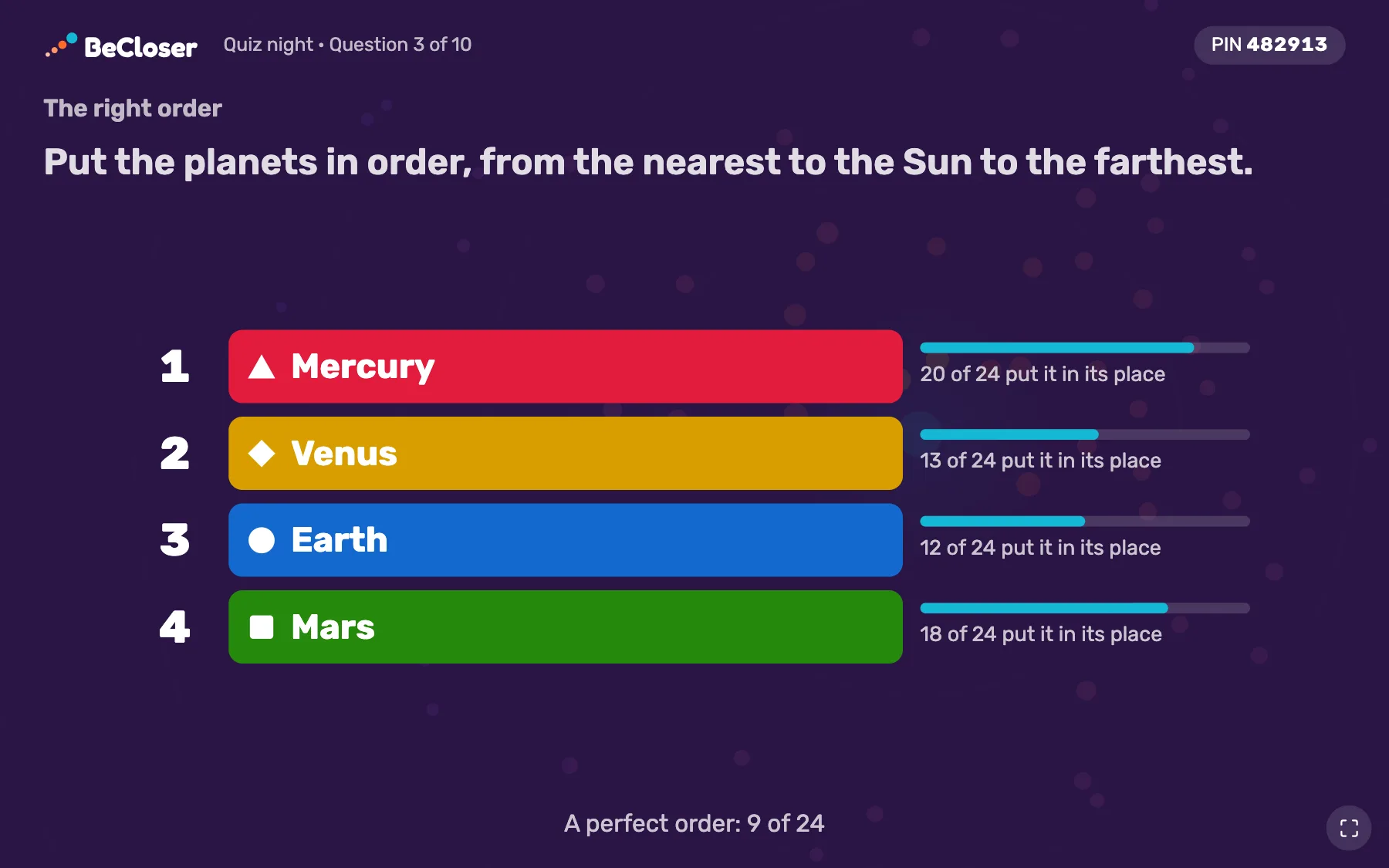
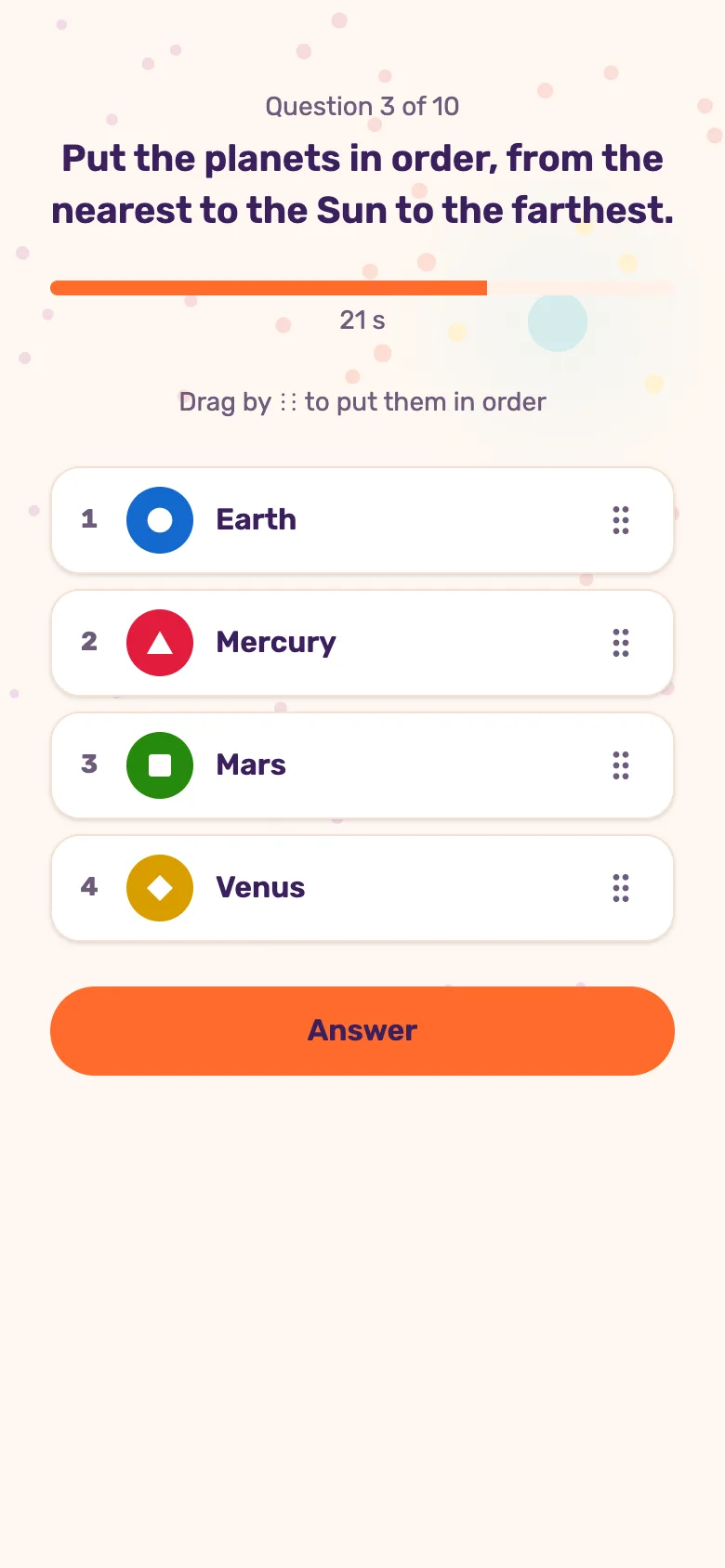
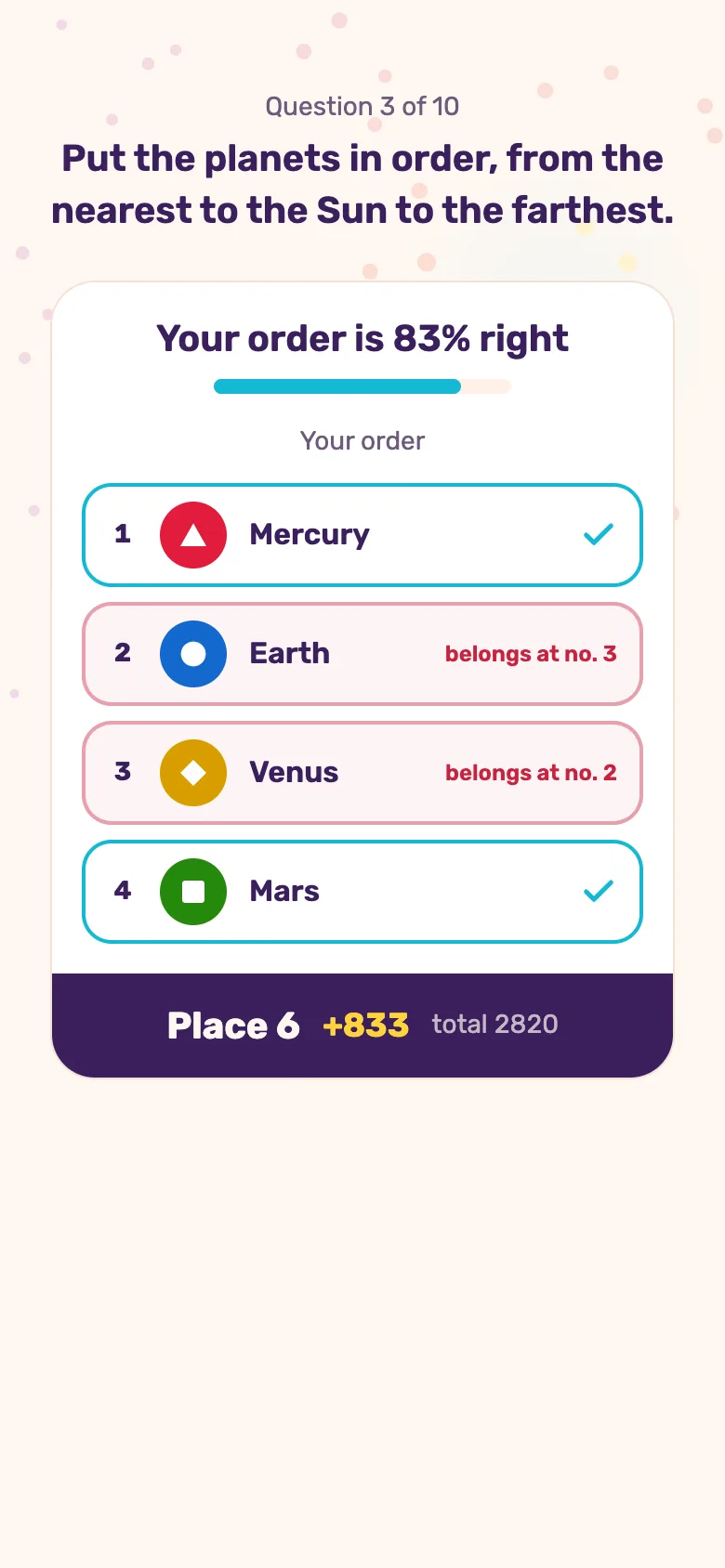
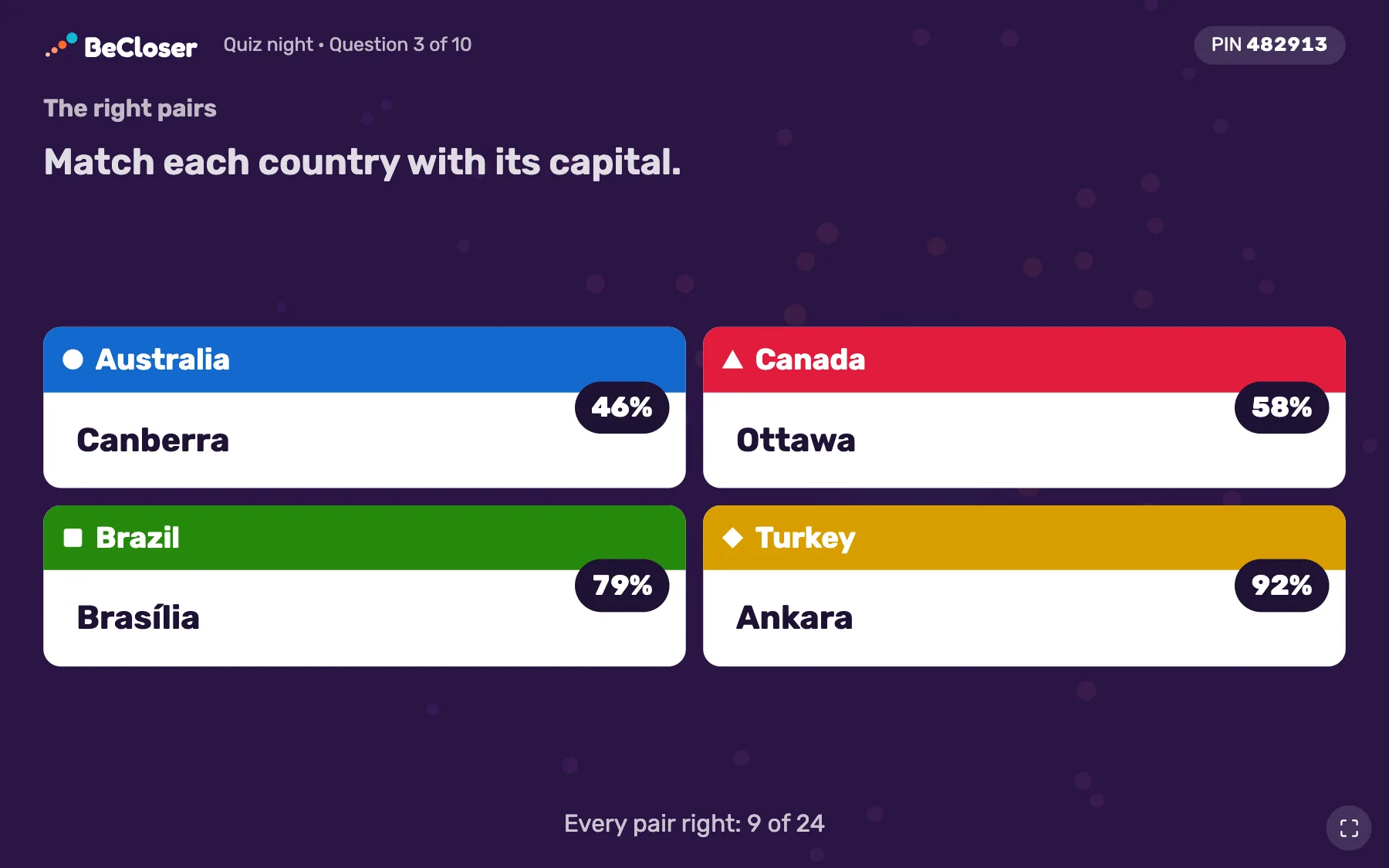
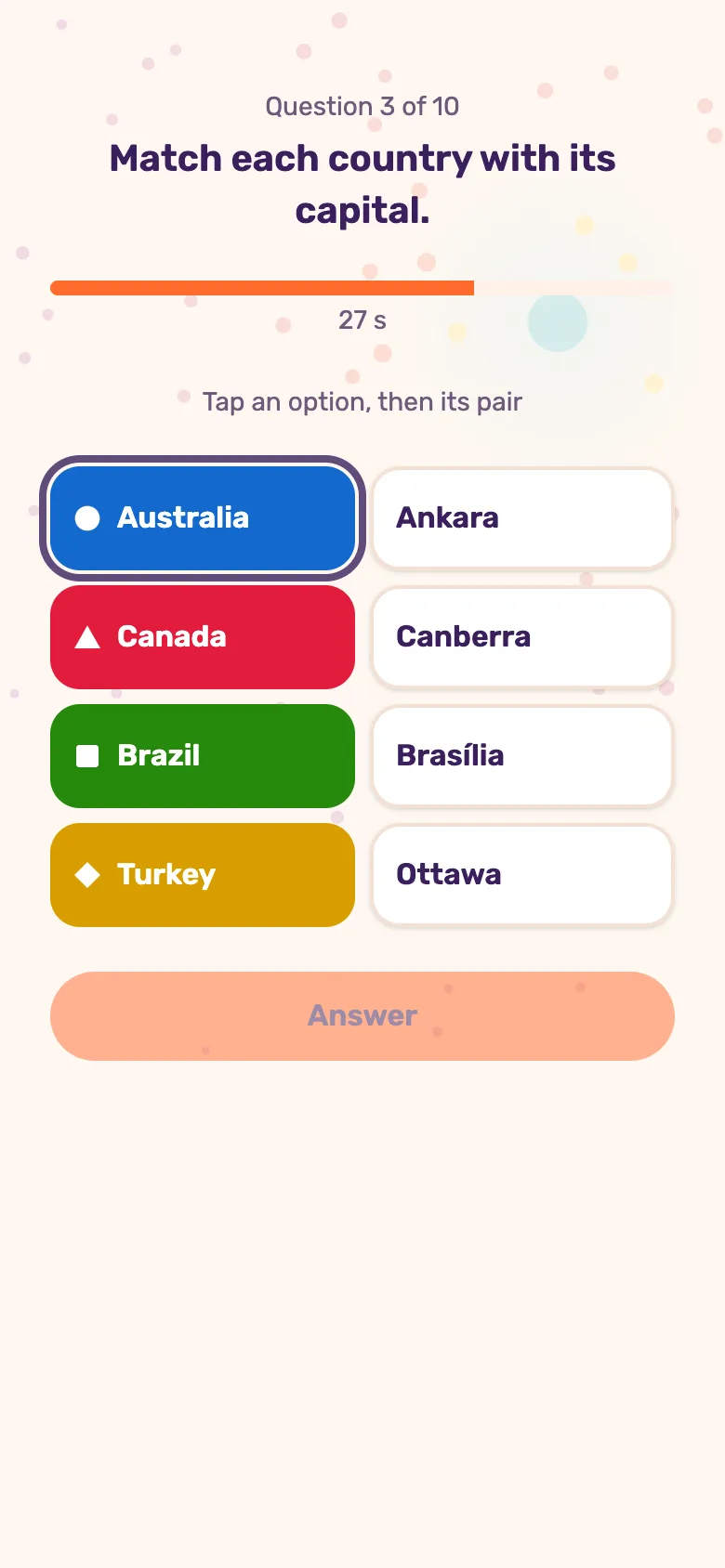
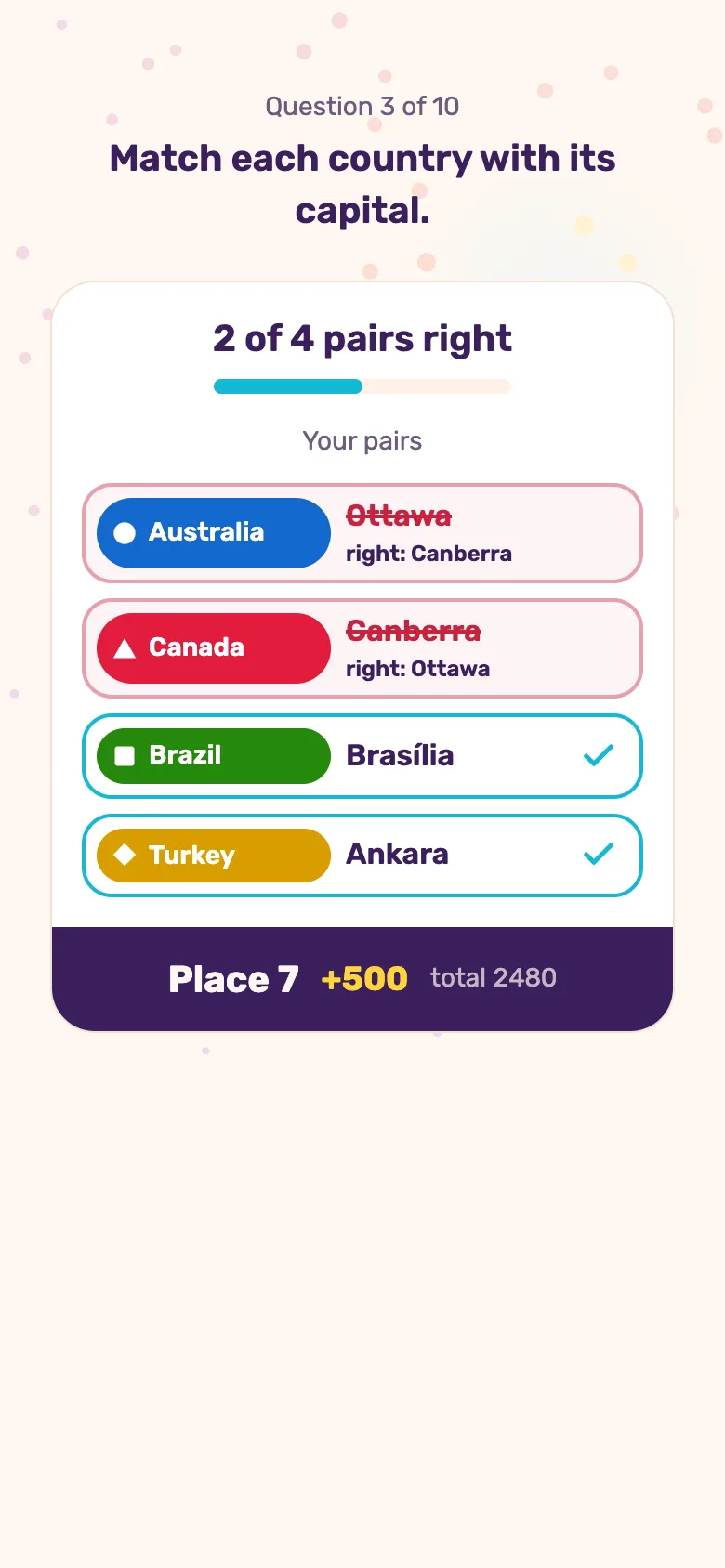
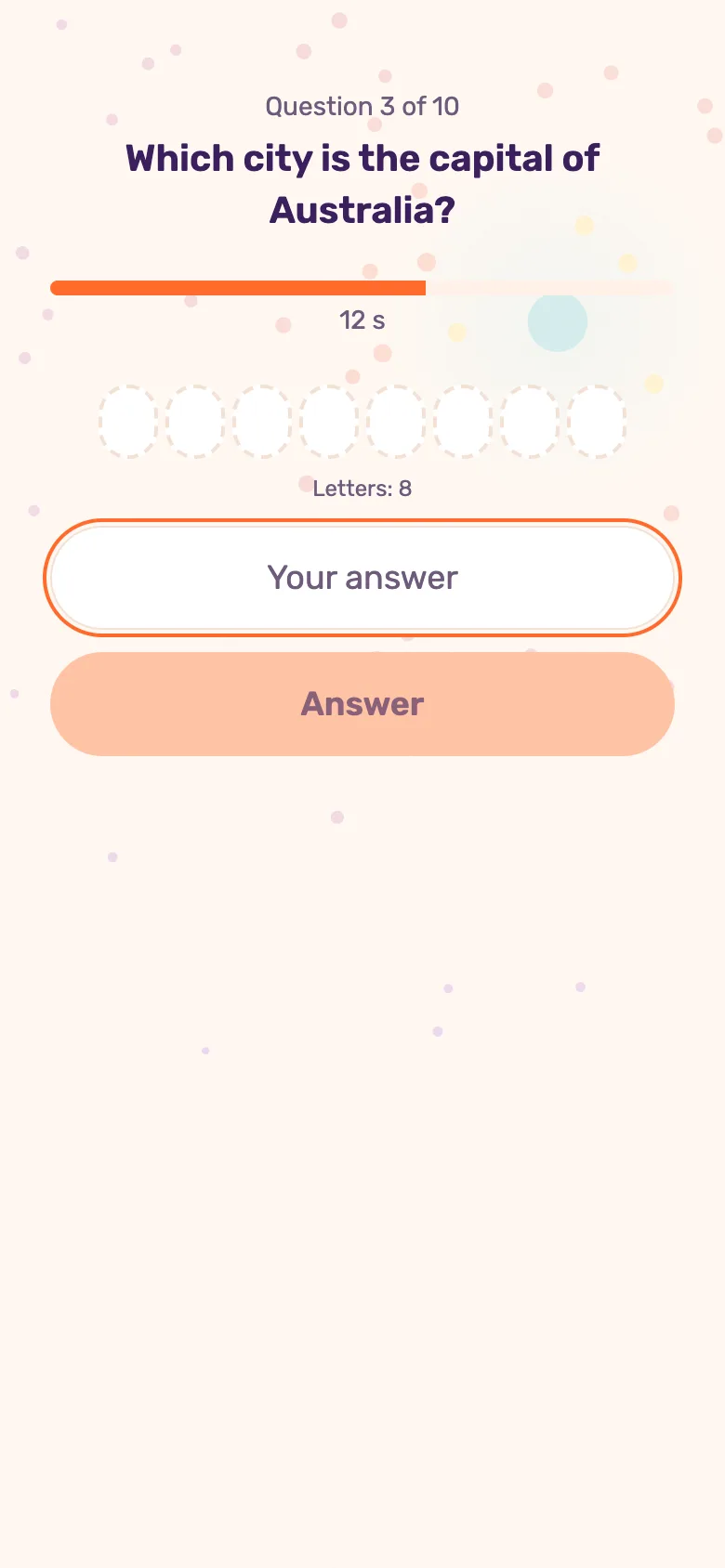
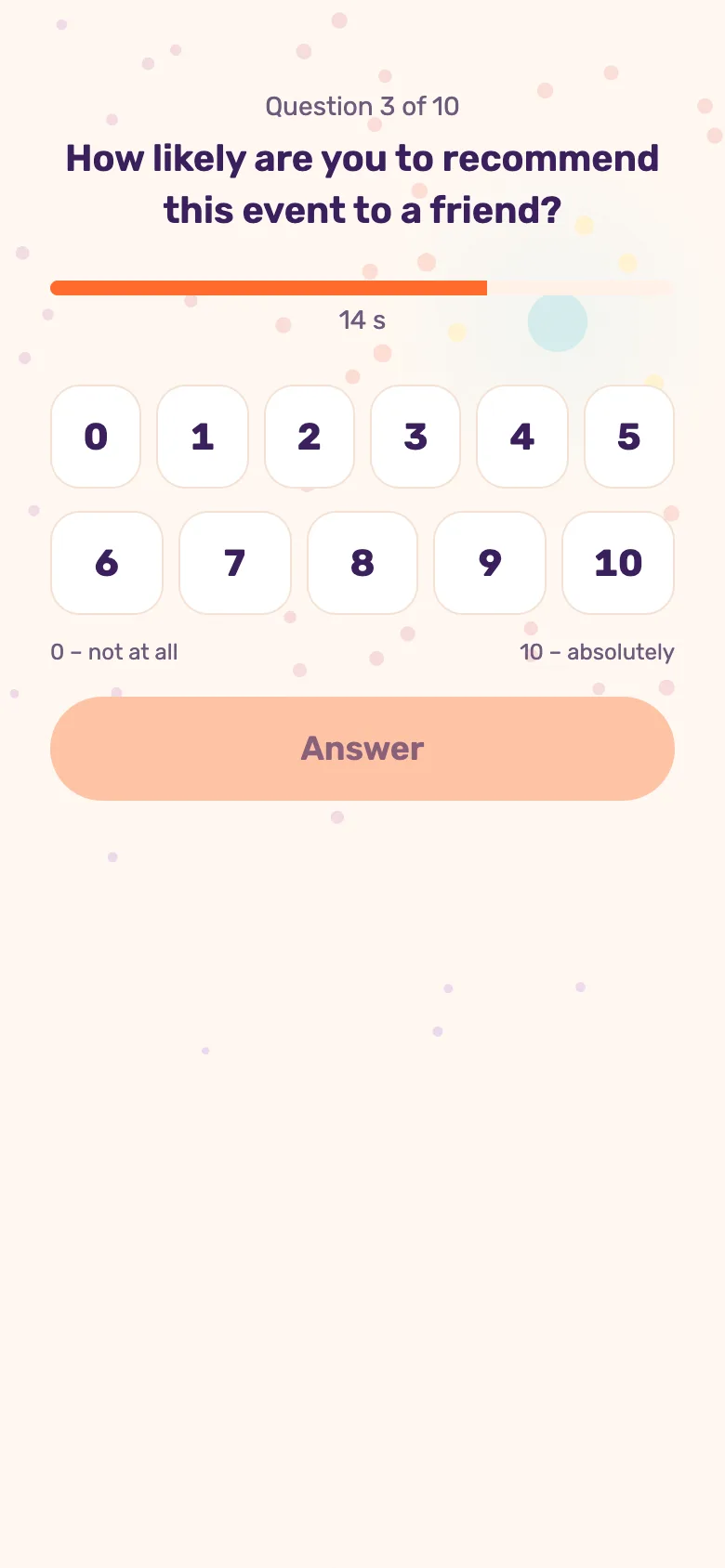
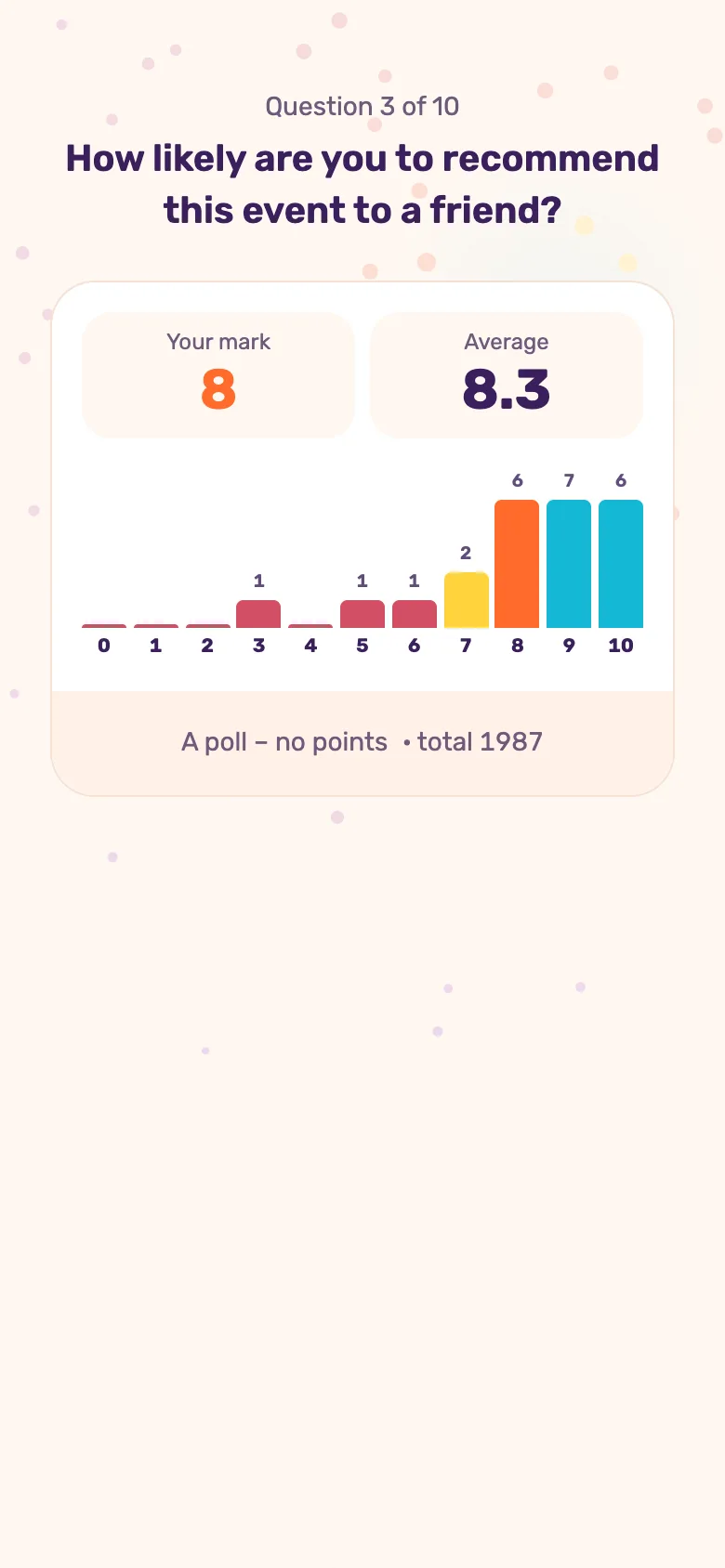
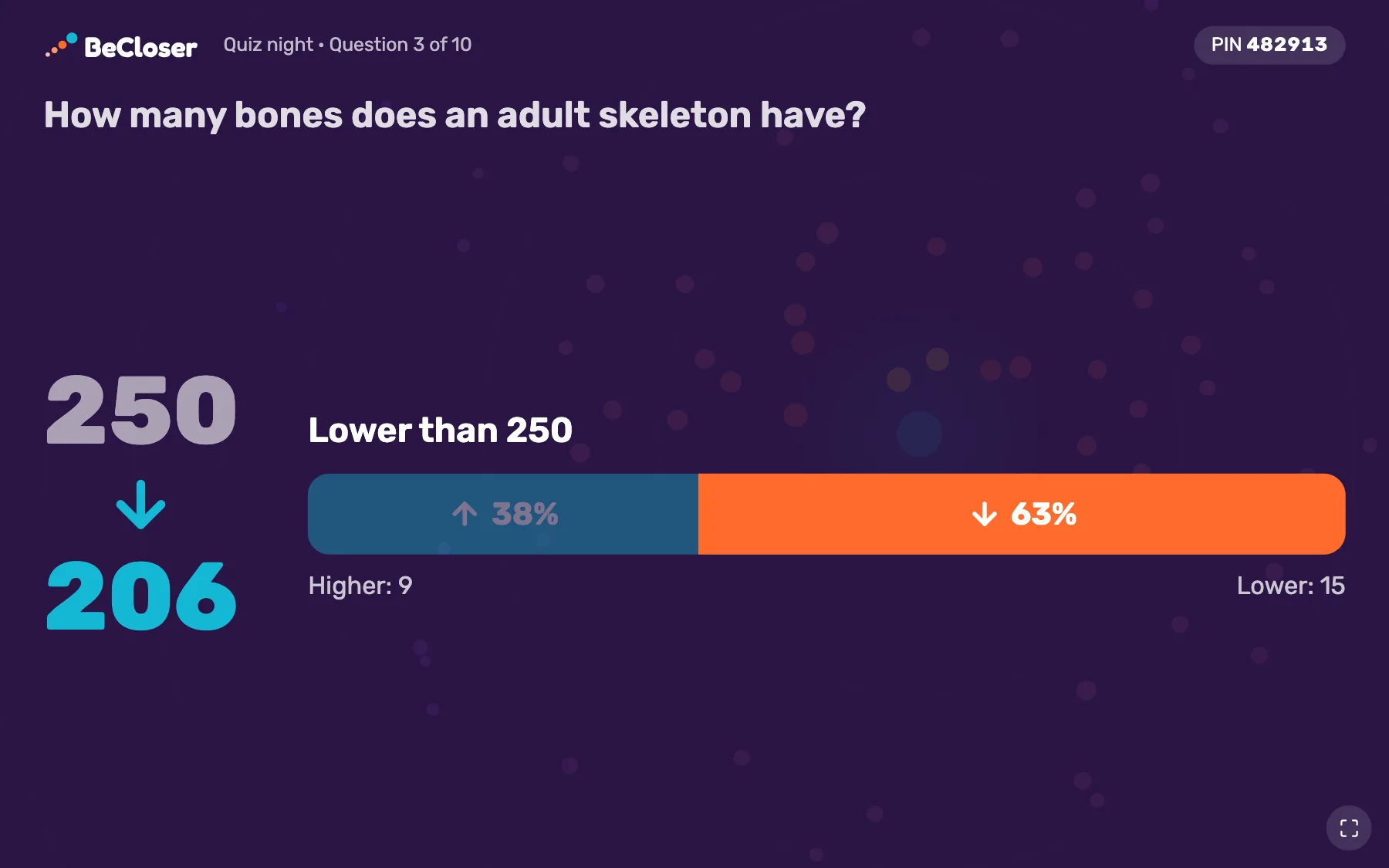
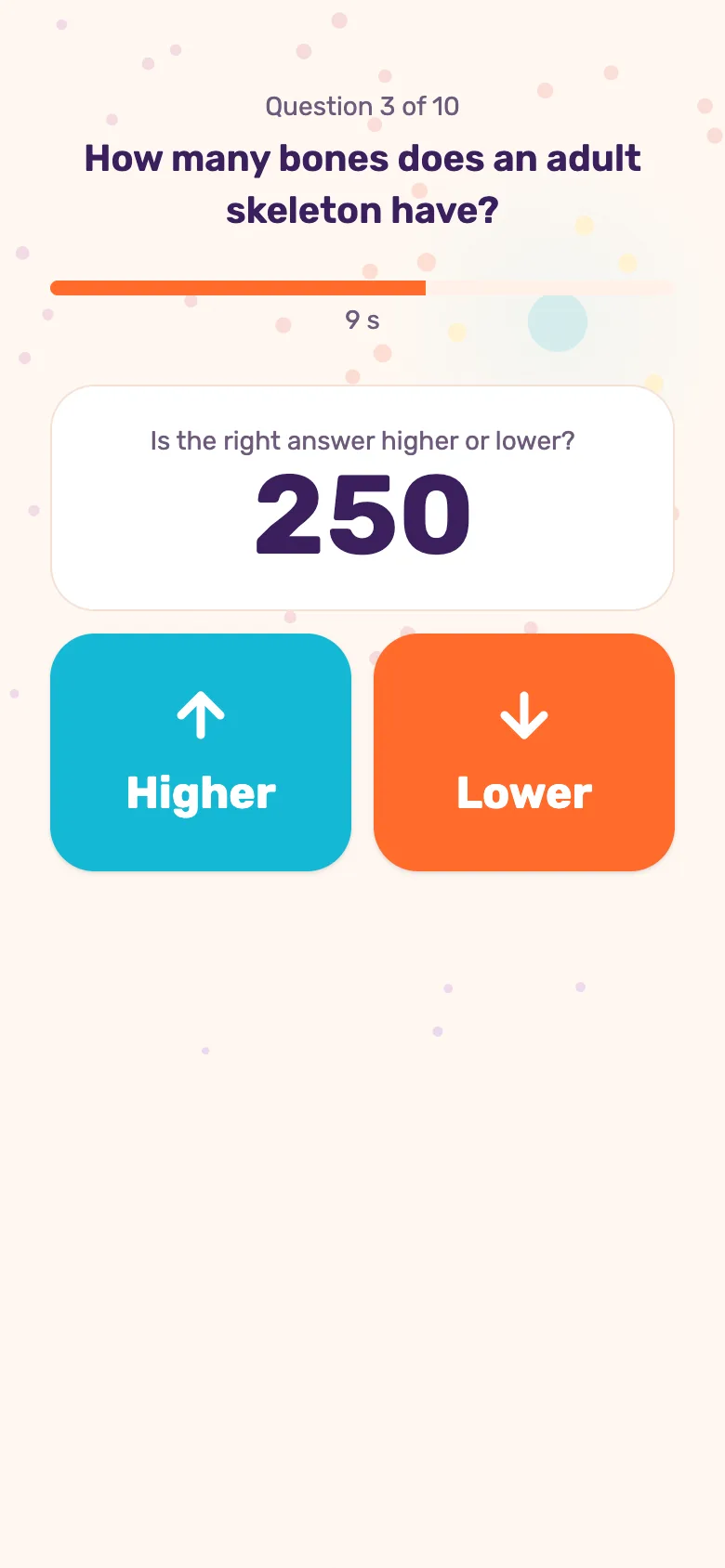
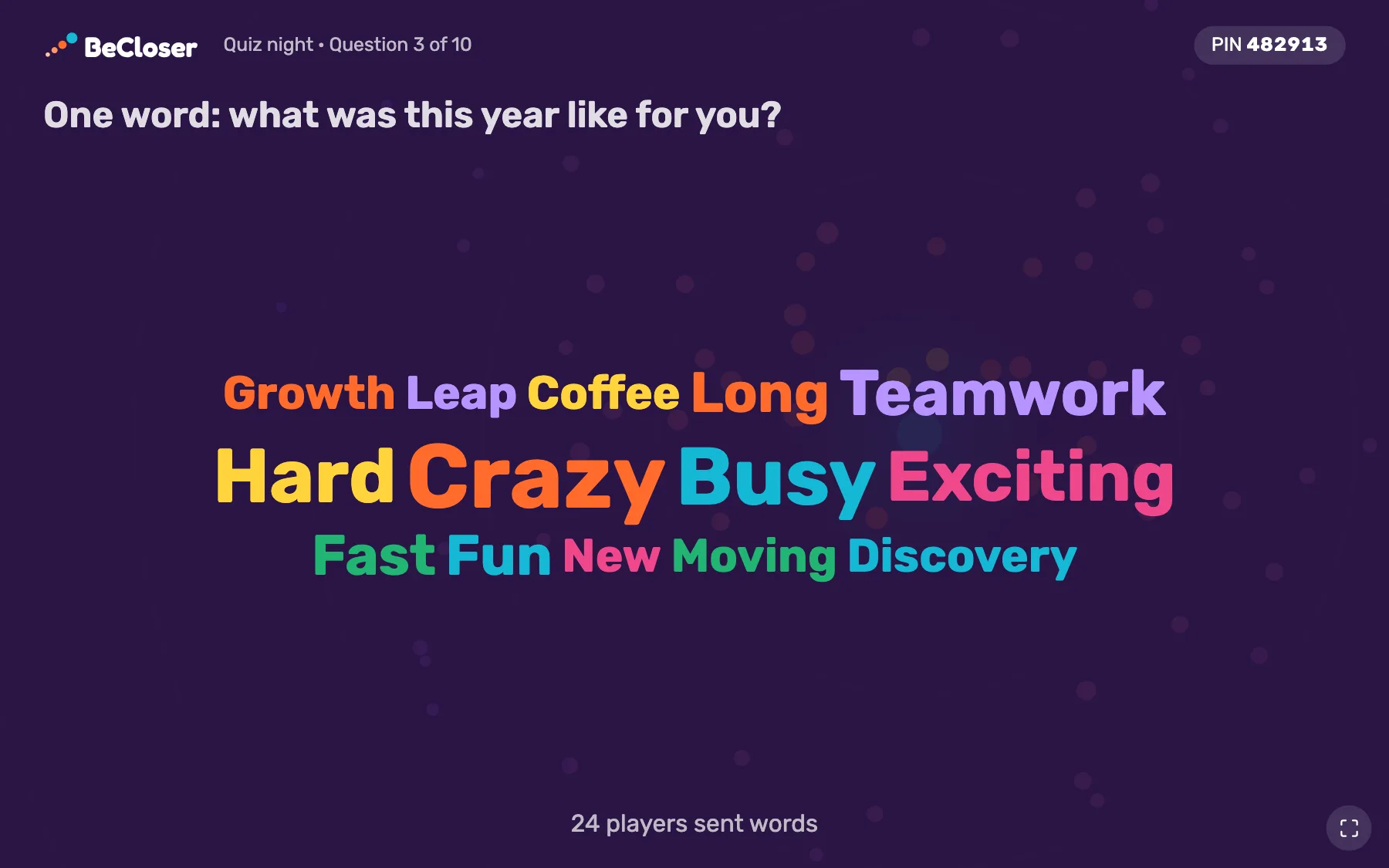
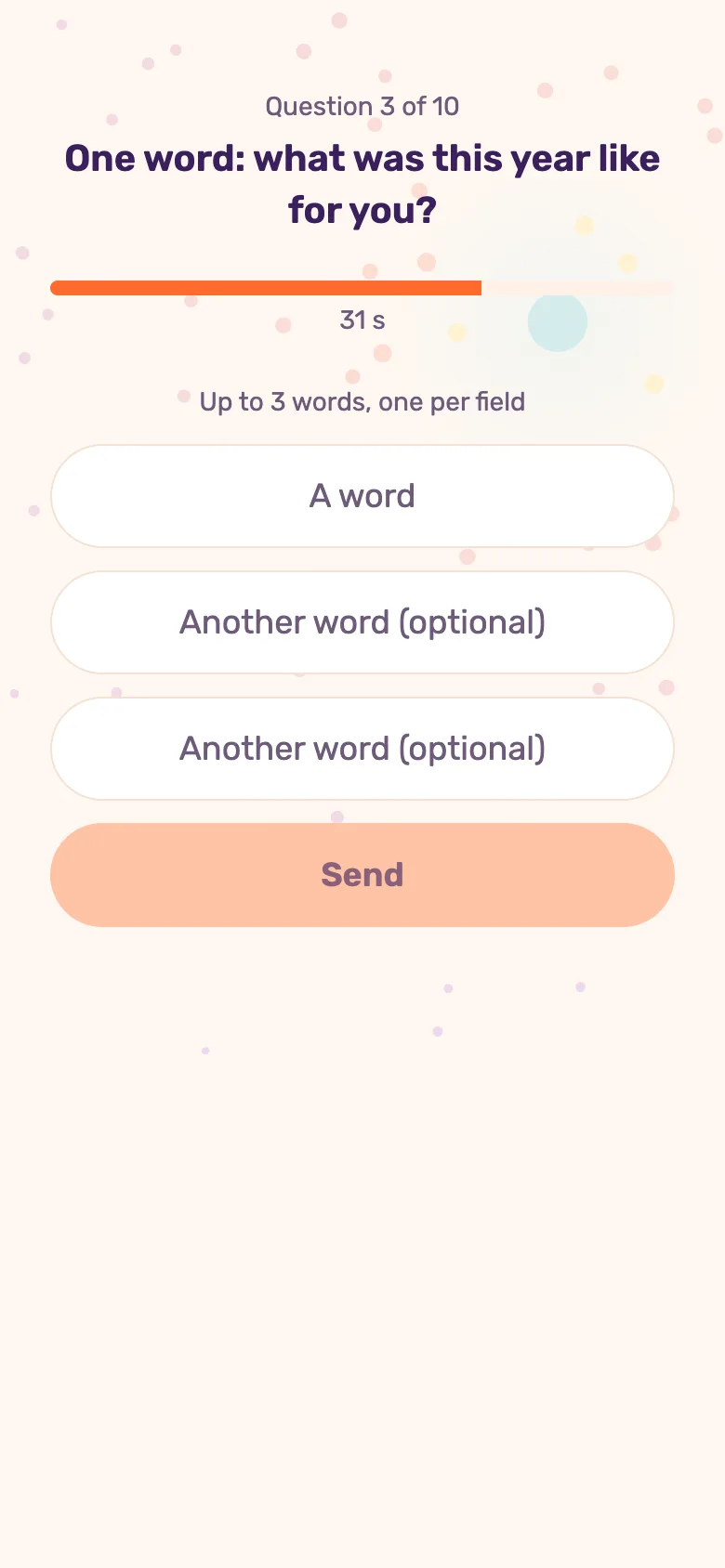
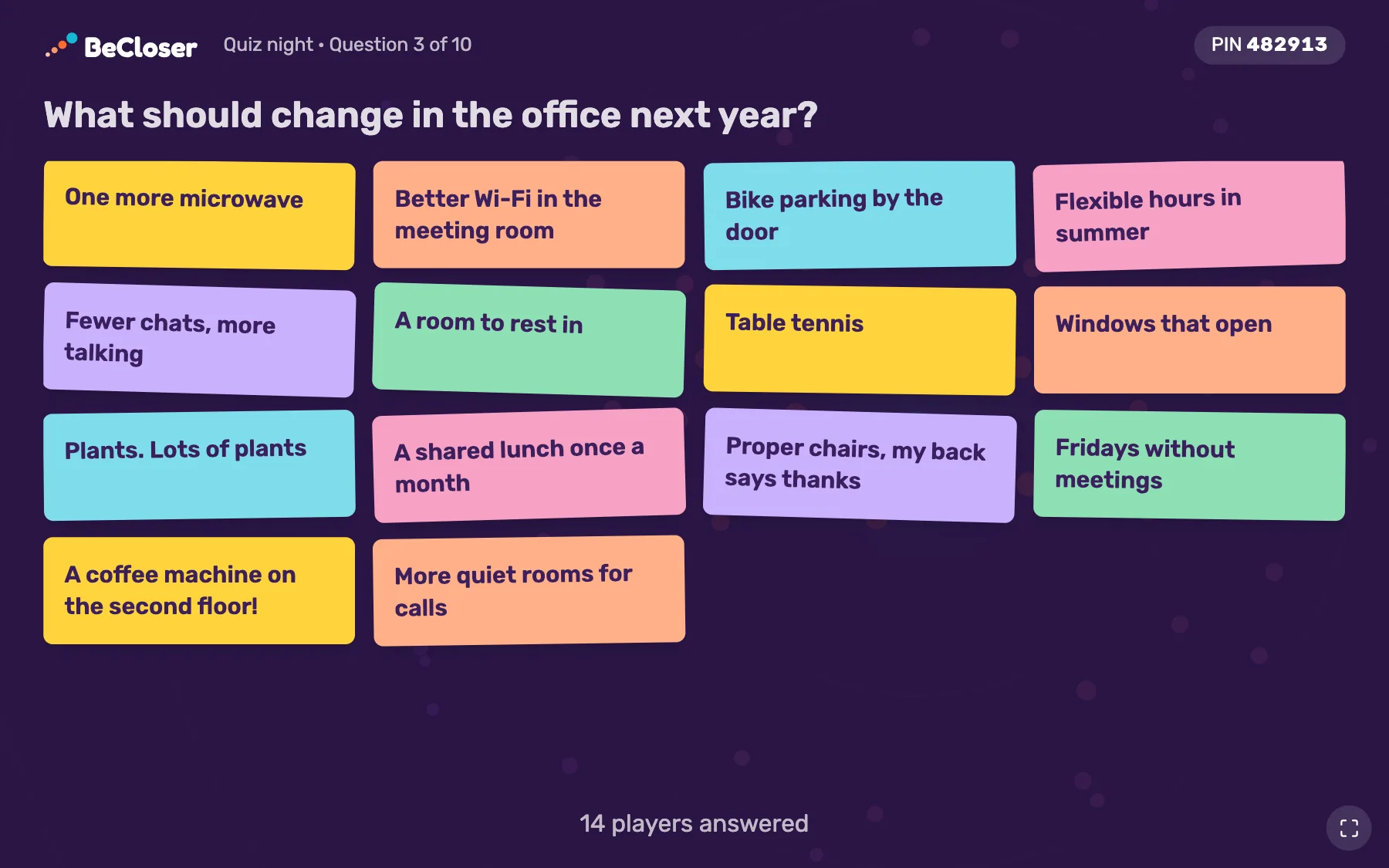
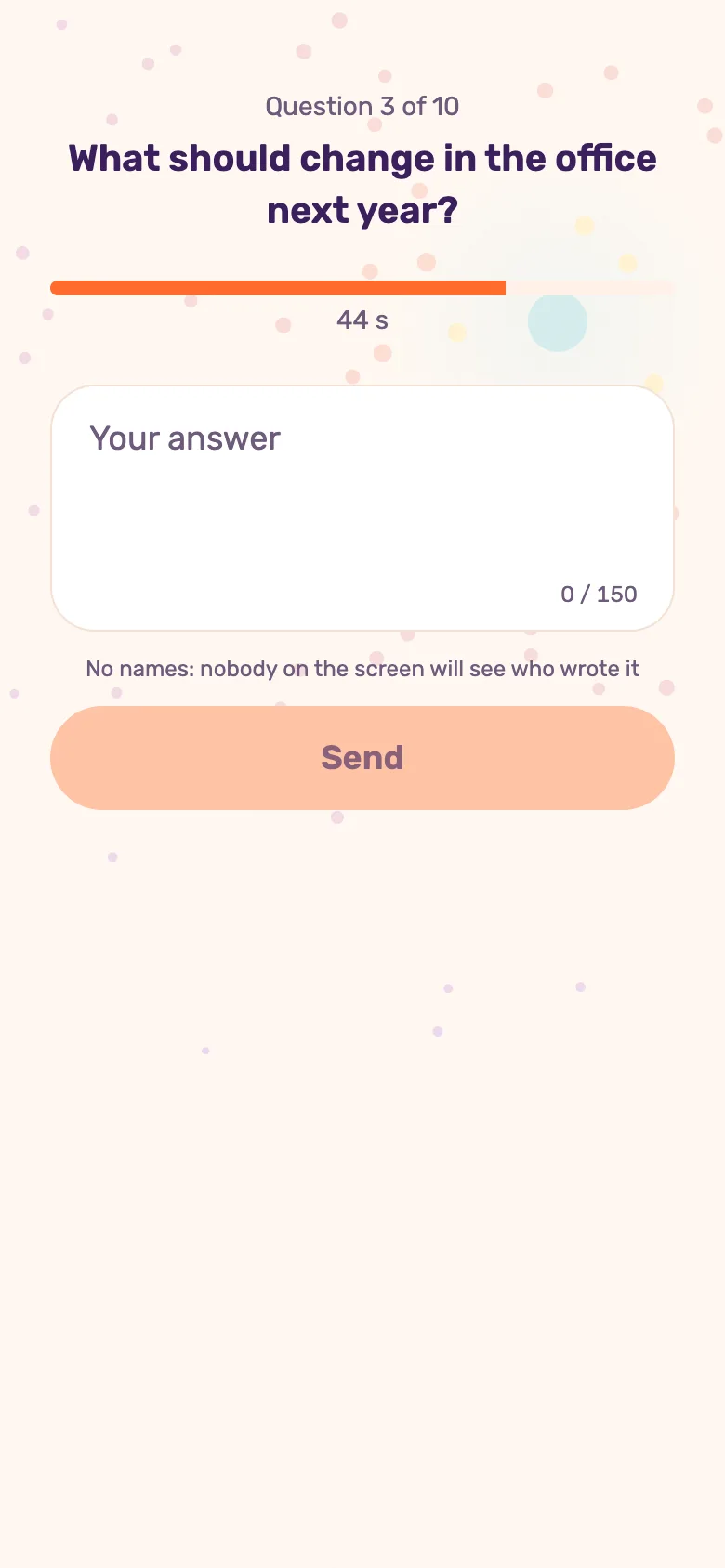
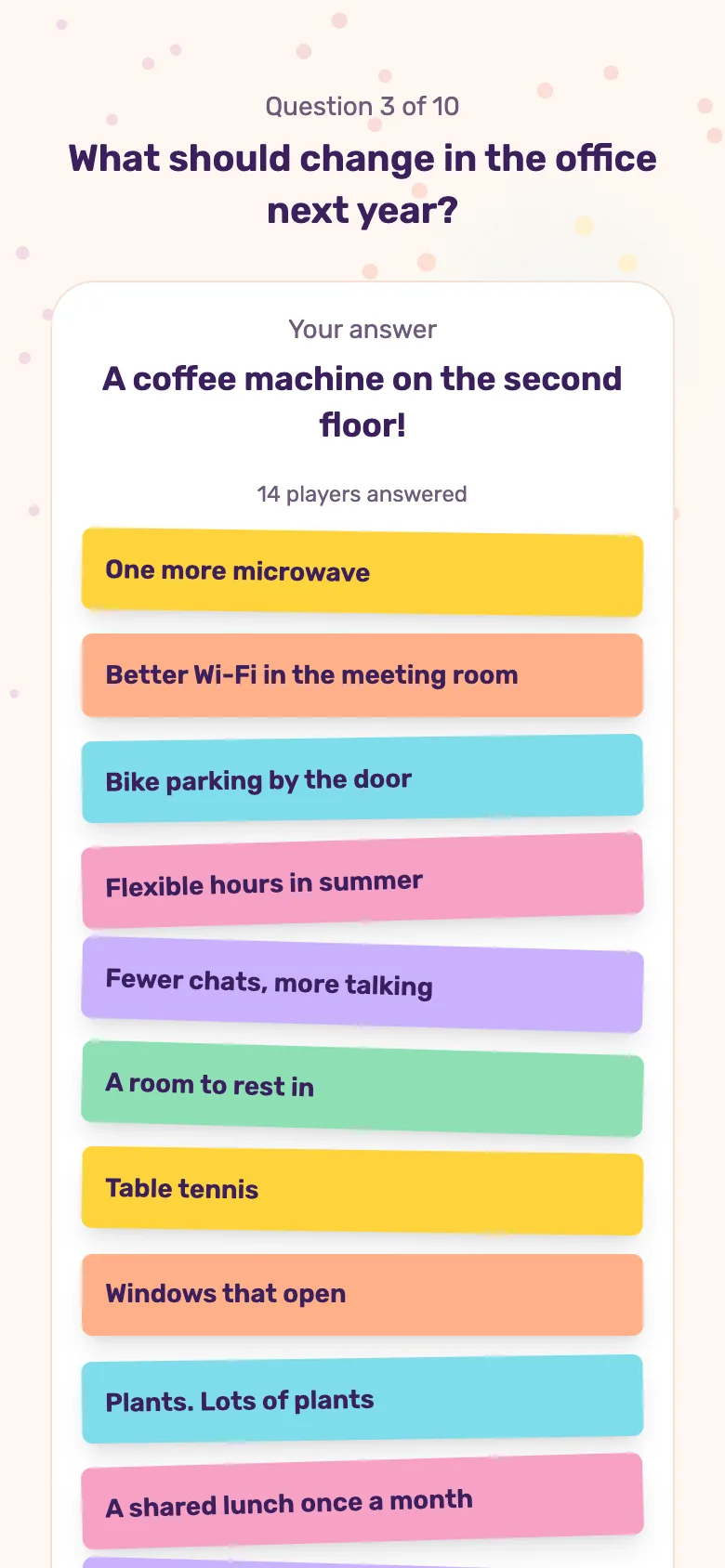
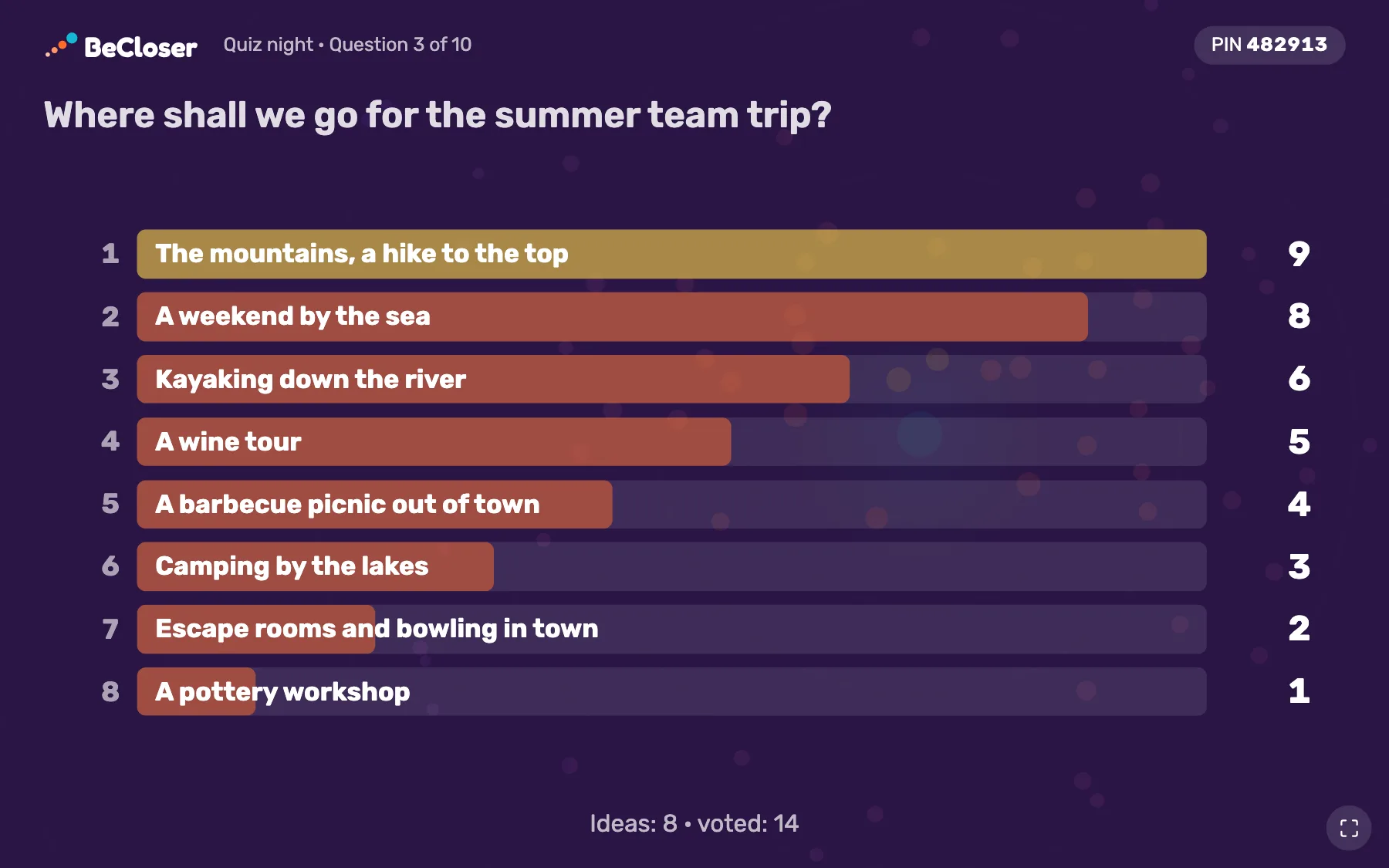
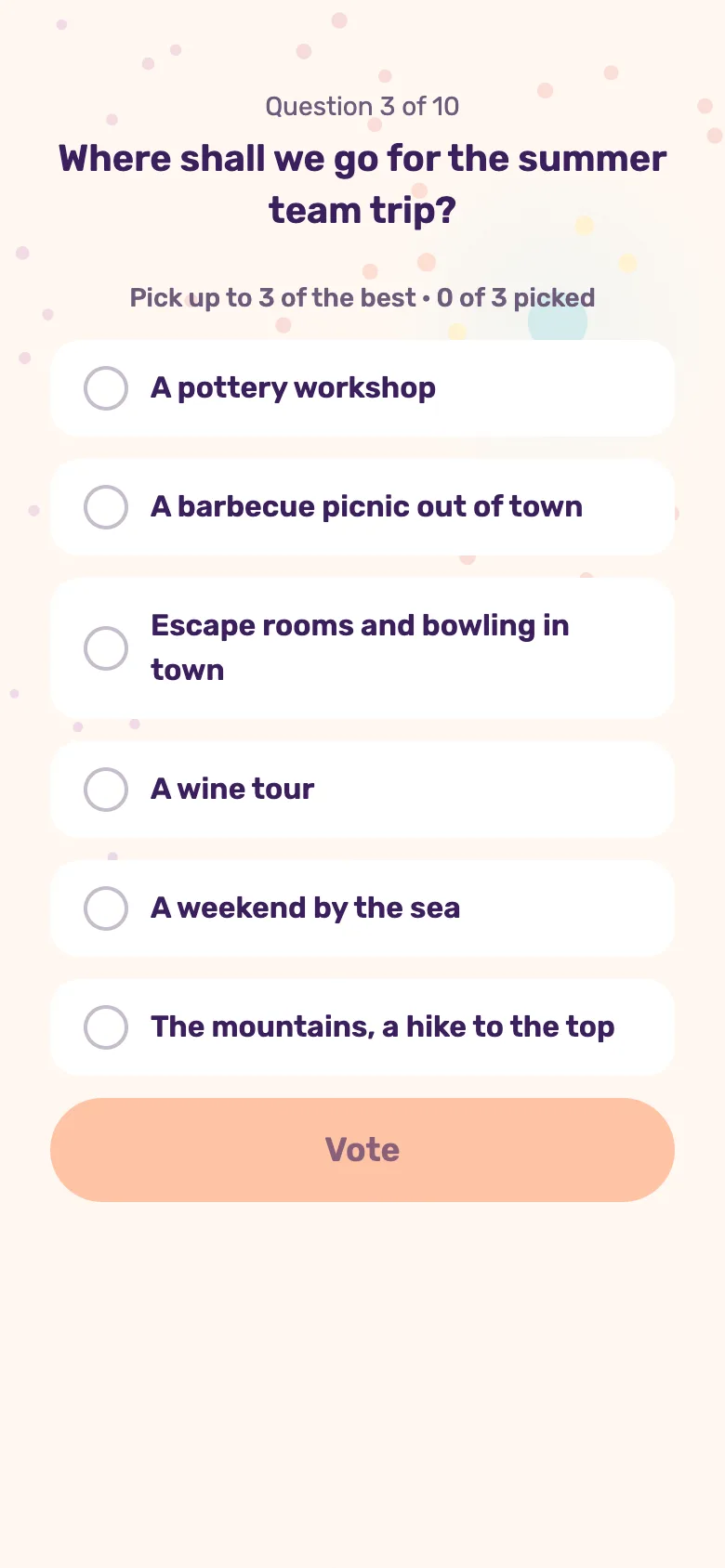
Seventeen, and they mix in one game. Closest answer – the answer is a number, points for how close. Slider – players drag a slider to a number between two ends, points for how close. Multiple choice – 2 to 6 options, one or several right, pictures instead of words if you like. True or false – a statement with two answers. Poll – the room’s opinion, no points. Majority pick – points to those who guessed the most popular option (live games only). Put in order – points for how close the order is to the right one. Match the pairs – 3 to 6 pairs, points for each one right. Type the answer – players write it themselves; capitals and spaces don’t matter. Pin on a map – a pin on a map or a photo, points by distance. Poll on a map – where the room is, no points. Scale – a rating up to 10, no points. Higher or lower – is the right answer higher or lower than the number shown. Word cloud – up to three words each, a cloud growing on the screen. Open-ended – answers in players’ own words, anonymous, as sticky notes on the screen. Brainstorm – the room puts forward ideas and votes for the best (live games only). Questions for the host – the room asks and likes, the host puts one on the screen (live games only). And slides can go between questions: a title, text and a photo.
How do I make the game more exciting?
When creating the game, turn on survival – after each question the weakest go out and the last one left wins – or the streak bonus: +100 for each hit in a row, up to +500. There’s also the confidence bet: “I’m sure” pays ×1.5 on a hit and costs points on a miss. The final question can be worth ×2, and a film still can come clear from a blur.
How are points counted?
The closer the answer, the more points. A spot-on answer gets them all, off by a quarter gets half, off by half or more gets none. On a slider the error is measured against its width: off by a quarter of it or more gets none. For questions about a year, the error is measured against how many years ago it was. In multiple choice, true or false and higher or lower the right answer scores (with several right options, partly, for each one found), in a majority pick the most popular one, in put in order how close the order is, in type the answer a match with an accepted answer, and in a pin on a map the distance from the right spot. A poll, a map poll, a scale, a word cloud, an open-ended question and a brainstorm score nothing. A speed bonus can be switched on if you like.
Where do the questions come from?
The bank has thousands of ready questions in 29 topics: space, film, world history, the Premier League, records and more. Or write your own in seconds.
Can I play on my own?
Yes. The bank’s big topics can be played alone on their pages: pick 5, 10 or 20 questions and a difficulty. Your best score becomes a record, and after every question you see whether you are ahead of it. And the “Daily number” is one question a day for everyone: one go, then you see how many players you beat. No sign-up needed.
Can we play if everyone is in a different place?
Yes. A quiz by link is taken by each player on their own, whenever suits them, and you see the results. A live game also works over a video call with your screen shared.
What is BeCloser good for?
Parties with friends, office events and team building, classes and lectures, family nights. Nobody needs to know everything: whoever guesses closest wins.
Questions or ideas?
Write to us: we’ll help with your game and we’re happy to hear suggestions or feedback.
Your first game in five minutes
Sign up, pick a topic from the question bank and show the PIN to your friends or send them a link to the quiz.
Create a game