
BeCloser for teachers: a lesson where the whole class thinks
BeCloser turns textbook facts into a game. The main questions have a number for an answer: the height of a mountain, the year of an event, the bones in the body. Students estimate, reason and see how close they got – and you see at once what the class has understood. No projector needed: everything shows on the students’ phones. For checking knowledge there are the usual kinds too: multiple choice, true or false, put in order, match the pairs, type the answer, a pin on a map.
Create a gameWhat to put together for this occasion
Who it’s for
A teacher, a class, a club, a tutor.
Number questions teach estimating and reasoning, not guessing an option. The streak bonus keeps attention, teams suit a class split into groups, and the report shows which question was hardest.
Format
- Live game
- Quiz by link
Modes
- Streak bonus
- Team game
- Quiz with a deadline
- A picture coming clear
Question types
- Closest answer
- Slider
- Put in order
- Type the answer
- Pin on a map
- True or false
- Multiple choice
Game plan
- 1“Closest answer” for estimating: the distance to the Moon, a country’s population, the year of an event.
- 2The slider for percentages and temperatures – dragging is easier than typing.
- 3“Put in order”: events by year, the planets from the Sun.
- 4“Pin on a map” for geography and history.
- 5Homework: a quiz by link with a deadline – students go through it by Sunday, and you see a report on every question.
What a teacher gets
Everyone answers
Not just whoever raises a hand first: every student answers from their own phone, and every answer counts.
See who understood what
The radar shows all the answers together, and the report after the game shows the hardest question and each student’s result. It all downloads to Excel.
Reasoning, not guessing
Number questions teach estimating orders of magnitude: “nearly there” earns points too, so students aren’t afraid to be wrong.
No student accounts
Students need a phone with a browser and the PIN: no sign-up, email or app. Only the teacher needs an account.
Homework quizzes
A quiz by link with a deadline: everyone takes it in their own time, the deadline closes it on its own, and you see the points and answers.
Free
Up to 300 players in one game, nothing locked behind a paywall. Over 11,000 ready-made questions in 29 topics.
What students see on their phones
Students install nothing: a browser is enough. Here is the game on a student’s phone, from joining to the result.
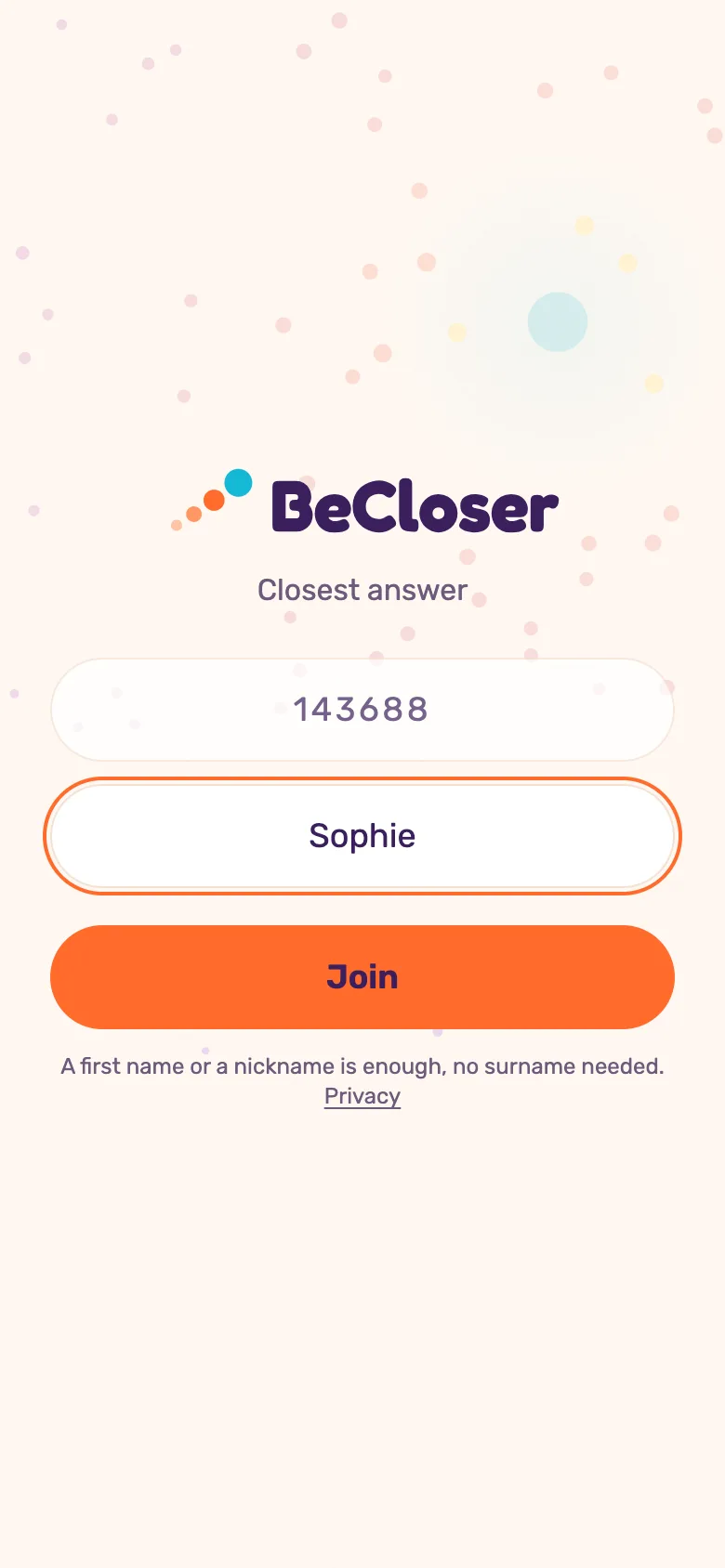
Joining
A student types the PIN and a name – no sign-up.
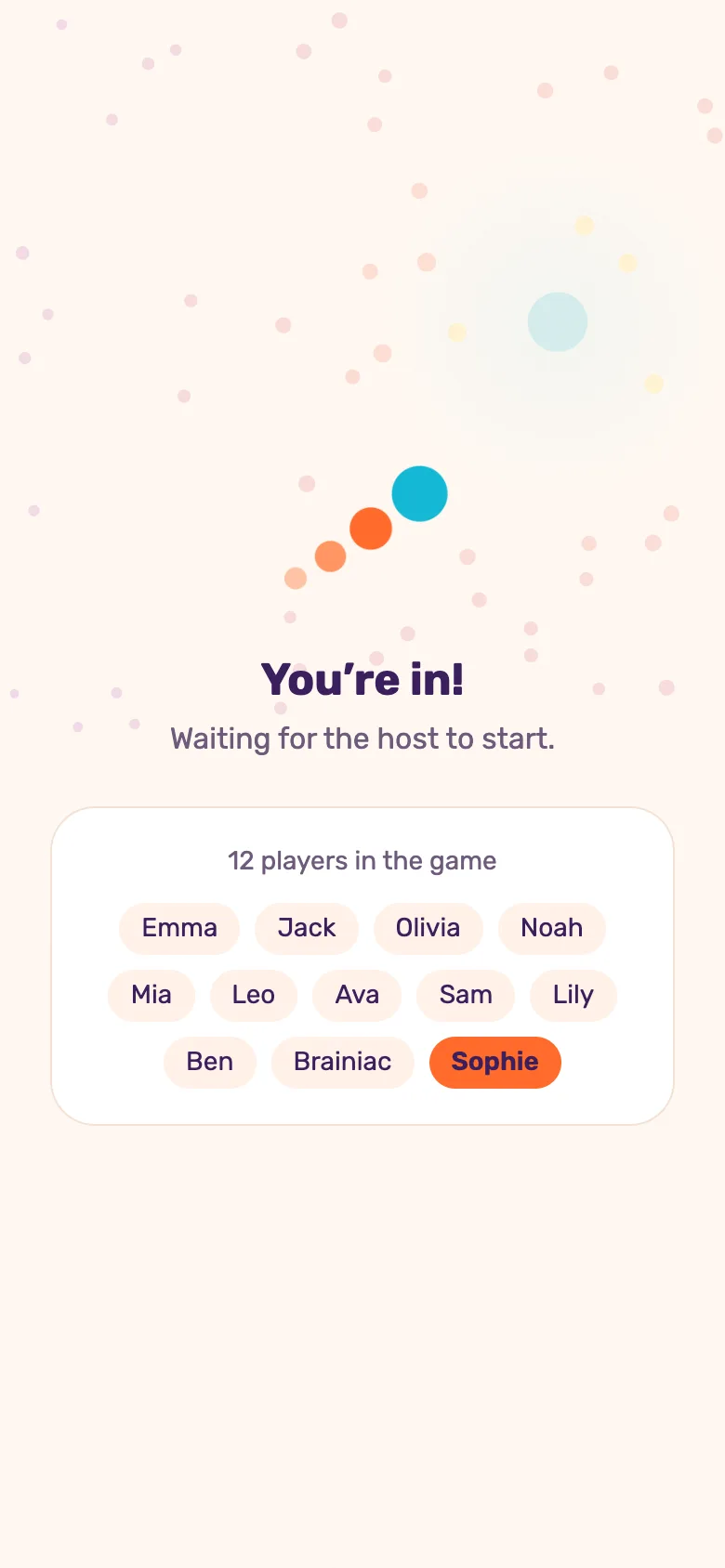
The lobby
Who is in already, while everyone joins.
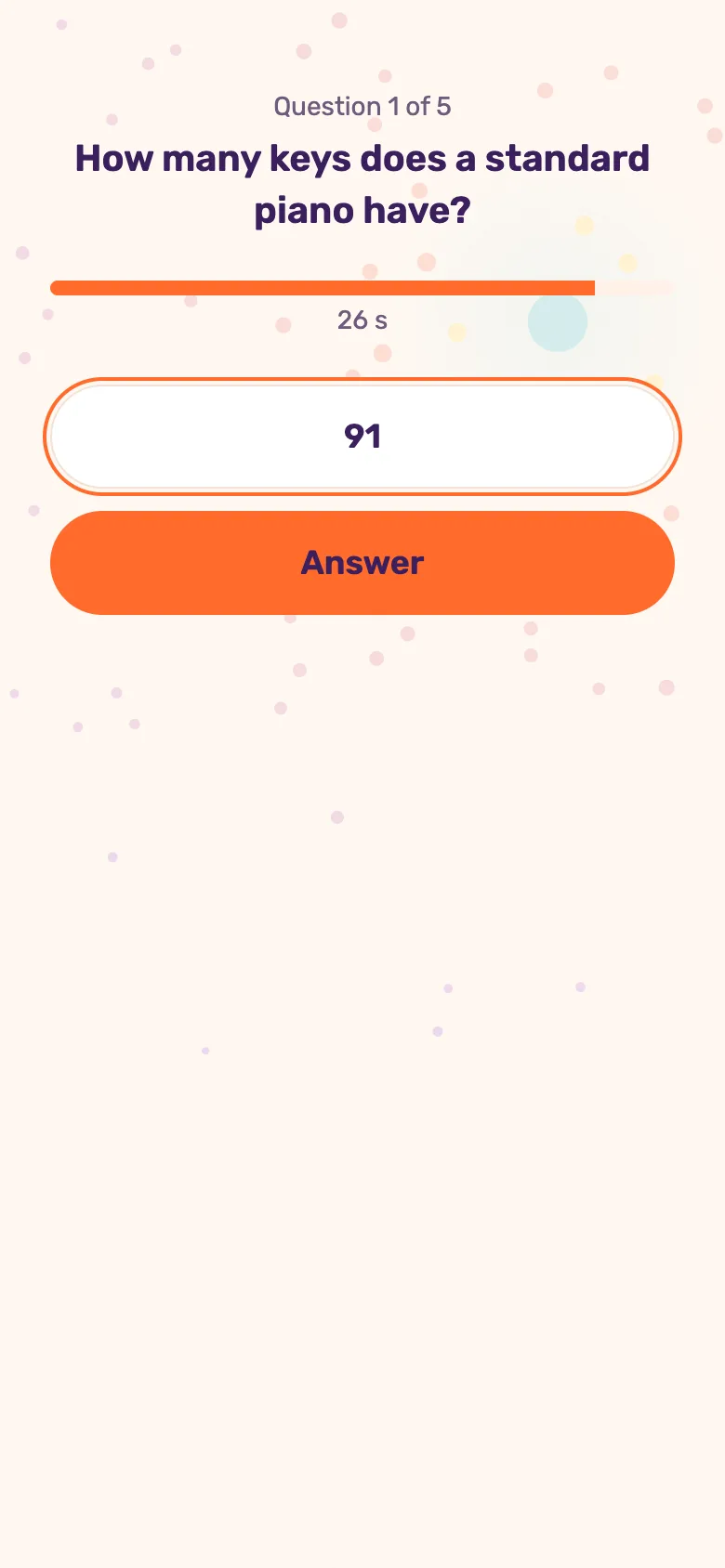
A number question
The question, a timer and a box for the answer.
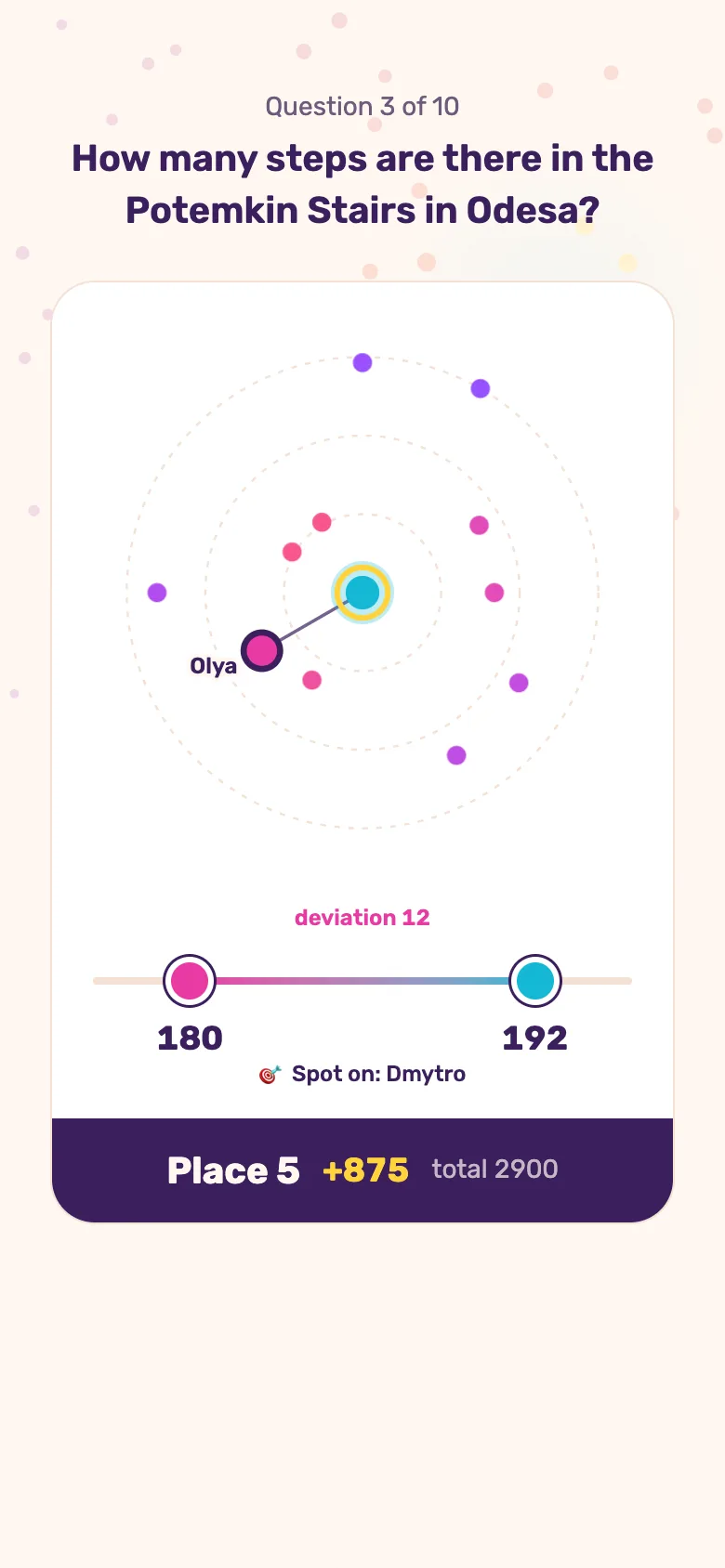
The radar
The right answer, their own, and the whole class’s answers.
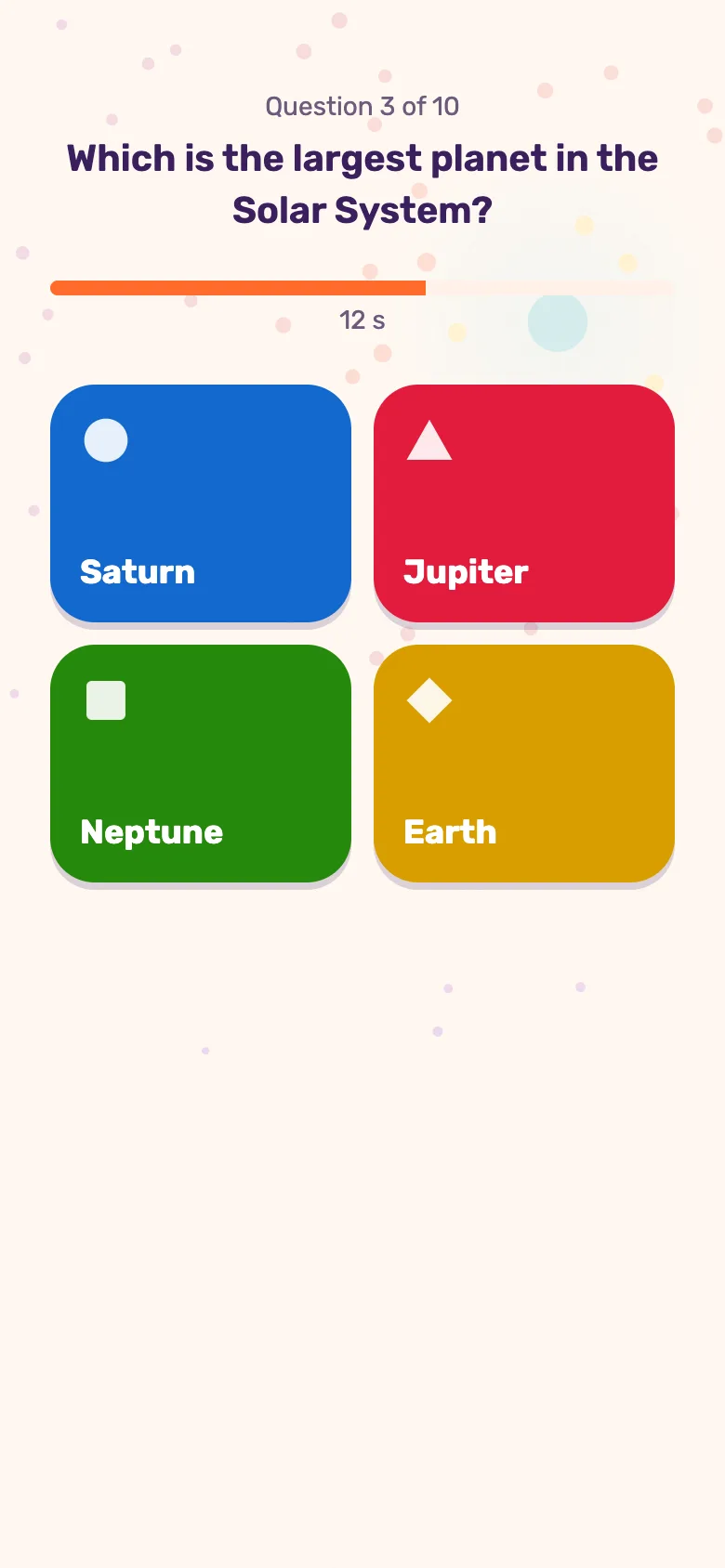
A question with options
The options are coloured tiles with text or a picture.
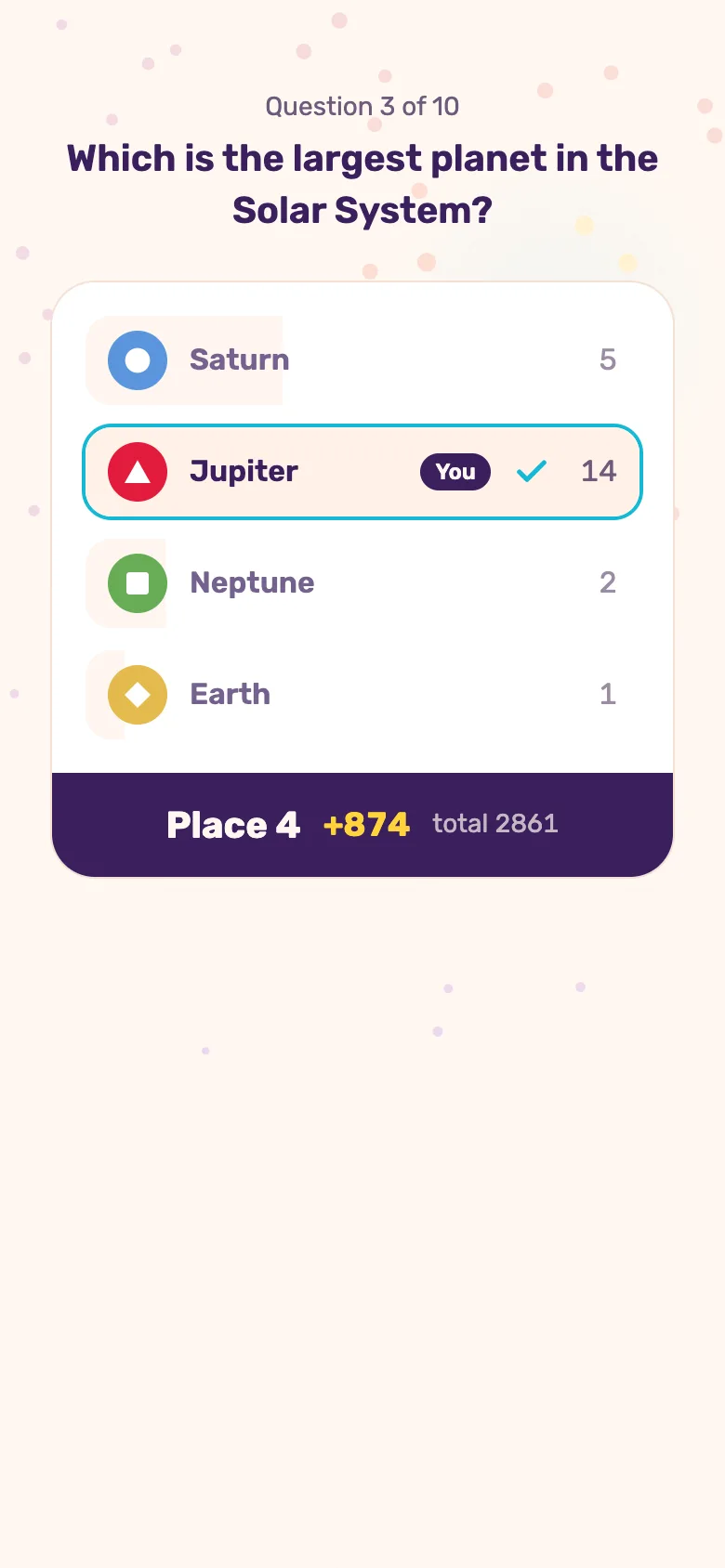
How the class answered
The right option and how many students picked each.
No projector needed
Not every classroom has a projector or an interactive whiteboard – and that’s fine. Students see the question, the options, pictures and the timer on their own phones, and the right answer and the radar as soon as the question closes.
How students join
Read out the PIN, or click “Copy link” in the host panel and send it to the class chat.
What students see
Everything on their own phone: the question, options, the timer, and after it closes, the right answer, the radar and their points.
How you run it
From a laptop, tablet or phone: the host panel shows who has answered, and that is where you run the game.
How to run a quiz in class
Prepare a game
Take questions from the bank (geography, history, science, space, the human body), a ready game from the library, import from a spreadsheet, or write your own for the lesson.
Show the PIN on the board
Open the projector screen on the board or TV, and students join from their phones with the PIN or QR code.
Play and discuss
After each question the radar shows every answer. Pause and talk through the interesting ones: “How did you work it out?”
Check the report and set homework
The report shows the hardest question – a good place to start next lesson. And the same questions can go home as a quiz by link with a deadline.
Made for a class, not a contest
- Ranking without shame: only the top 5 on the screen, and points without a place on the phones. Nobody sees themselves at the bottom of the table.
- No “luck” or sabotage: points go only for accuracy, so whoever knows and reasons wins.
- Confidence bet: a student can mark “I’m sure” – and learns to judge their own knowledge honestly.
- Questions with no points and no timer: for new material, when thinking matters more than speed.
Ideas for teachers
- A warm-up at the start of a lesson: three to five questions to switch the class on.
- New material through “estimate first, then find out”: an estimation question, a look at the radar, a slide that explains.
- Revision before a test: your own questions from the topic – numbers, options, events in order or a word to type.
- An exit ticket at the end of the lesson: one question on understanding and a “how clear is it” scale.
- Geography on a map: “Where is Lake Victoria?” – students drop a pin, and the points depend on the distance in kilometres.
- The class in teams: row against row, or 7A against 7B. Everyone answers alone and the team gets the average, so every student counts.
- Anonymous questions for the teacher: students write what they’d be shy to ask aloud and back each other’s questions.
- Study on their own: solo practice on the topic pages without signing in, and the Daily number – one question a day for everyone.
Topics that fit
Common questions
Do students need accounts?
No. Students type the PIN or open the link and enter a name. Only the teacher needs an account.
Do I need a projector?
No. Students see the question, the options and the result on their own phones, and you can read out the PIN or send the link to the class chat. A projector just adds a shared screen with the radar and the ranking.
How much does it cost?
It’s free for teachers and students, up to 300 players in one game.
What if not every student has a phone?
Then two or three students play from one phone as a single player. If everyone has a phone, turn on teams: each answers alone, and the team gets the average.
Does it work for remote lessons?
Yes. Host a live game in an online lesson by sharing your screen, or use a quiz by link as homework.
Can I see each student’s result?
Yes. After the game there’s a report on each question and an Excel file with every student’s answers.
Prepare a quiz for your next lesson
Free for teachers and students. Students need no accounts.
Create a game