
Holiday party games the whole office plays
At an office party some people dance and the rest look at their phones. BeCloser turns those phones into buzzers: everyone answers from their own, and the big screen shows the question, a radar of every answer and the ranking. Forty-five minutes of play the team still talks about in February.
Create a gameA 45-minute run of show
- 0:00
Guests join
A PIN and QR code with your company logo on the screen, music in the lobby. Colleagues scan the code and type a name – no sign-up.
- 0:05
Warm-up
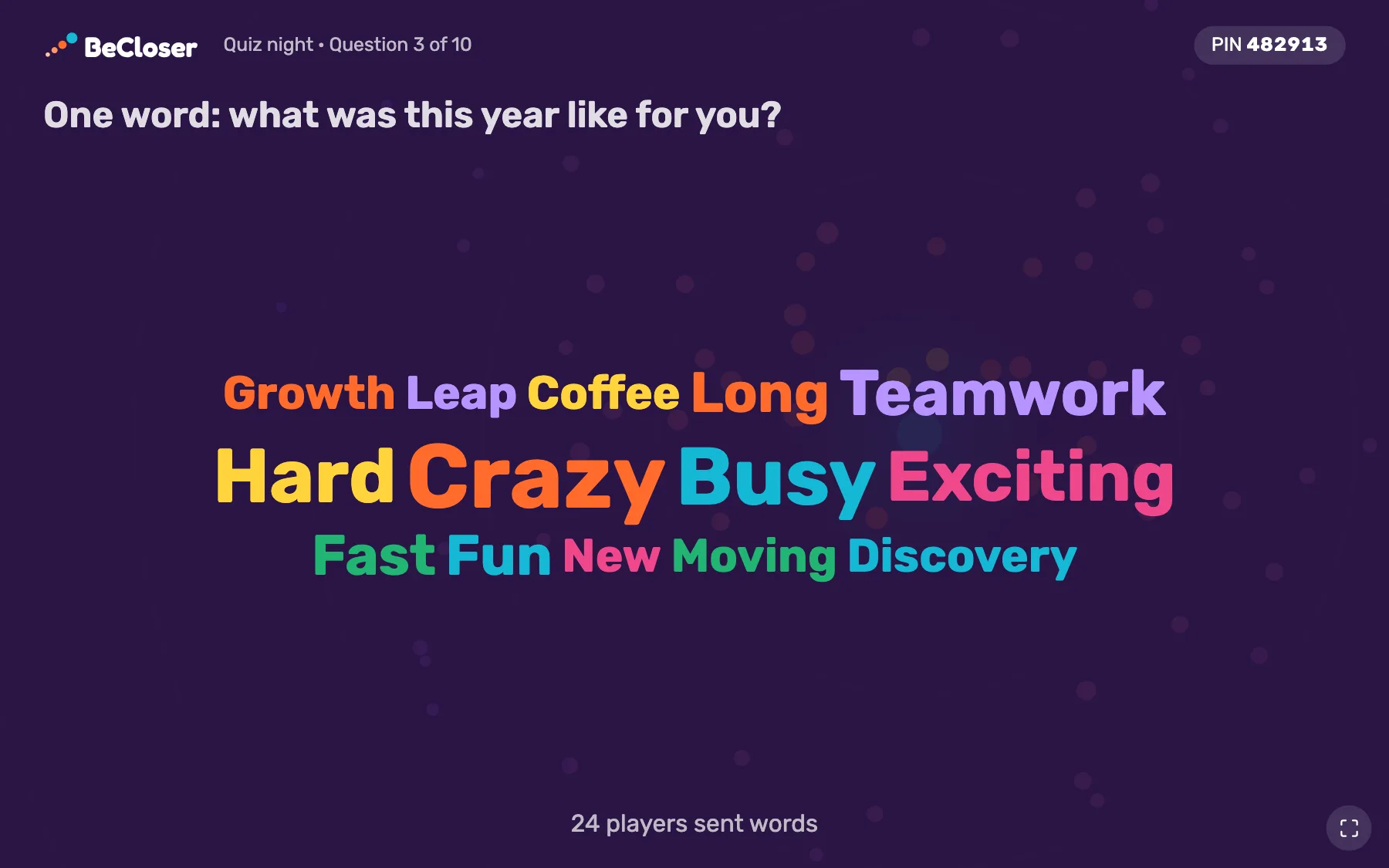
A word cloud: “One word for this year?” The room’s words appear live, the most common biggest.
- 0:10
Our company in numbers
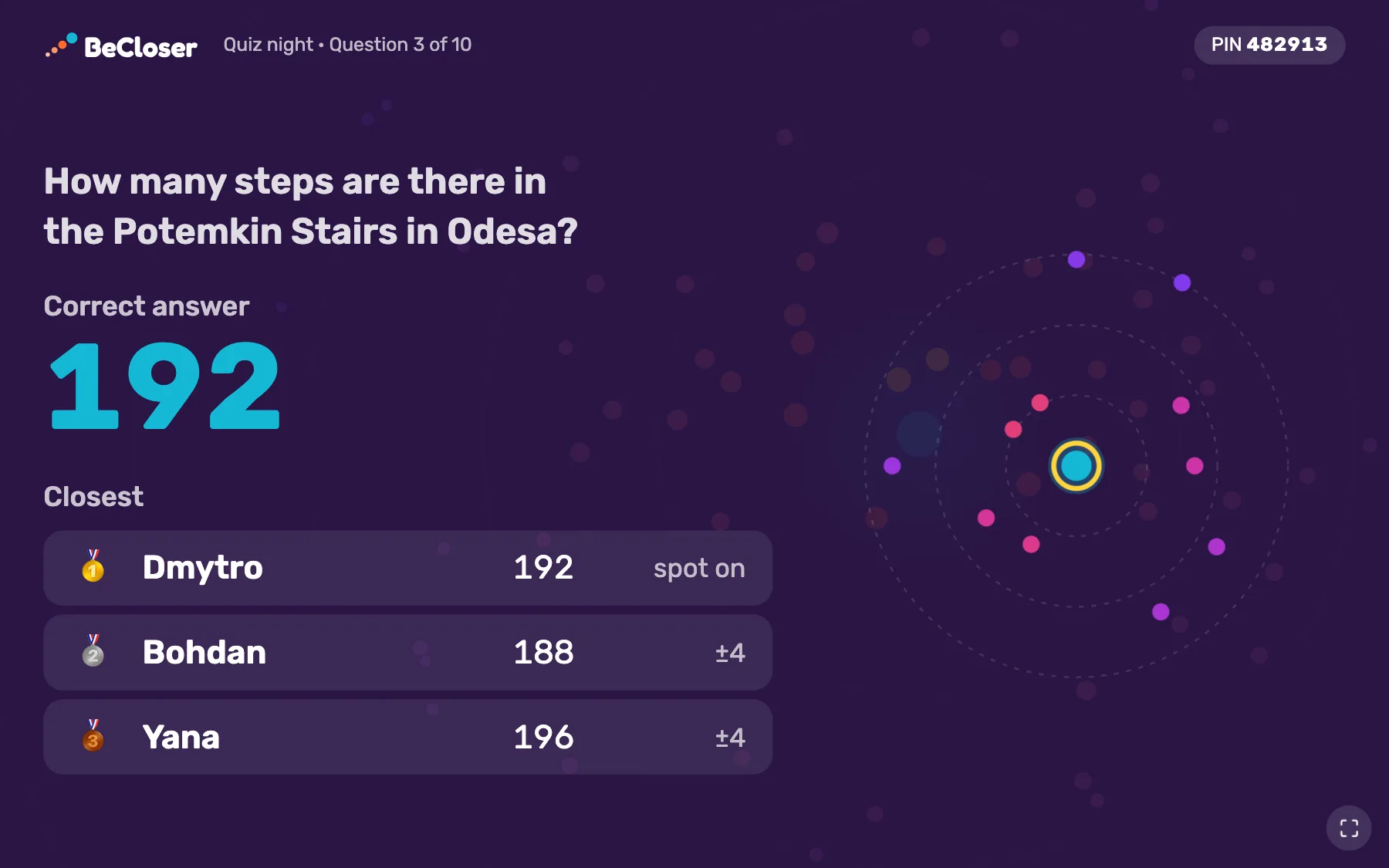
“How many cups of coffee did the office drink this year?” “How many emails did the CEO get?” The answer is a number, points go for being close, and the radar shows who came nearest.
- 0:20
What’s in the photo?
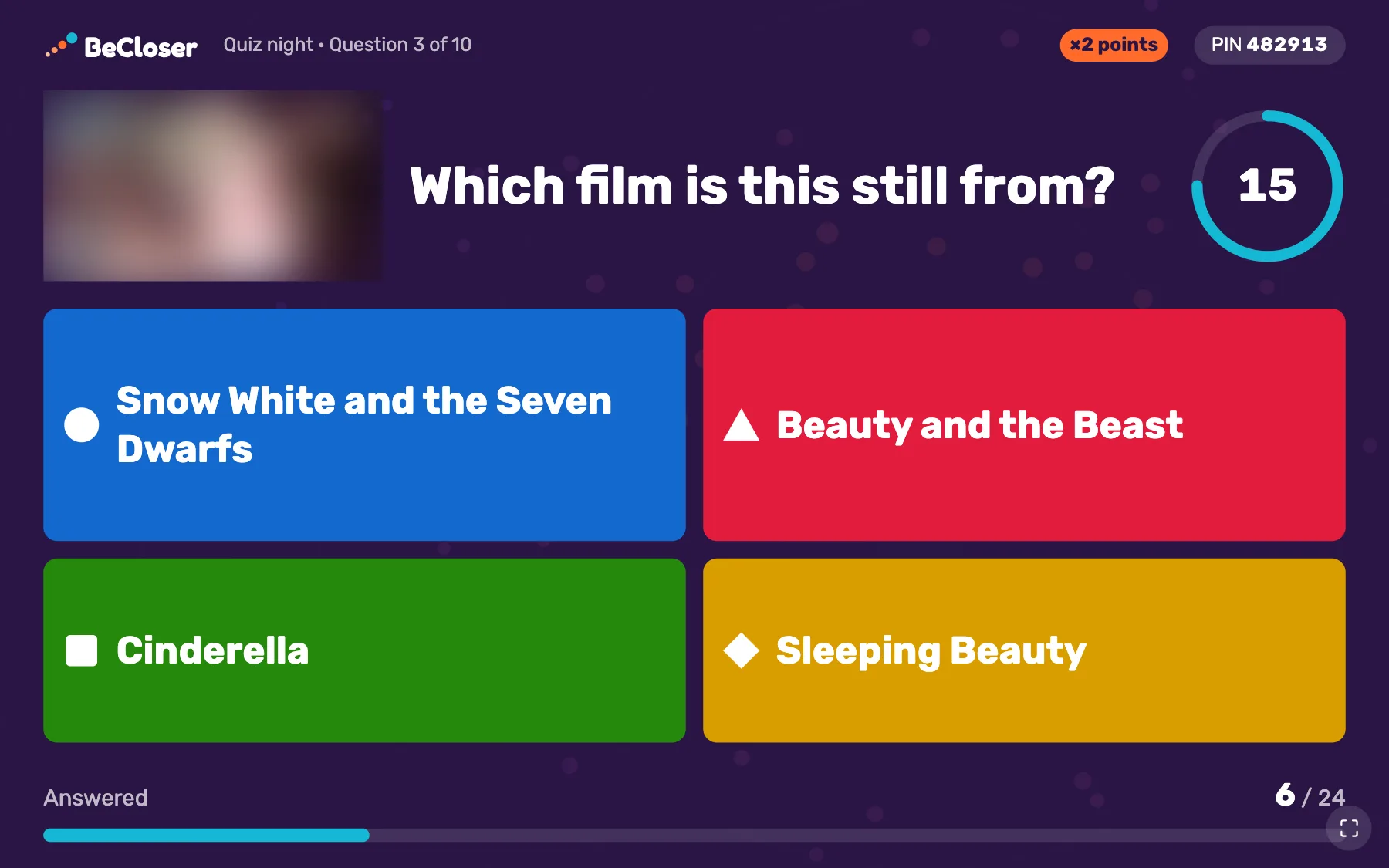
A still from a favourite film or a colleague’s baby photo comes clear from a blur. The sooner you recognise it, the more you score.
- 0:30
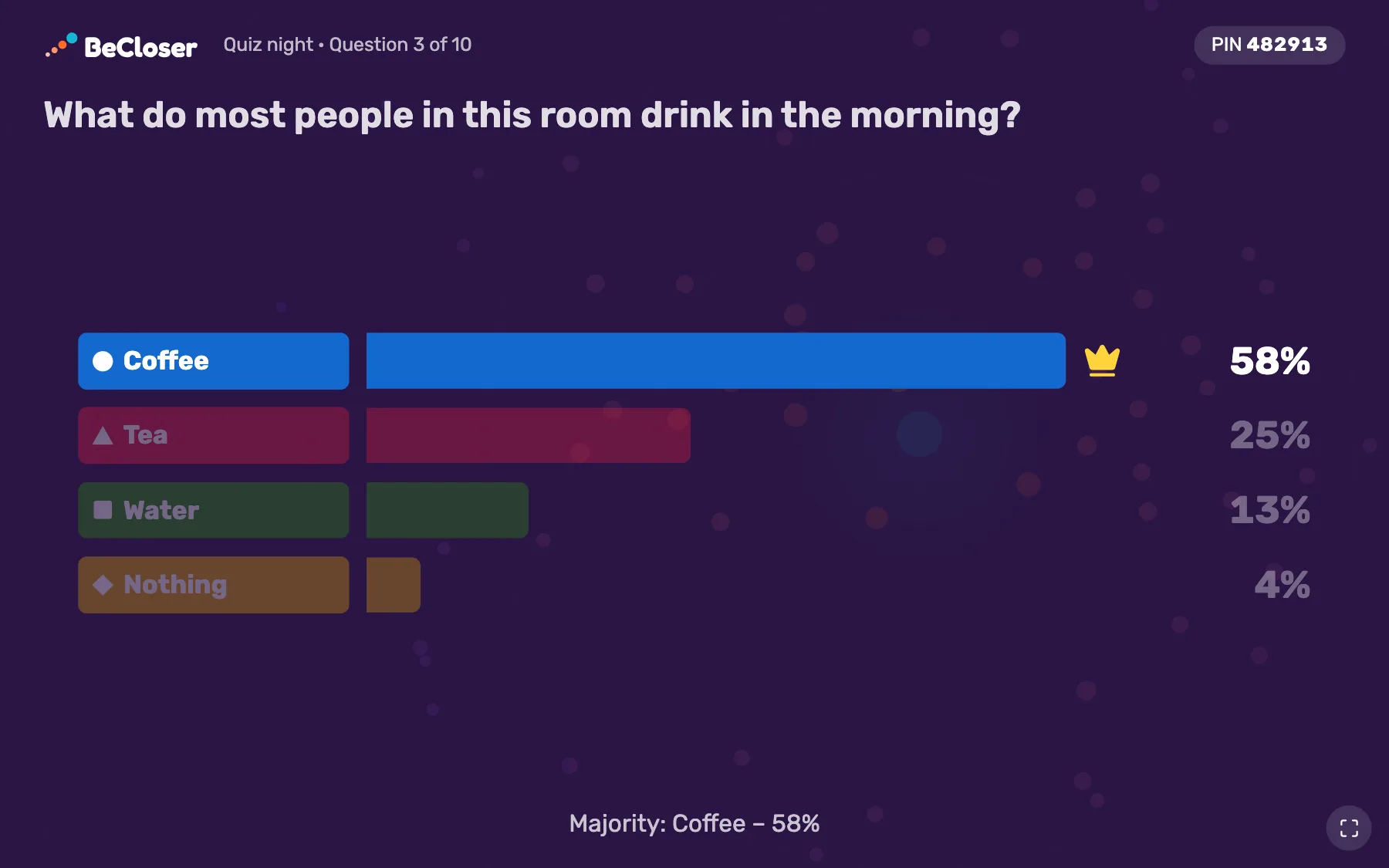
The office votes
“Who is most often late to calls?” Points go to everyone who picked what most of the room picked.
- 0:35
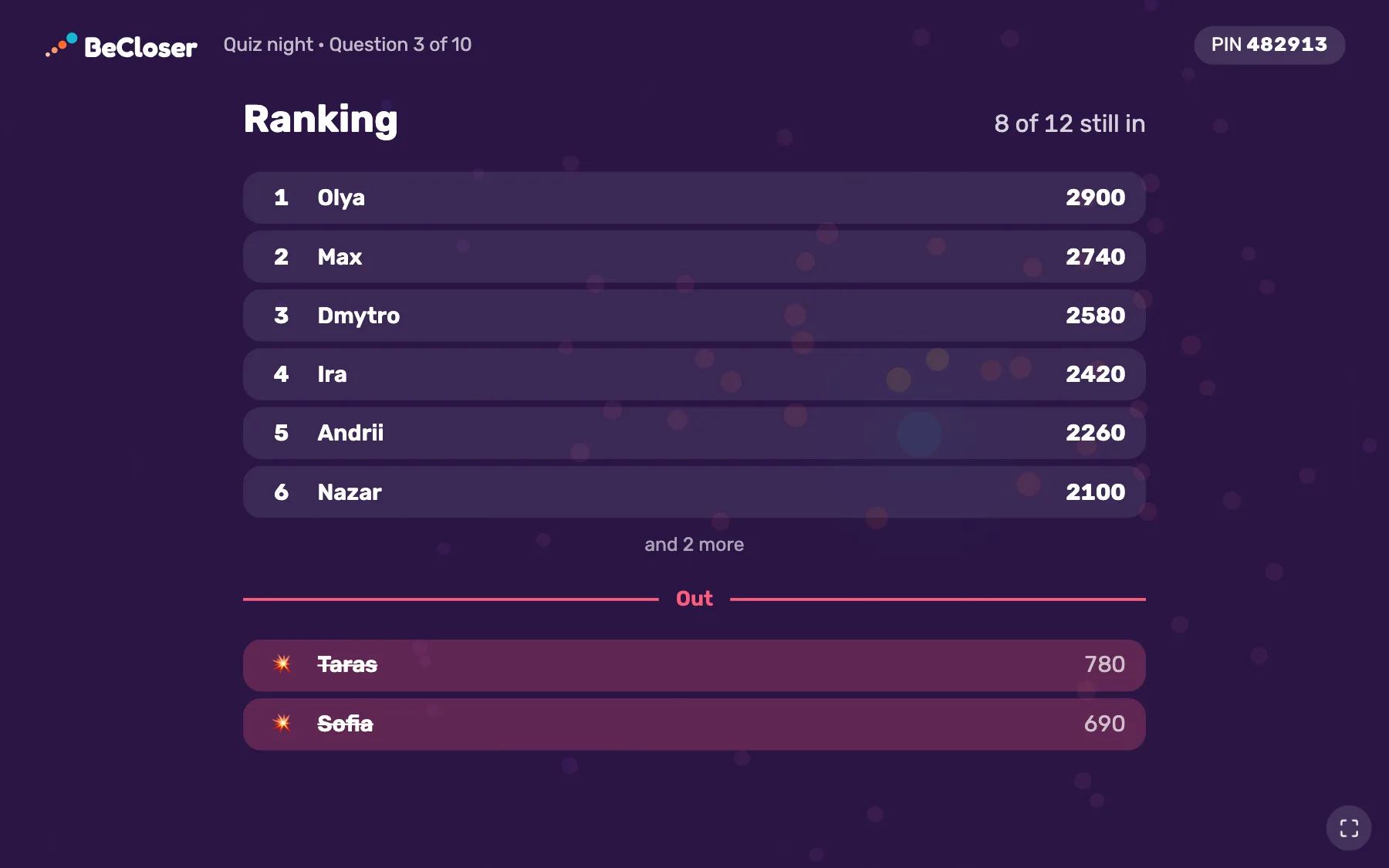
Survival finale
After each question the furthest answers go out, until one winner is left.
- 0:45
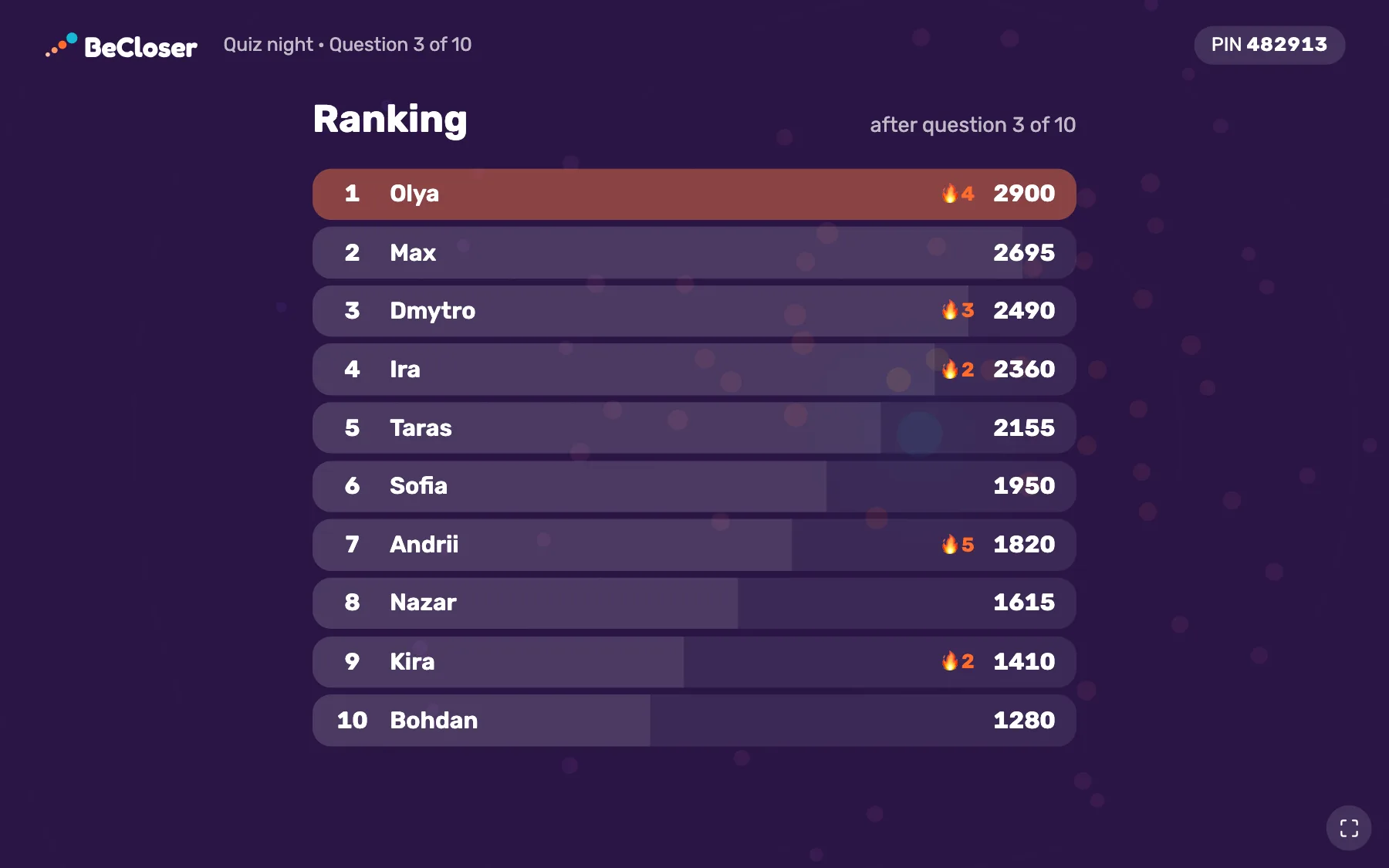
Podium and prizes
The ranking, the podium and a fanfare. Want a rematch? “Play again”, and everyone moves to a new game in one tap.
Why it works at a company party
- Questions about your company that no quiz has: orders shipped, miles travelled, the year you were founded. A bold guess scores too, so the finance team and the new intern both have a chance.
- Teams by department: a team gets its players’ average, so a big department has no edge over a small one.
- Your brand on screen: your logo and colour on the projector and on phones, with only a small BeCloser credit.
- No app and no sign-up: a phone with a browser is all a guest needs. Up to 300 players in one game.
- Music and sound on the projector, emoji reactions from players, double points on the last question.
- An optional ranking without the shame: the screen shows only the top 5, so nobody sees themselves last in front of colleagues.
When part of the team is remote
Share the game screen on the video call: remote colleagues join by link and play along with the office.
If you can’t all meet at once, make it a quiz by link with a deadline: everyone plays in their own time, and you announce the ranking at the party.
Getting the game ready in an evening
Collect the numbers
Ask colleagues for 8–10 number facts about the year and a few baby photos. Or take ready questions from the bank: films, music, food, records.
Make the game
Type the questions in the editor or import them from a spreadsheet. Switch on teams, music and survival.
Add your brand
Your logo and colour go into “My brand” once, and every game picks them up.
Check the room
A projector or TV with a browser, and Wi‑Fi or mobile data for guests. Run the game with a colleague the day before.
Topics that fit
Common questions
How many people can play?
Up to 300 in one game. Everyone answers from their own phone, and the ranking and radar show them all.
Do we need a host?
Anyone on the team can run it from a phone or laptop with a “Next” button. For a big event you can bring in a professional host who works with BeCloser.
Can people at home play too?
Yes. Share the game screen on the video call, and remote colleagues join with the same link or PIN.
How much does it cost?
BeCloser is free right now, your company logo included.
Put together your holiday party game
Your first game is ready in five minutes, your own questions in an evening.
Create a game