
Interactive entertainment a host sets up in 5 minutes
Guests answer from their phones, and the big screen shows the question, a radar of answers, the ranking and a podium with fanfare. No apps, no guest sign-ups and no tech crew: all it takes is a screen, a laptop and the internet. Here is what an evening looks like, what the venue needs, and how to build the game into your packages.
Create a gameRun of show: 45 minutes of interaction
An example block at a corporate party. The times are a guide – you set the number of questions and rounds.
- 0:00
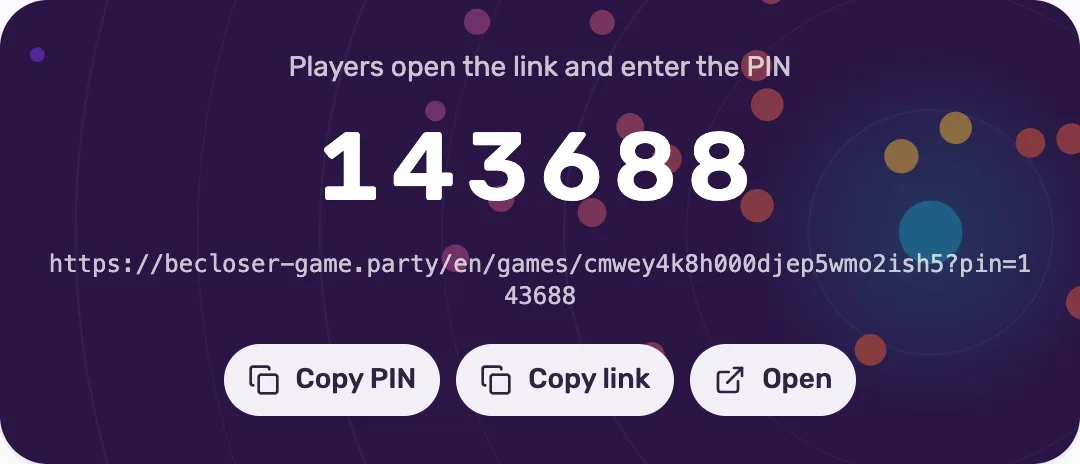
Guests join
A big PIN and QR code on the screen, light music in the lobby. Guests scan the code and type a name – no sign-up.
- 0:05
Warm-up
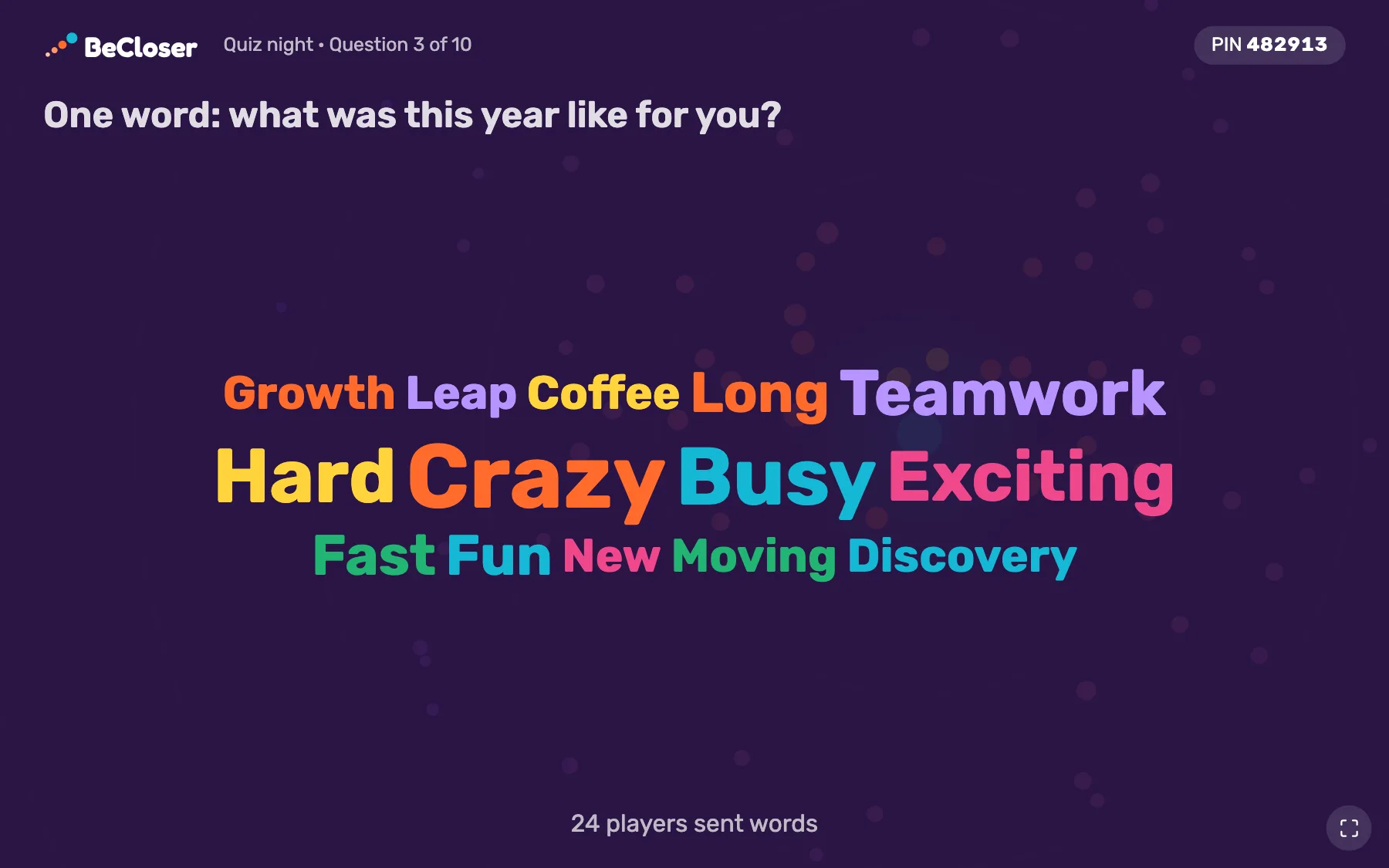
A word cloud, “One word: what was this year like for you?” – the room’s words appear live, the most common ones biggest.
- 0:10
The “closest wins” round
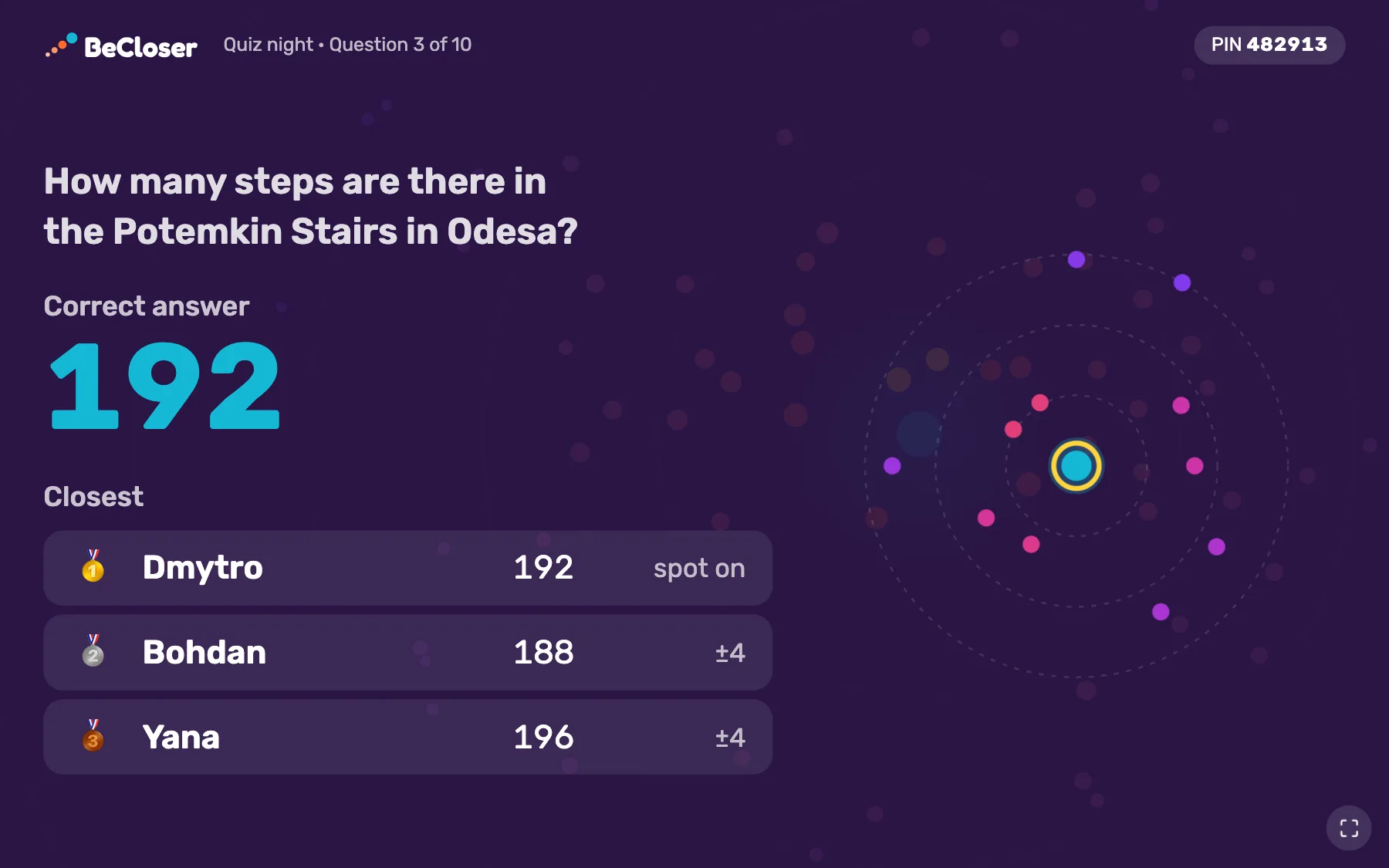
Questions with a number for an answer. After each: the right answer, a radar of all the answers and the three closest. A chance to tease whoever was furthest off.
- 0:20
The “film still” round
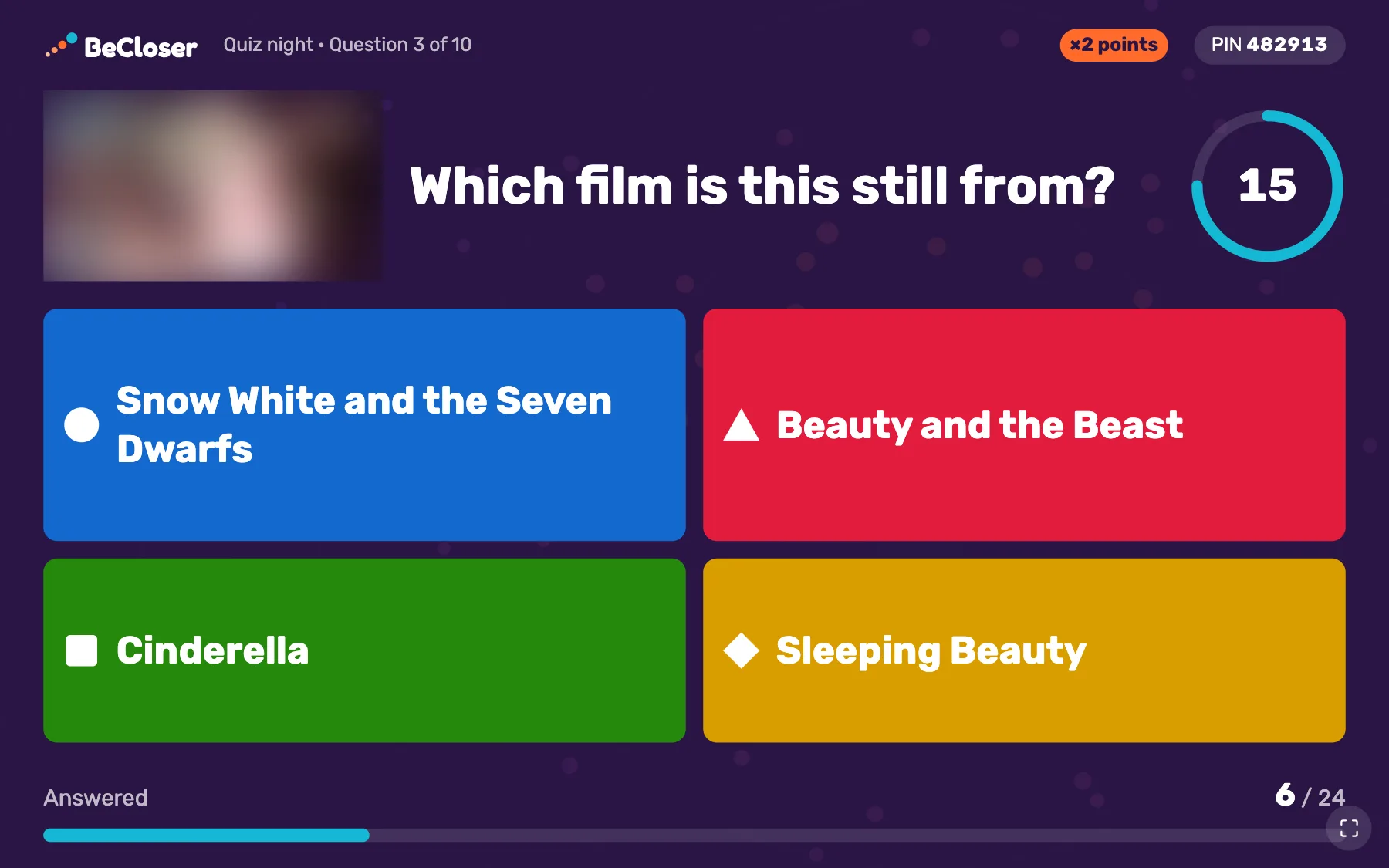
A photo slowly comes into focus, and whoever recognises it sooner scores more. Double points for the round.
- 0:30
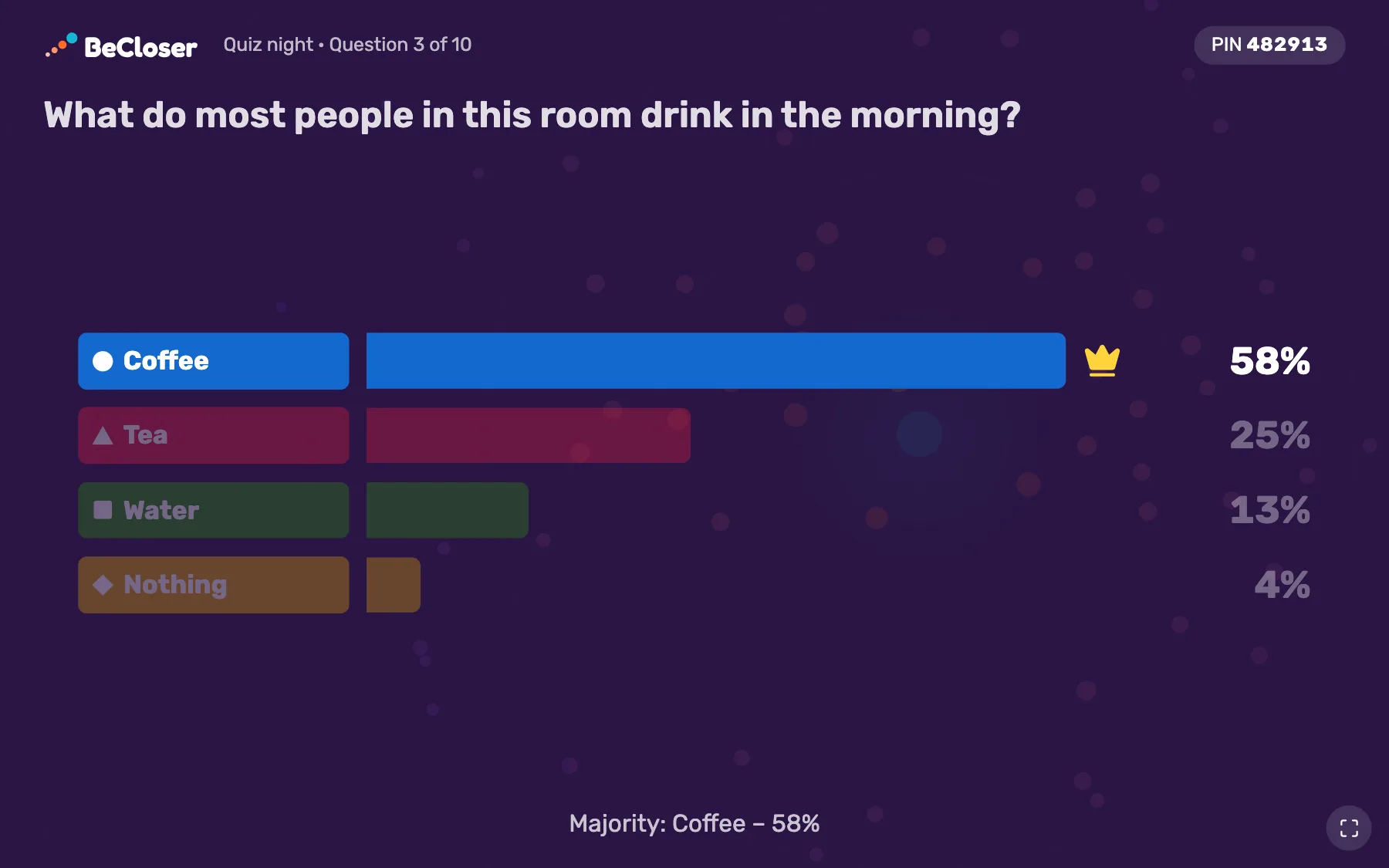
The room’s voice
“What does most of this room drink in the morning?” – points go to those who guessed the majority.
- 0:35
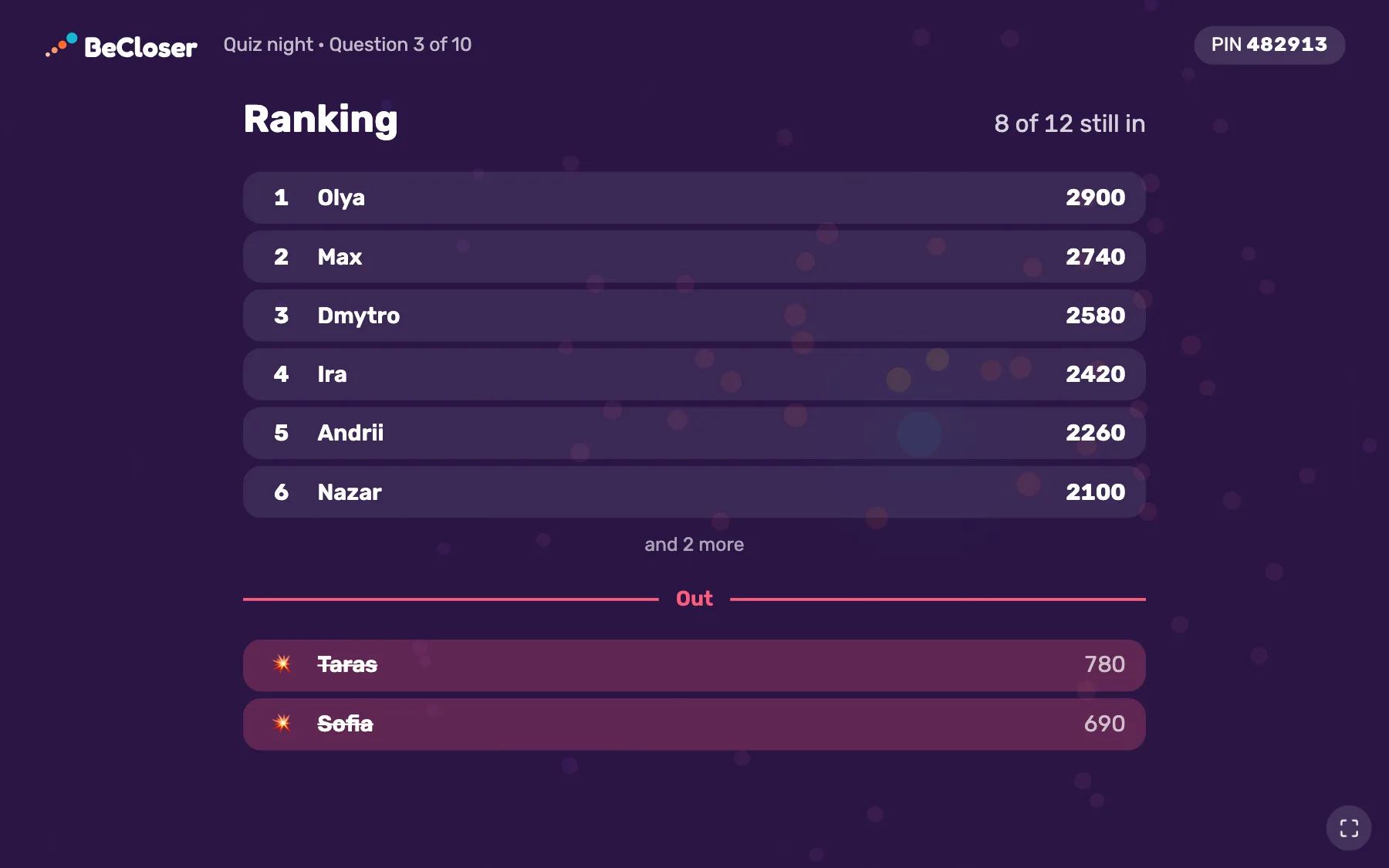
A survival final
The lowest go out after each question, and the tension builds to the last player standing.
- 0:45
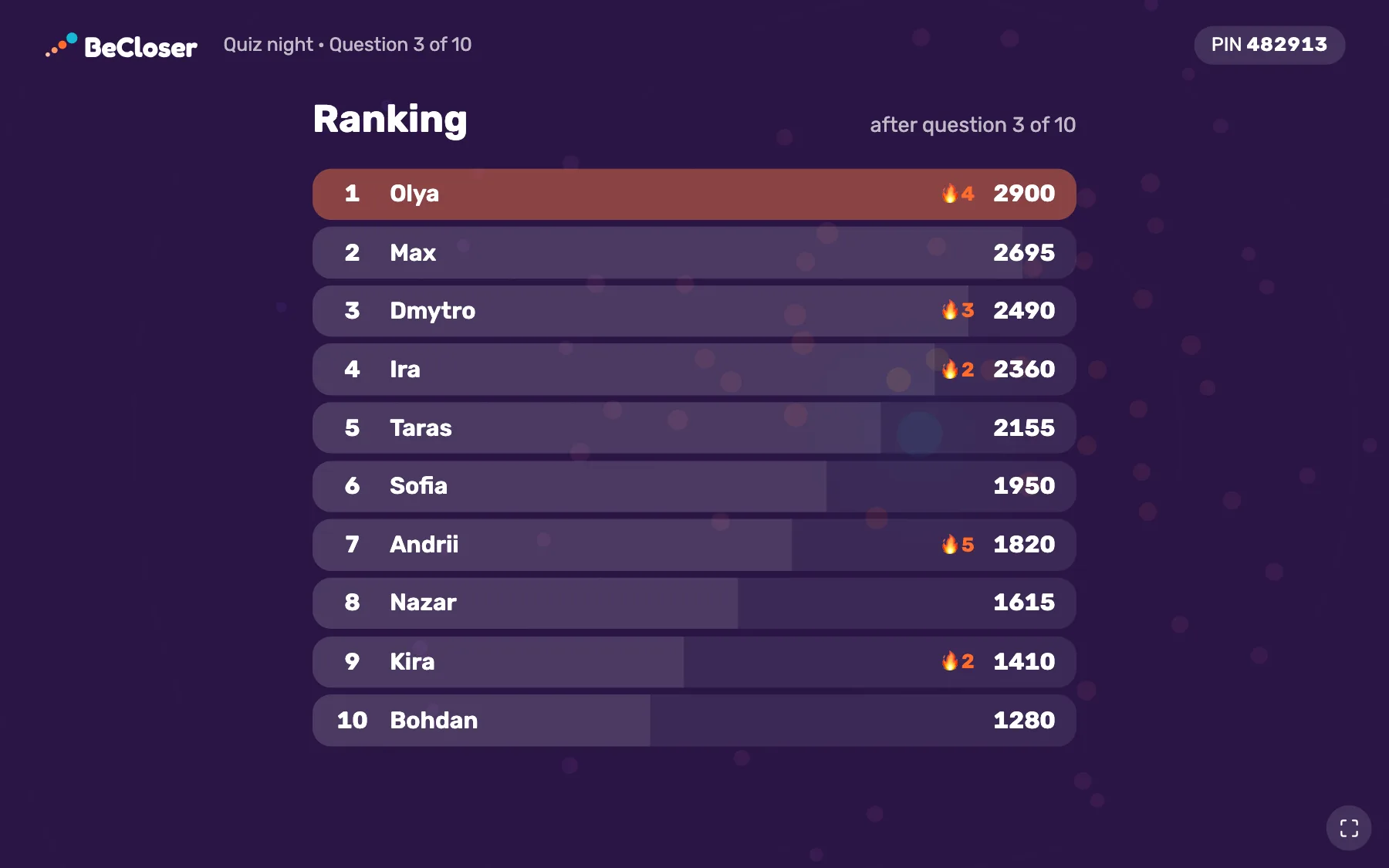
Ranking and podium
A drum roll, the ranking and a podium with fanfare – time for the prizes. Want a rematch? “Play again” – and guests move into a new game with one tap.
What you see as the host
The projector screen only shows the game – you run it from the host panel on a laptop, tablet or phone.
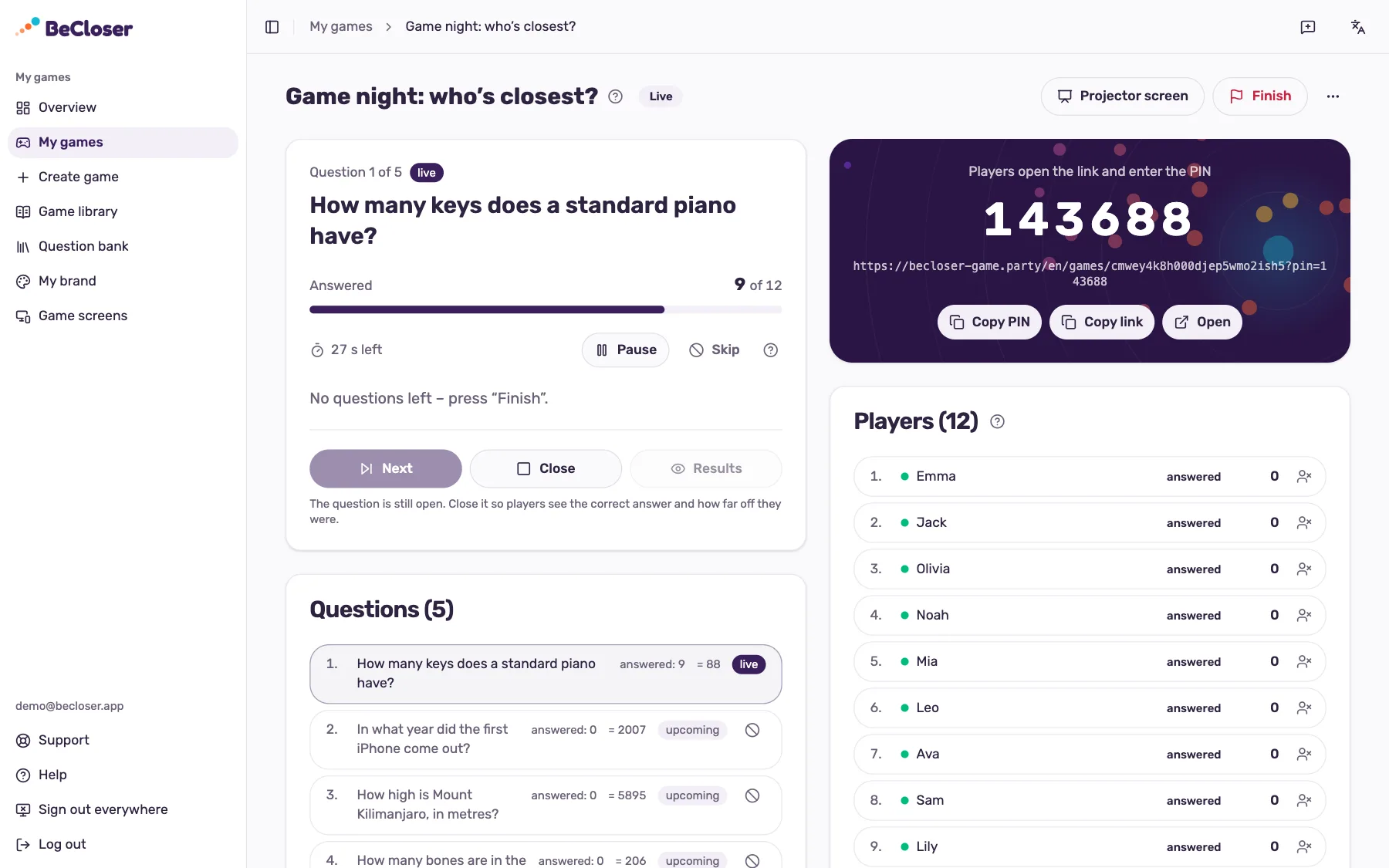
Who has answered
How many guests have answered and who is still thinking.
Pause and skip
Stop the timer for a joke or an announcement, skip a question that doesn’t fit the moment.
Admin ends
A question without a timer: you close it when the room is ready.
Remove a player
Someone joined with an out-of-place name – one button.
Hide an answer
An out-of-place word in the cloud or the open answers disappears from the screen.
Play again
A new game with the same guests: they move over with one tap, no PIN.
Tech rider
Tick what the venue already has. The game takes care of the rest.
For agencies
BeCloser is free, so the whole price of the interactive part of your package is yours. Here is how to build the game into your work with clients.
A template per format
Build your own game for corporate parties, weddings or conferences, and copy it for each client.
Questions from the client
The client sends a spreadsheet of facts about the company or the couple – the “Import” button adds them to the game.
The client’s brand
The company’s logo and colour on guests’ phones and the screen – free.
A report after the event
An Excel file with every player, question and answer – a keepsake for the client or data for HR.
Online events
The same run of show on Zoom, Meet or Teams, with a shared screen.
Ready games
The game library and a bank of over 11,000 questions – no writing everything from scratch.
Which events
- Corporate and New Year parties: “Guess our company’s numbers”, department teams or a survival game.
- Weddings and birthdays: questions about the couple or the birthday person, photos from the archive, who knows them best.
- Conferences and launches: upvoted questions for the speaker, a word cloud, audience polls.
- Team building and off-sites: a brainstorm with a vote, team rounds.
- Festivals and public events: up to 300 players on their phones, a QR code on the big screen.
- Online events: a quiz on a video call, or by link for those who couldn’t join.
Topics that fit
Common questions
How much does it cost an agency?
It’s free for the host and the guests, up to 300 players in one game. You set the price of the interactive part for your client.
What if there are more than 300 guests?
For now one game takes up to 300 players. For a bigger room, guests can team up: one phone per couple or per table.
What does the venue need?
A screen or projector, a laptop with a browser, and internet for the laptop and the guests. Speakers if you want music. The full list is in the tech rider above.
Can the BeCloser logo be removed?
No, a small “Made with BeCloser” line stays. But the client’s logo and colour take the front seat on the phones and the screen.
How long does it take to prepare?
A game from the question bank comes together in minutes. Your own game about the client takes an hour or two, especially if the client sends a spreadsheet.
Put together the interactive part of your next event
Free for hosts and agencies. Guests install nothing.
Create a game