
Quizzes for HR and teams: office parties, onboarding, all-hands
A game that’s as much fun for the new hire as for the CEO. The main questions have a number for an answer: the most accurate wins, and nobody needs to know everything. Around them, a word cloud, questions for leadership, a brainstorm and polls. At the office, at the party and on a video call, with your company’s logo and colours.
Create a gameWhat to put together for this occasion
Who it’s for
A department, the whole company, new colleagues, a remote team.
The team game counts the average, so a small team has the same chance as a big one. The streak bonus adds a thrill, and a word cloud and a brainstorm turn the game into a conversation.
Format
- Live game
- Quiz by link
Modes
- Team game
- Streak bonus
- Confidence bet
- Survival
- Music and sounds
Question types
- Closest answer
- Put in order
- Type the answer
- True or false
- Word cloud
- Brainstorm
Game plan
- 1Getting to know each other: “Closest answer” about the company – the year the first person was hired, how much coffee goes in a month.
- 2“Put in order” events from the company’s history or products by launch date.
- 3“Type the answer” – names of internal tools and team slang.
- 4A word cloud: “Describe our team in one word”.
- 5A brainstorm on “What to change next quarter”, with a vote for the best ideas.
What HR gets
Everyone joins in
Everyone answers from their own phone, the quiet ones too. Seniority gives no edge – the leaders are often a surprise.
Your own brand
Your company’s logo and colour on the phones and the projector – free, no paid plan.
Department teams
From 2 to 8 teams. A team gets the average, so departments of different sizes have an equal chance.
Onboarding and training
A quiz by link with a deadline: new hires take it in their own time, and you see each person’s result in Excel.
The team’s voice
A word cloud, a scale, a brainstorm and upvoted questions for leadership – at all-hands and workshops.
No IT project
Nothing to install: a browser, a PIN and up to 300 players in one game. Works in Zoom, Meet and Teams.
What players see on their phones
Players install nothing: a browser is enough. This is the game on a colleague’s phone.
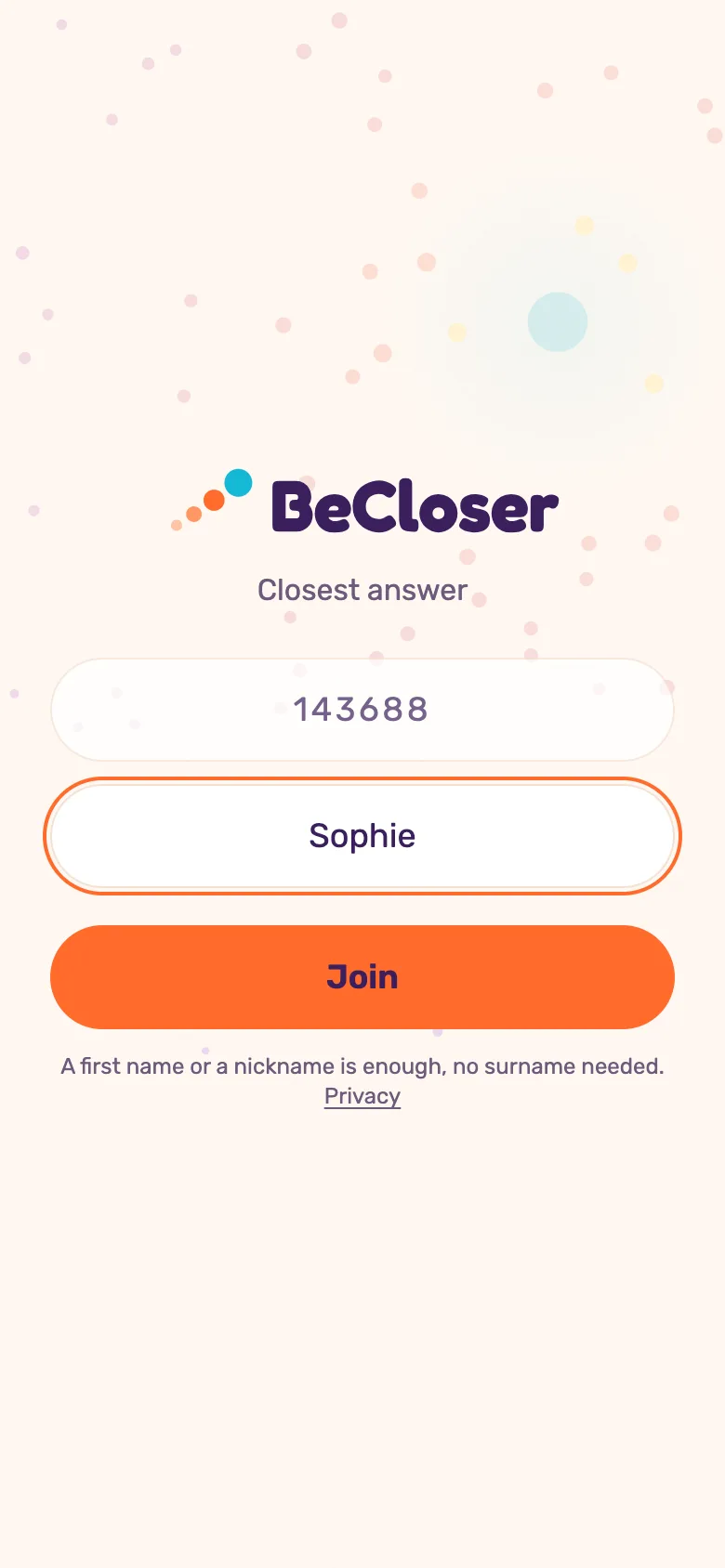
Joining
A PIN and a name – no sign-up.
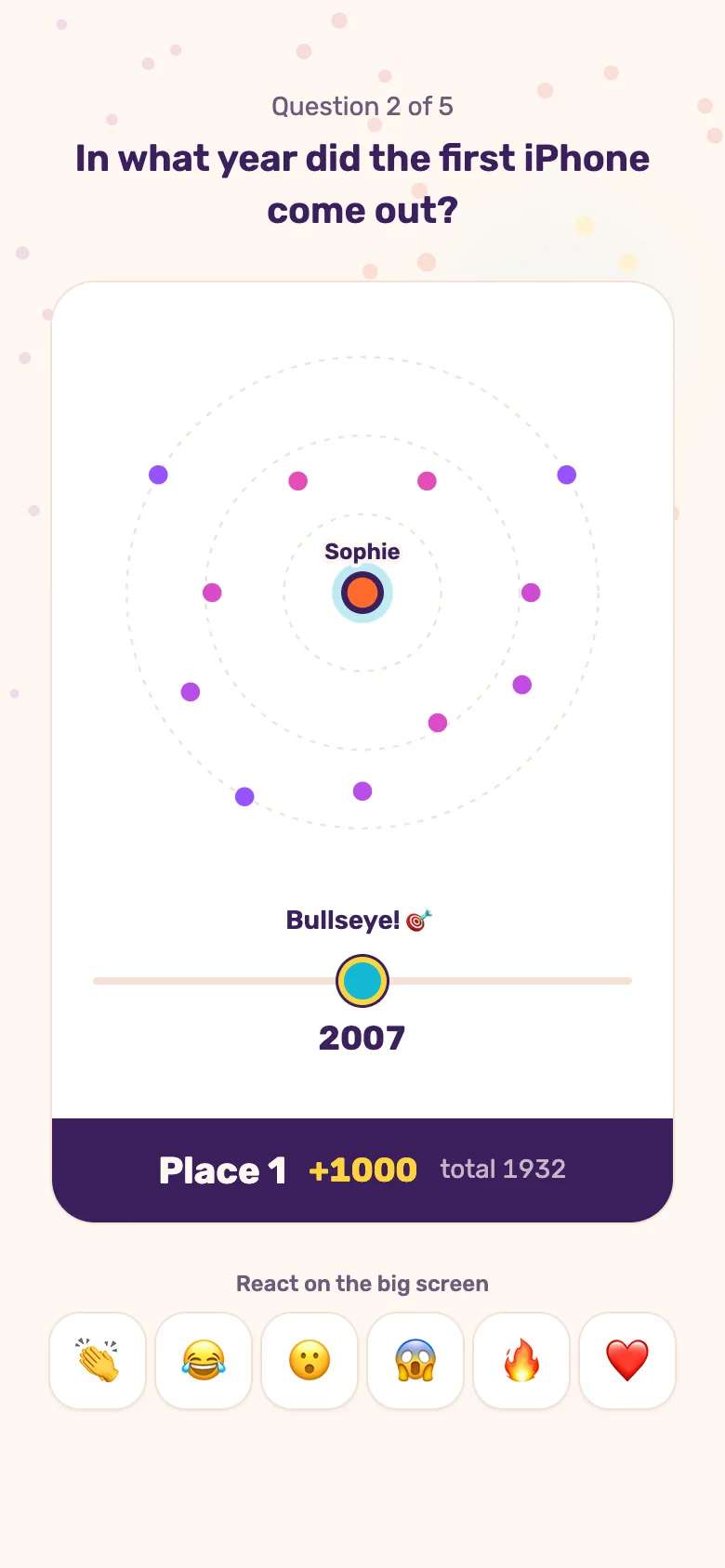
A number question
The radar shows who came closest.
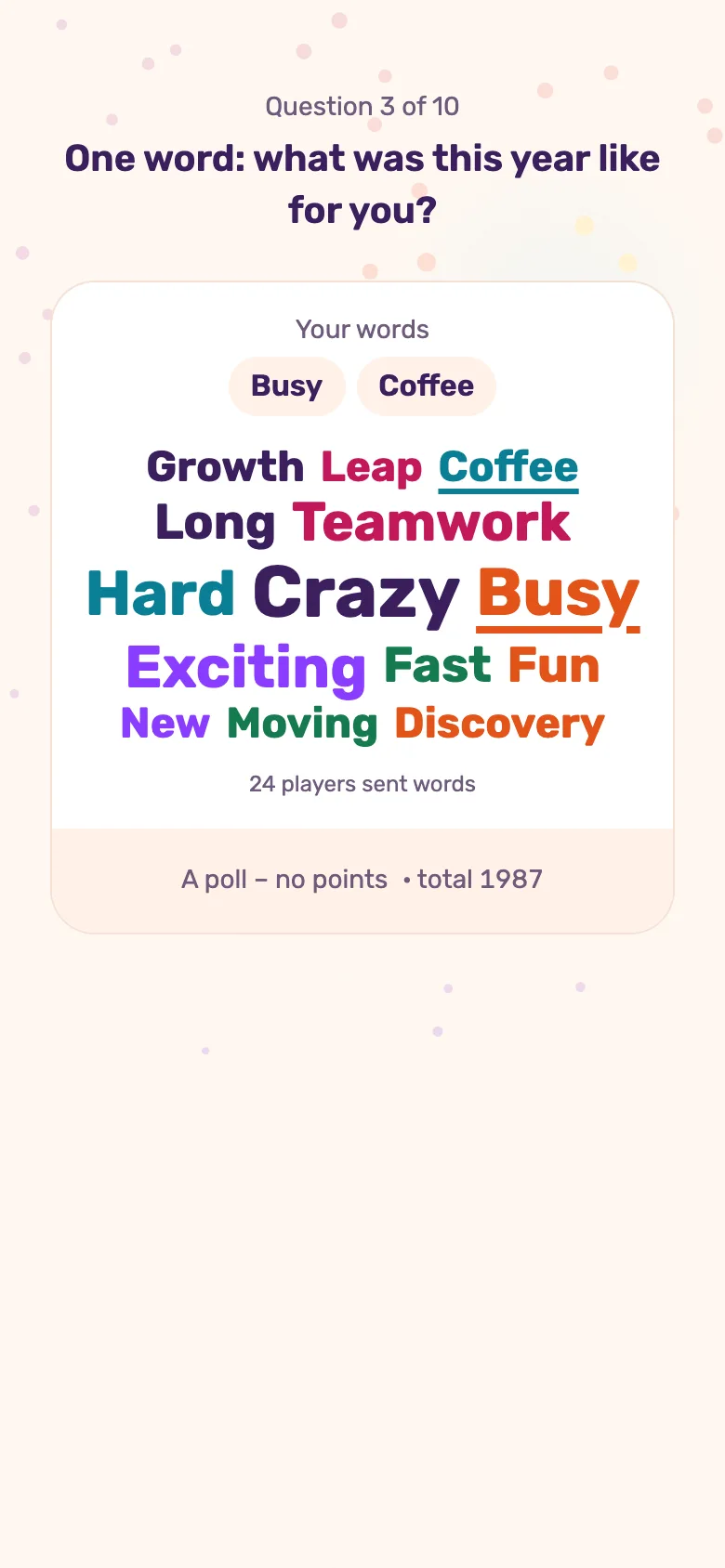
Word cloud
Colleagues’ words appear live.
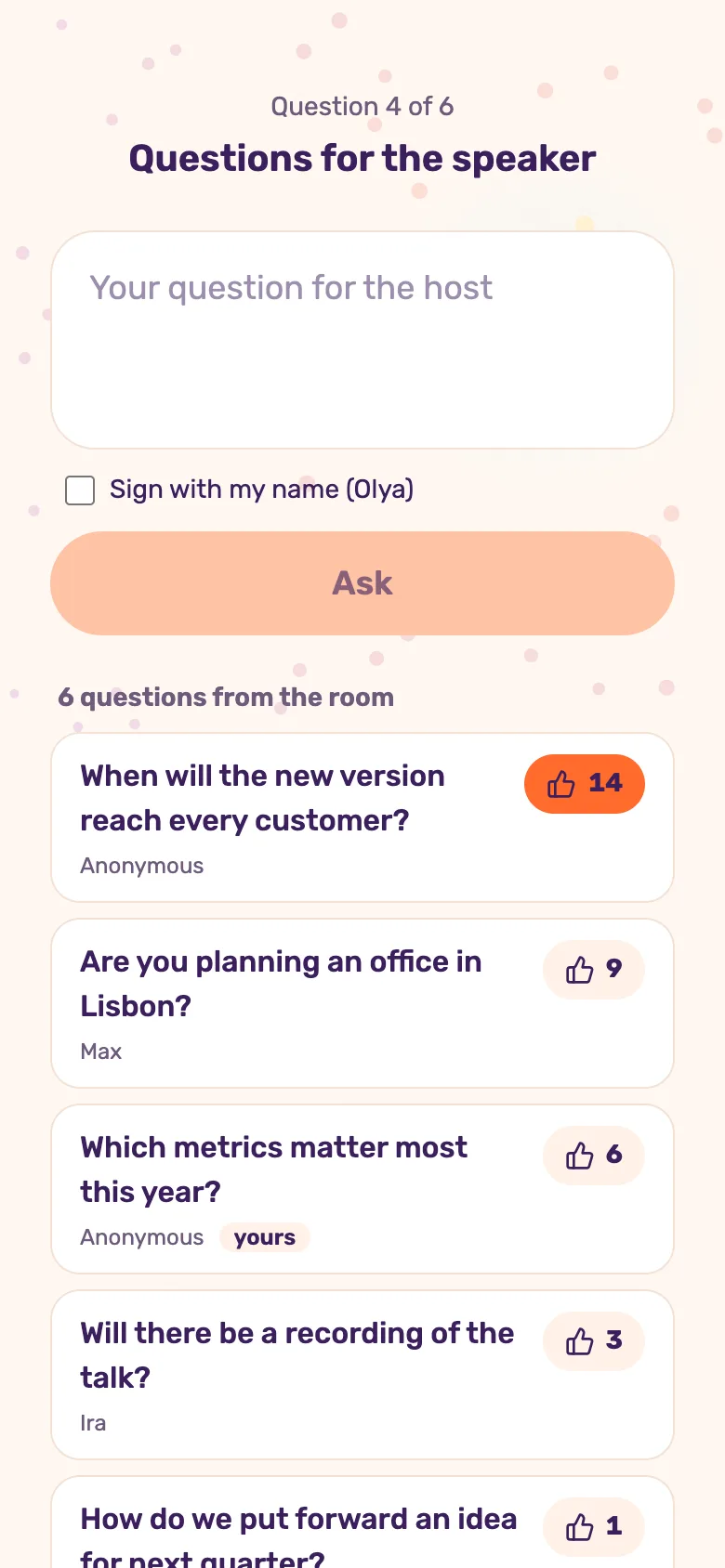
Questions for leadership
Anonymous or signed, with likes.
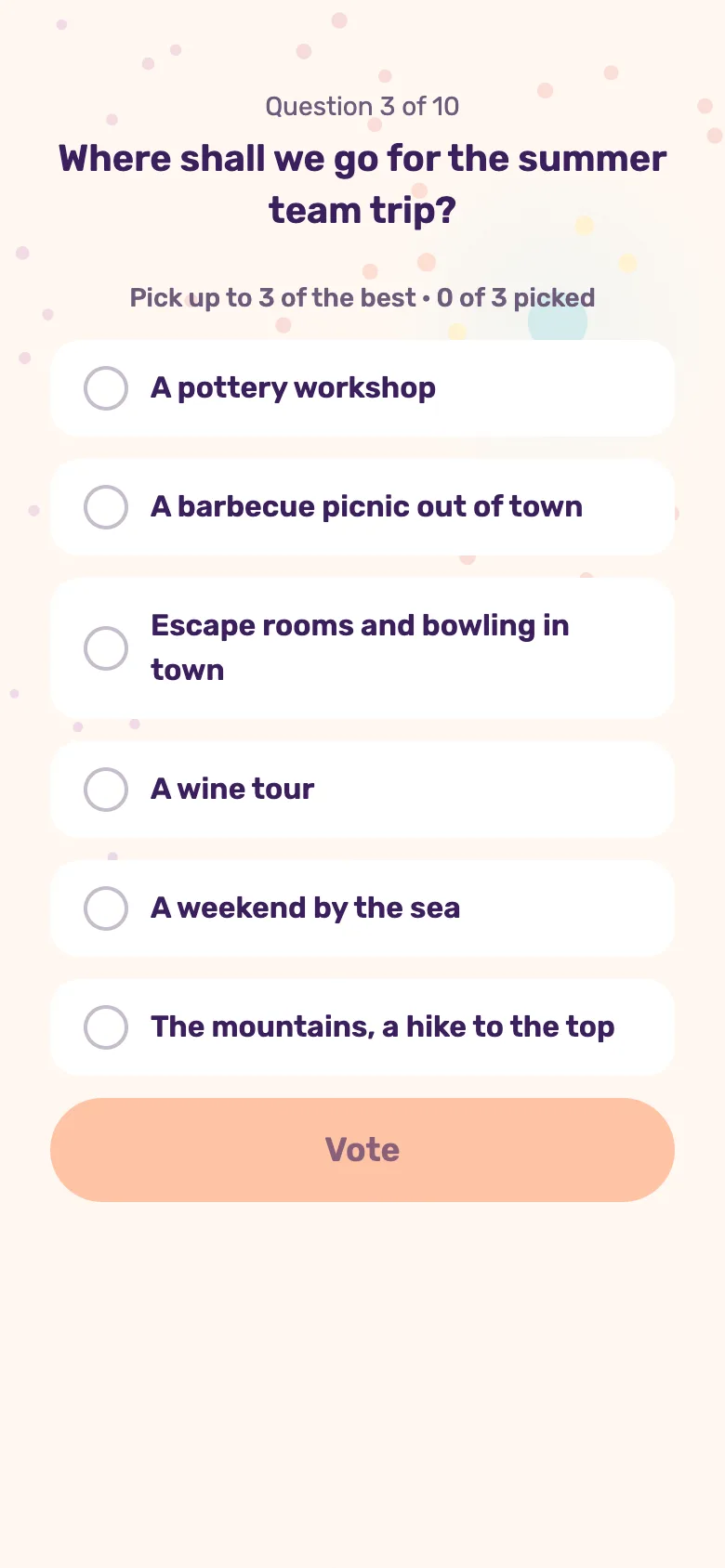
Voting
Everyone picks up to three ideas.
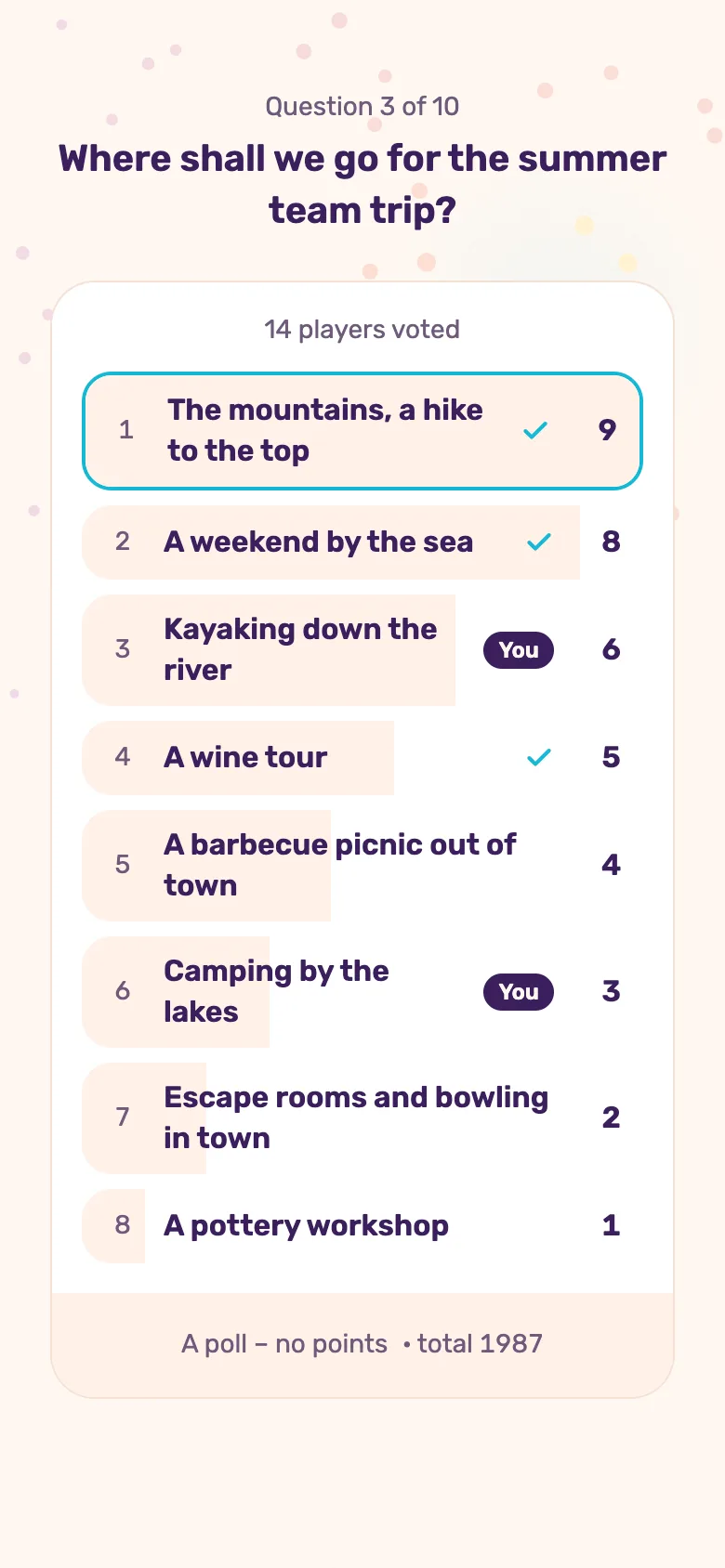
The outcome
The most popular ideas on top.
Your brand, not ours
Your company’s logo and colour on the players’ phones and the projector – what other services charge for is free in BeCloser. You set the brand once on the “My brand” page and turn it on in each game with “With my brand”.
Logo
PNG, JPEG or WebP, ideally with a transparent background. On the projector it sits on a white plate.
Colour
Your company’s main colour: the phones’ and the projector’s background follow it.
A modest credit
Our logo stays as a small “Made with BeCloser”.
Formats for a team
At the office or the party
Put the game on the projector, people answer from their phones, and the ranking updates live.
On a video call
Host a live game on Zoom, Google Meet or Teams by sharing your screen. People answer from their phones or another browser tab.
A quiz by link
When the team is spread across cities and time zones, send a link: everyone takes the quiz when it suits them, before the deadline.
Ideas for HR
- Onboarding: a “Who we are” quiz by link in the first week – history, product, people, traditions.
- “Guess our company’s numbers”: the founding year, the number of customers, cups of coffee a week. Questions from a spreadsheet come in with the “Import” button.
- All-hands: a word cloud to open, a “How was this quarter?” scale and questions for leadership that colleagues upvote.
- A workshop or strategy session: a brainstorm – everyone suggests up to three ideas, then everyone votes.
- The office party: department teams, music, survival or the streak bonus, a podium at the end.
- A check after training: a quiz by link with a deadline and a report on each person.
- A weekly tradition: a new topic from the bank every Friday, and within a few weeks the team has its own champions.
Topics that fit
Common questions
How much does it cost?
It’s free, your own brand included, up to 300 players in one game.
Does it work for remote teams?
Yes. Host a live game on a video call by sharing your screen, or send a quiz by link that everyone takes alone, when it suits them.
Can we add questions about our company?
Yes. Besides the bank’s questions, you can write any of your own or import them from a spreadsheet: with a number for an answer, with options, with a photo of the office or a team event, with a pin on a map.
Are answers anonymous?
To colleagues, yes: the word cloud, open answers and ideas show on the screen without names, and in questions for the host each person chooses. But for open answers, ideas and questions for the host, the host panel shows the author.
How long does a game take?
As long as the questions you choose. The time to answer is set per question, so a game fits into five minutes or an hour.
Run your team’s first quiz
Free, with your own brand. Players install nothing.
Create a game